On this page
Most 3D printers and slicing software are built to read STL files. So, if your model was created or exported as OBJ, converting it to STL ensures compatibility with your 3D printer.
Modern OBJ-to-STL converters are built just for that. These are free online tools running directly on your browser and helping you convert and download your files in seconds.
Below we have listed the 3 best OBJ-to-STL converters for 3D printing for you to start testing them.
|
Converters |
Best for |
Browser-based |
Login required |
Pricing |
Other key features |
|---|---|---|---|---|---|
|
Meshy AI |
Individual creators, 3D printing specialists, filmmakers, designers |
✅ |
❌ |
Single file: Free Bulk file: Upgrade to Pro plan ($20/ month) |
|
|
Tripo AI |
Game developers, 3D printing specialists, product designers, creators |
✅ |
❌ |
Free to use |
|
|
Hyper3D Omnicraft |
Creators, game studios, designers, and 3D printing businesses. |
✅ |
❌ |
Free to use |
|
Meshy AI
Meshy AI is an intuitive AI 3D model generator that helps everyone from individual creators to game developers, interior designers, filmmakers, or 3D printing specialists to generate high-fidelity 3D models, simply by uploading a reference image or using a text prompt.
Meshy AI’s key features:
- 3D Agents
- Image to 3D
- Text to 3D
- AI texturing
- AI Image generator
- Animation
- API integration
After the 3D model generation is complete, the final assets can be exported in various file formats, compatible for different use cases, including 3D printing (FBX, GLB, OBJ, STL, 3MF, USDZ, BLEND).
Meshy AI’s free OBJ-to-STL converter:
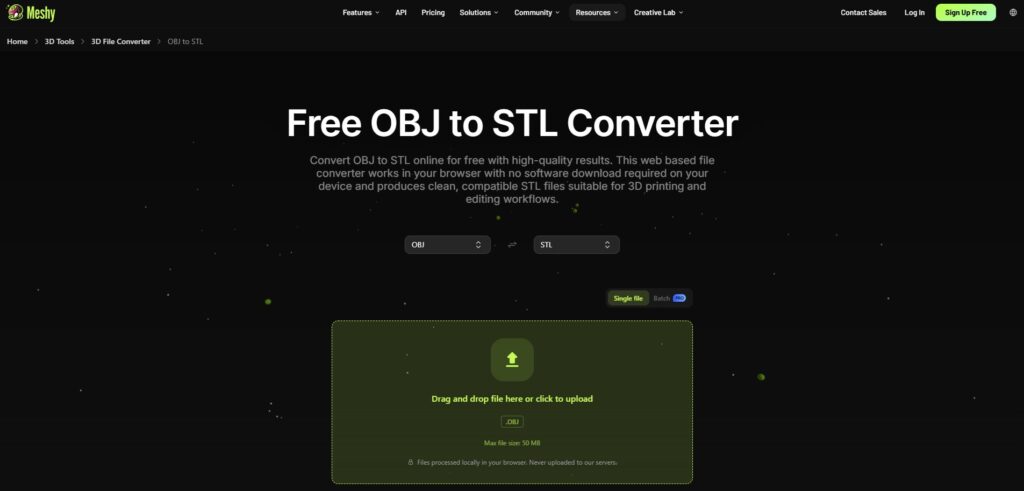
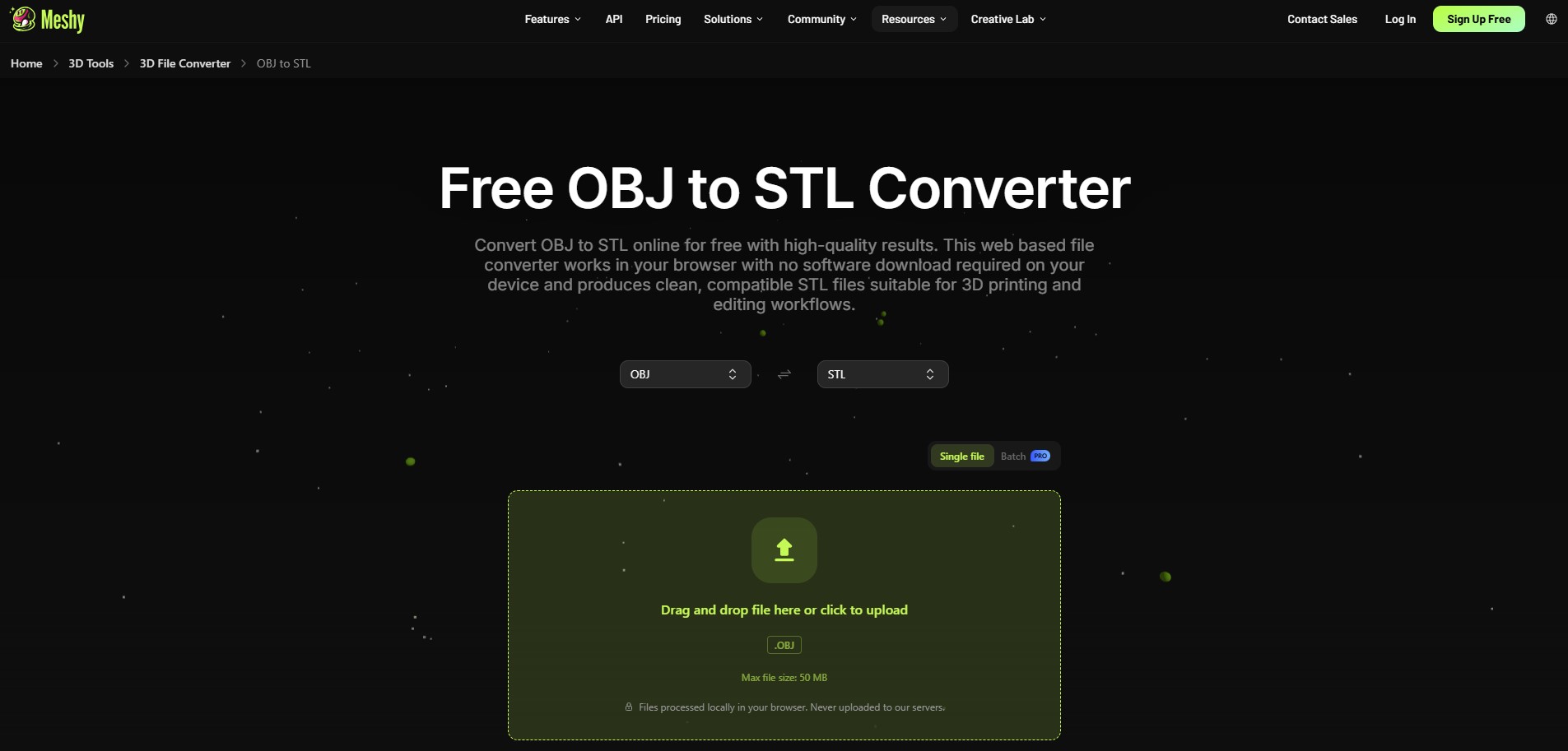
One of Meshy AI’s standout products is a free OBJ-to-STL converter that runs directly on your browser, meaning you don’t need separate software to convert your files.
It works on a simple logic: you upload your OBJ file in the special box on the browser and have it converted to STL format in seconds. Once your file is converted, click Download to export your final file.
The platform also promises full privacy protection and confidentiality as files are processed locally in your browser and are not uploaded to Meshy AI’s server.
The platform also supports other file format conversions such as FBX, GLTF or USDZ, by selecting your preferred one from the dropdown menu. STL, OBJ, and 3MF formats are accepted by the most common printers such as Bambu Lab, Creality, Elegoo, Prusa, and Form 3 printers.
Pricing: The single file conversion is completely free. If you need to upload bulk files (up to 20 files), you need to subscribe to Meshy AI’s Pro plan, starting at $20/ month.
Tripo AI
Tripo AI is an AI 3D model generator, creating instant 3D models with sharp geometry and solid topology. The generated assets can be used in gaming, animation, film, product design, AR & VR, and 3D printing.
Tripo AI’s key features:
- Text to 3D Model
- Image to 3D Model
- AI Texturing
- AI Model Segmentation
- Smart Mesh
- High Detail Model
- Auto Rigging
- Model Stylization
Tripo AI’s free OBJ-to-STL converter:
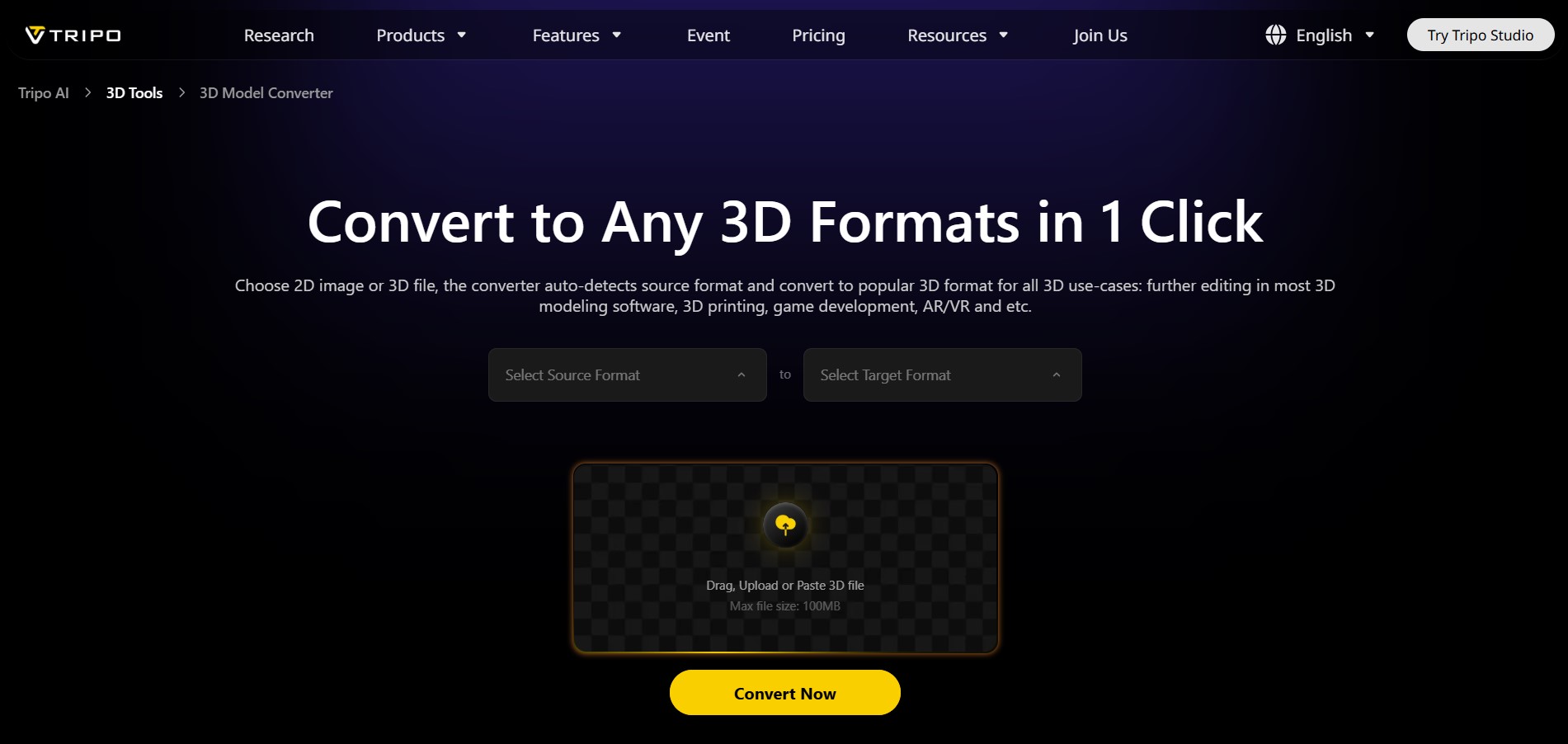
Tripo AI offers a 3D model converter tool that also runs directly on your browser. The file conversion step sequence is easy to follow. As you enter the tool, select the source format from the dropdown menu (OBJ) and then the target format (STL). Other source and target file formats are also available for conversions.
Then, drag and drop your 2D image or 3D model file to convert. Click “Convert” and download your final output with geometry details, materials (PBR), textures, color, and meta information.
During the file conversion, Tripo AI supports auto-repair and cleanup of the 3D models, so that common 3D modeling issues are fixed automatically.
Pricing: The converter is free to use with no login required.
Hyper3D Omnicraft
Hyper3D is an AI-powered generation platform. Its flagship product, Rodin AI, is directed at generating 3D models with detailed geometry and textures based on images or text descriptions. These assets can later be used by creators, game studios, designers, and businesses.
Rodin AI’s (Hyper3D) key features:
- Text to 3D
- Image to 3D
- AI Video Generator
- AI Image Generator
Hyper3D’s OBJ-to-STL converter:
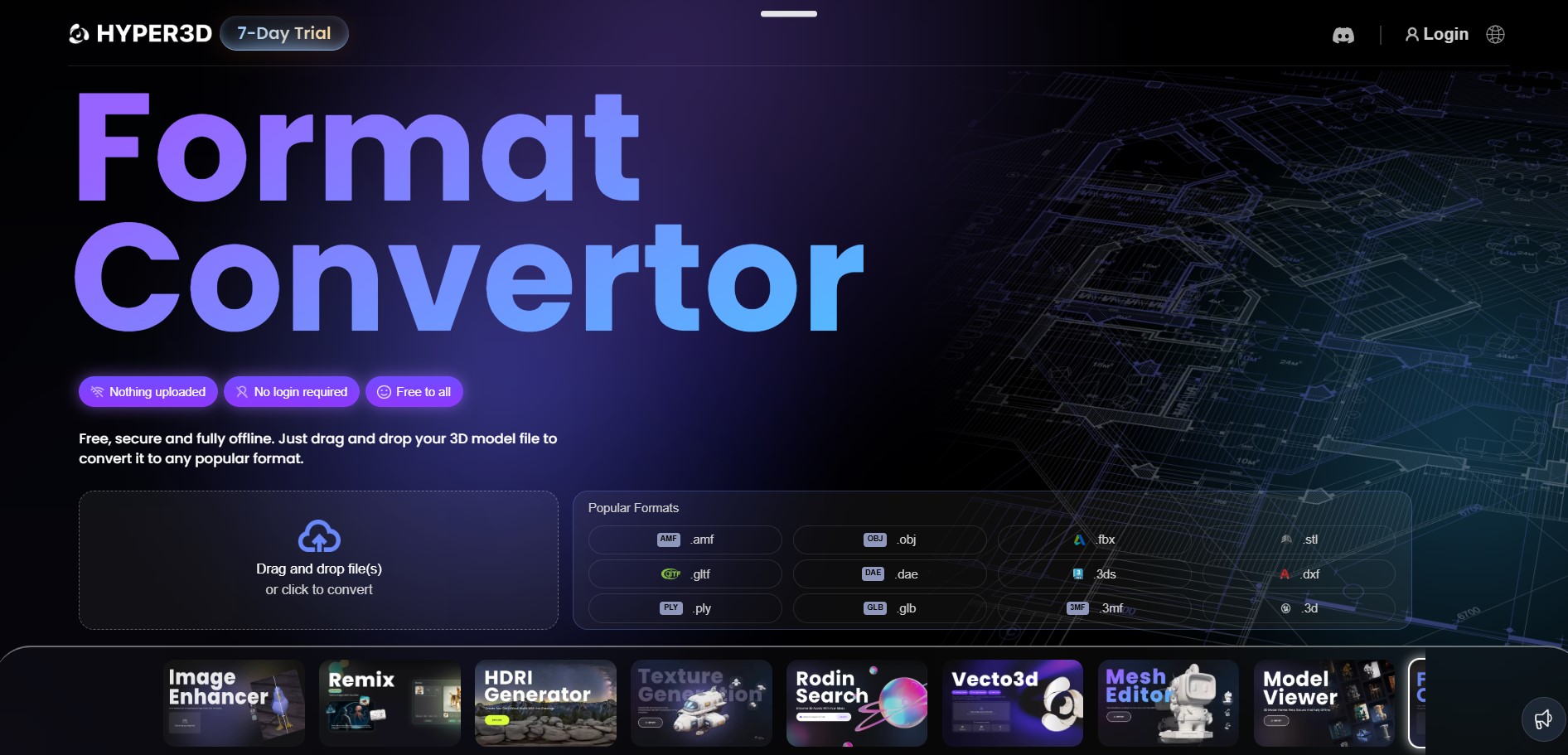
To convert OBJ to STL, you need to navigate to Hyper3D’s Omnicraft workspace, with no additional software needed to be used.
The file conversion process is simple: upload the OBJ file, select STL as the output format, and convert in seconds. By so, from upload to a print-ready file, the entire workflow can take just a few minutes, making it a fast and accessible option for users who need a quick, reliable conversion.
You can also send your file to your 3D printer to print the model.
For related needs, Hyper3D also offers an image-to-3D converter for creating models from image sources.
Pricing: The converter is free to use.
To Wrap Up
As you can see, all three tools follow the same basic workflow: upload, convert, and download.
The real differences lie in the final output quality and compatibility with your specific 3D printer.
That’s why the best way to find the right fit is to test each tool yourself.
Try uploading the same file across all three to compare results and see which one delivers the quality you’re looking for.
Here, Meshy AI is a solid point to start, allowing for fast OBJ-to-STL (and not only) conversion in seconds right on your browser, and also ensuring full privacy protection and confidentiality.
FAQs
How to convert 3D model files for printing?
To convert 3D model files for printing on your preferred converter, all you need to do is upload your source file (OBJ), select the target format from the dropdown menu (STL), and hit the Convert button. The conversion process usually takes from several seconds to minutes.
What are the best free tools for mesh format transformation?
Meshy AI, Tripo AI, and Hyper3D Omnicraft are among the top converters, which run on your browser and are completely free to use.
Do I need technical skills to convert OBJ-to-STL?
No. Most of the 3D model file converters are user-friendly, offering a simple 3-step process: upload, convert, and download.