On this page
Every time you visit a website, your device sends a DNS request to find that site. And if you’re using your internet provider’s default DNS, you may not be getting much protection or control over your online browsing.
That’s exactly why more people are switching to private DNS providers to help protect their online safety.
These services can actually help you block harmful websites, stop tracking, and even control what can be accessed on your network. Some might also improve speed and give you better visibility into your internet activity.
So, in this article, we’ll take a look at three of the top private DNS providers for 2026: Control D, NextDNS, and Quad9.
What Is a Private DNS Provider?
A private DNS provider is a service that handles your internet requests in a safer and more controlled way.
Instead of just connecting you to websites, it can:
- Block malware and phishing sites
- Remove ads and trackers
- Filter content (like social media or adult sites)
- Protect your privacy with encrypted DNS
- Show you what’s happening on your network
This makes private DNS useful for both security and everyday browsing.
Top Private DNS Providers: 2026 Overview
Here’s a quick side-by-side look at how these DNS service providers compare to each other:
|
Provider |
Free Plan |
Threat Protection |
Ad & Tracker Blocking |
Custom Rules |
Encryption Support |
Best For |
|
Control D |
Free and paid plans available |
Yes (malware, phishing) |
Yes |
Advanced (domain + service-level) |
DoH, DoT, DoQ |
Businesses & power users |
|
NextDNS |
Yes (limited) |
Yes |
Yes |
Advanced (custom blocklists) |
DoH, DoT |
Privacy-focused users |
|
Quad9 |
Yes (fully free) |
Yes (malware blocking) |
Limited |
No (minimal control) |
DoH, DoT |
Simple security users |
-
Control D
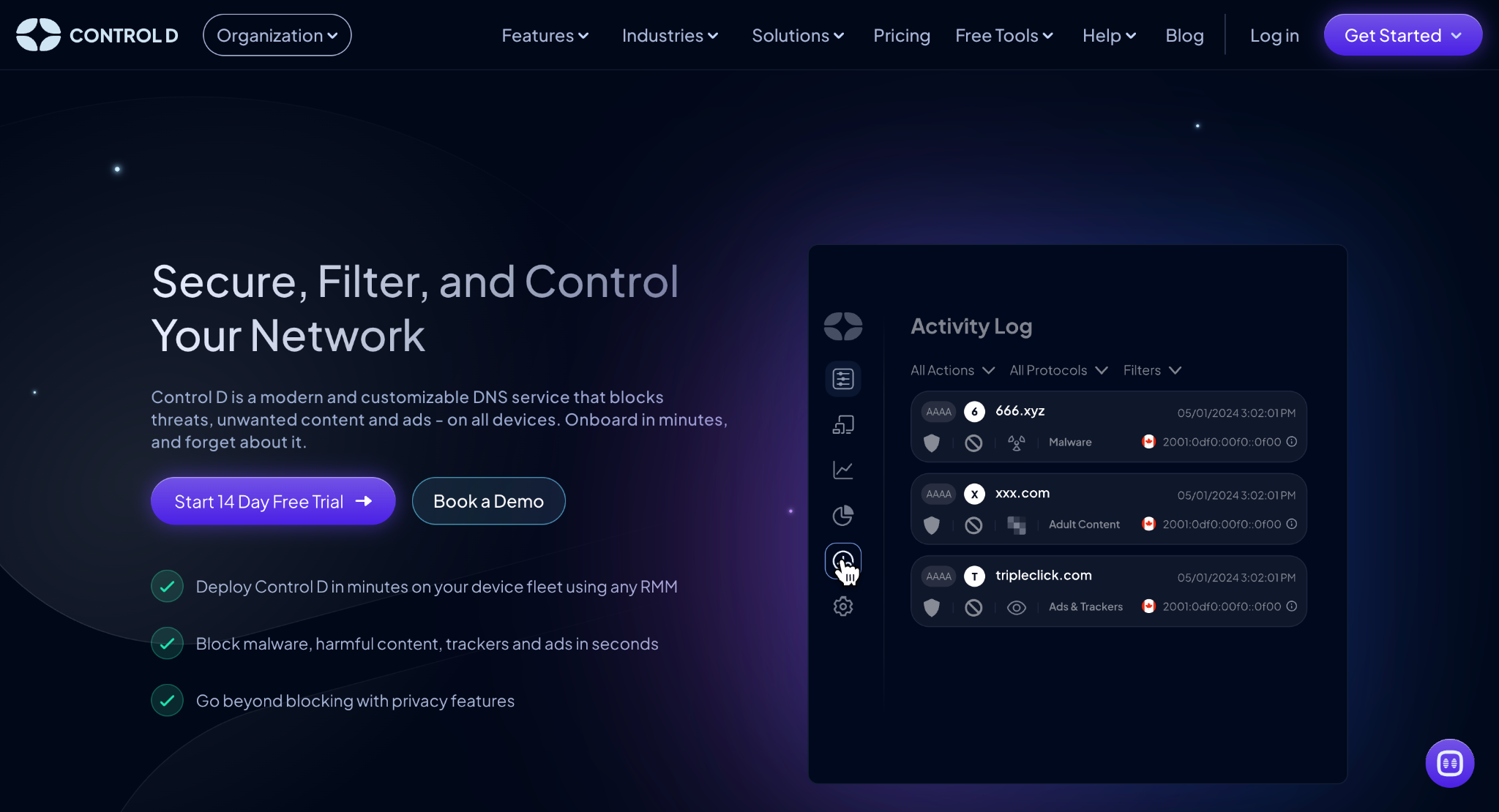
Control D free DNS is a well-known DNS service provider that focuses mainly on security, control, and flexibility. It works across all device types and doesn’t require a complicated setup.
Key Features
- Blocks threats and unwanted content
With Control D, you can block malware, ads, trackers, and any specific websites or services.
- Works on all devices
It supports different devices like computers, phones, browsers, and routers without needing any extra software.
- Supports modern DNS encryption
It also includes DNS-over-HTTPS, DNS-over-TLS, and DNS-over-QUIC.
- Service-level control
Control D also allows you to block or allow 1,000+ specific apps and services like Facebook, TikTok, etc.
- Traffic redirection
It can route traffic to over 100 locations in 60+ countries, letting you spoof your IP address which can sometimes replace the need for a VPN.
- Analytics and logs
By using it, you can see what’s happening on your network in real time.
Pros
- Offers free and paid options
- Very flexible and customizable
- Works across all device types
- Strong security and filtering tools
- Easy to deploy
Cons
- Might be more than basic users need
Pricing
Control D offers free DNS resolvers and has a 14-day free trial available for the paid plans, depending on the usage and features you prefer.
Best For
Control D is perfect for businesses and users who want full control over their network, security, and filtering.
-
NextDNS
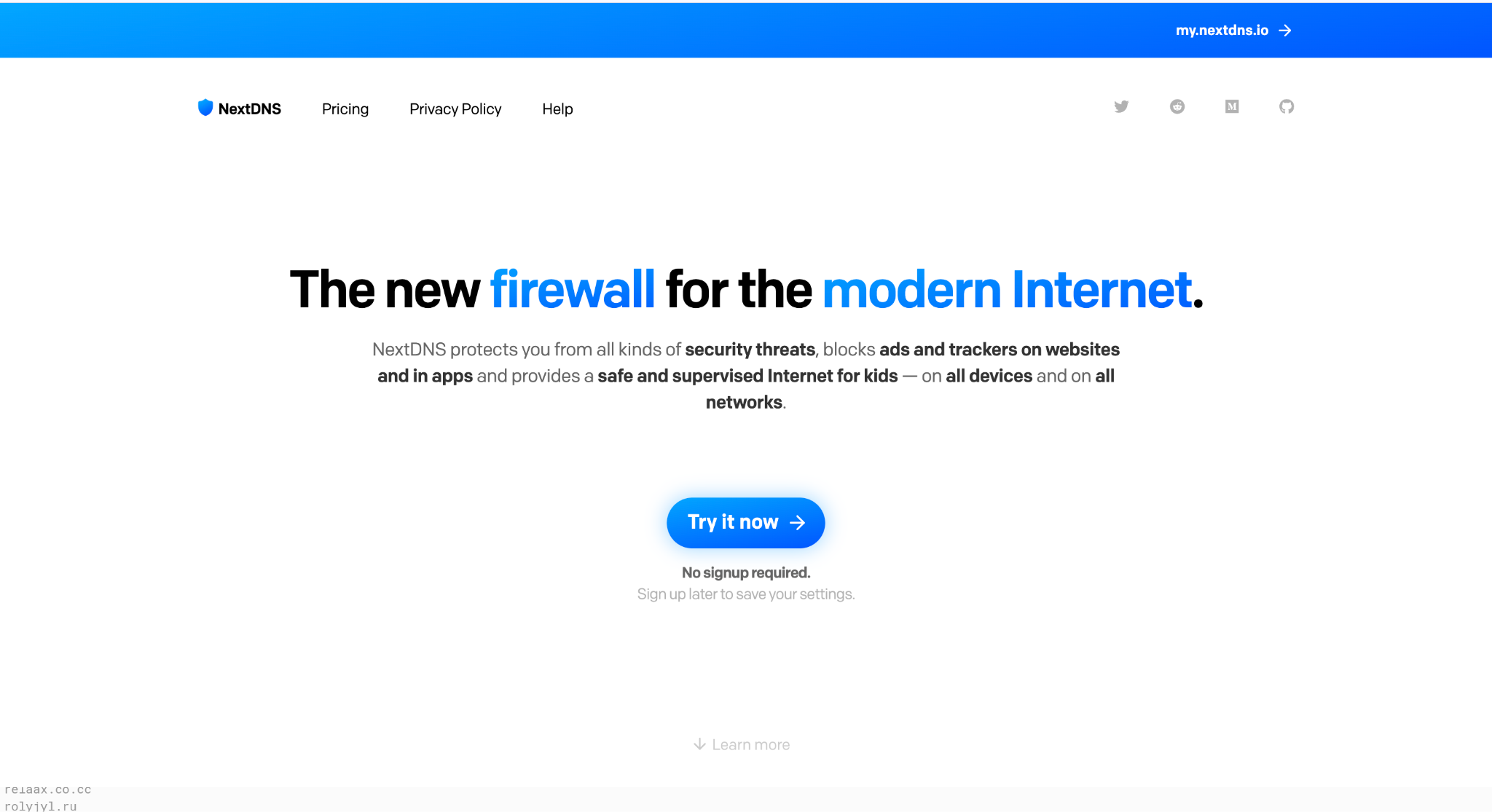
NextDNS is another well-known DNS service provider that focuses on privacy and customization.
Key Features
- Privacy-focused setup
NextDNS allows you to control how much data is logged.
- Custom filters and blocklists
It can also help you block ads, trackers, and any harmful sites.
- Parental controls
With NextDNS, you can limit access to certain types of content.
- Analytics dashboard
It also provides an analytics dashboard that can help you see what’s being blocked and accessed.
- Works on many devices
You can use it on different devices, including phones, desktops, and routers.
Pros
- Strong privacy features
- Easy to customize
- Beginner-friendly
- Works across platforms
Cons
- Free plan has limits
- Lack of product development over recent years
- Some setup needed for advanced features
Pricing
NextDNS has a free plan with limits, and paid plans for higher usage.
Best For
It’s a good option for individuals and families who want privacy and control without too much complexity.
-
Quad9
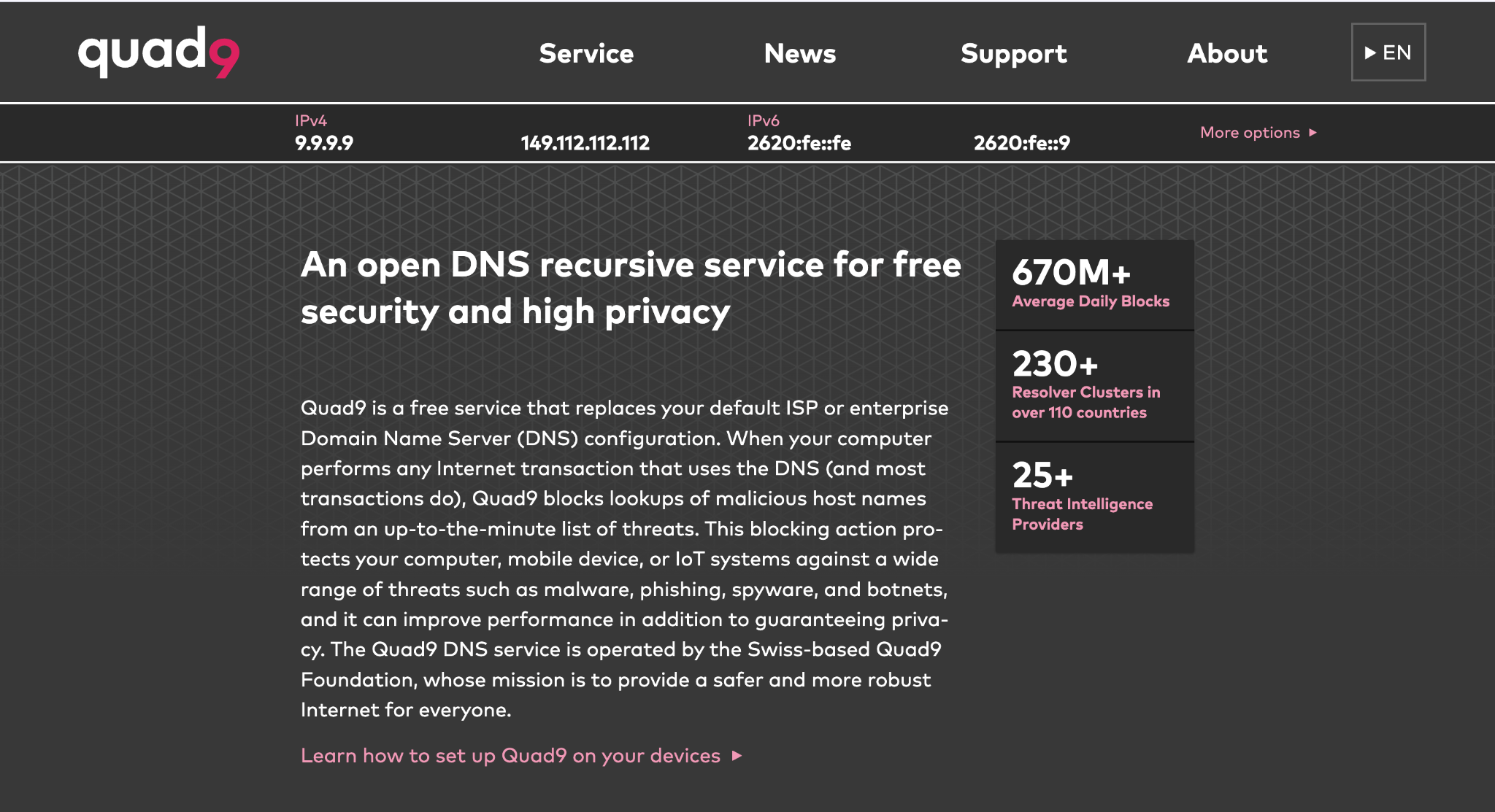
Quad9 is a simple DNS service provider that focuses on blocking harmful websites.
Key Features
- Blocks malicious domains
Just like the other services, it can also help protect against phishing and malware.
- Privacy-friendly
It’s privacy-friendly and does not track your personal data.
- Global network
Quad9 has a global network and is a fast and reliable service worldwide.
- Easy setup
You don’t need an account for the setup, which makes the usage very simple.
Pros
- Free to use
- Easy to set up
- Strong basic security
- No account required
Cons
- Limited customization
- No advanced controls
- Minimal analytics
Pricing
Quad9 is completely free.
Best For
Good option for users who want simple, no-cost protection without extra features.
Why Private DNS Matters
DNS is one of the first steps when you visit any website. And if it’s not secure, your whole connection might be at risk.
Private DNS helps you:
- Block threats before they load
- Protect your privacy
- Control internet usage
- Improve browsing speed
It’s a simple upgrade that can make a big difference.
Conclusion
Private DNS services are becoming a standard tool for safer internet use in 2026. With so many potential threats online, it’s a crucial tool to protect your online privacy and ensure a safe browsing experience.
Control D stands out for its flexibility and advanced control, making it a great choice for people who want more than just basic protection.
NextDNS is ideal for privacy-focused users, while Quad9 is perfect for simple and free security.
The best option, of course, depends on your needs, but all three providers offer reliable ways to stay safer online in 2026.