

On this page
A sysadmin’s phone lights up with a server alert while the rack behind it shows a failed node
The worst moment to learn that your alert system depends on the thing that just broke is 3 a.m., with a dead site and a silent inbox. It happens more often than most admins admit. The monitoring is fine, the thresholds are sensible, and the alert still never arrives because it traveled over the same network, the same mail server, or the same chat service that went down with everything else.
Outages are expensive enough without a delayed response. Uptime Institute’s 2026 Annual Outage Analysis found that 57% of operators said their most recent major outage cost more than $100,000. Faster detection won’t prevent every failure, but it shortens the ones you can’t avoid.
This guide walks through an alerting setup for hosting admins running CyberPanel, OpenLiteSpeed and similar stacks. The goal is simple: when something breaks, a human finds out within minutes, no matter what broke.
Why email and Slack alerts fail when you need them most

When the office network goes down, an SMS over the cellular network still gets through
Most monitoring setups send alerts by email, Slack, or both. That works until the failure is bigger than one service. If your mail relay runs on the monitored box, or your office network drops, or your chat provider has a bad hour, the alert dies in transit. You find out when a customer emails you, which is the slowest and most embarrassing detection method there is.
The fix is an out-of-band channel, one that doesn’t share a path with your servers. For critical pages, that usually means SMS notifications sent through a dedicated messaging API. Your monitoring tool (Zabbix, Nagios, UptimeRobot, Prometheus Alertmanager) fires a webhook when a check fails, the API pushes a text to the on-call phone, and delivery runs over the cellular network rather than your own infrastructure. A phone buzzing in your pocket is much harder to miss than a red badge on a tab you closed yesterday.
A direct API call also beats the old trick of emailing a carrier’s SMS gateway address. Those gateways are unofficial plumbing, and carriers can change or retire them without much notice. A provider API gives you delivery receipts, so you know whether the page actually landed.
If you’re still deciding what to monitor in the first place, our breakdown of choosing the right monitoring tools covers the options. What follows assumes you already have checks running and want them to reach someone.
Page on symptoms, not causes
Once alerts reliably reach a phone, the next problem is volume. An admin who gets forty texts a night will mute the number by Friday.
Google’s SRE book makes the case directly in its chapter on monitoring distributed systems: page a human on symptoms that users would notice, and keep cause-level data for dashboards and debugging. A CPU spike at 85% isn’t a page. A site that returns errors or takes eight seconds to load is.
For a CyberPanel host, a short list of page-worthy conditions covers most of what matters:
- The site stops responding or returns 5xx errors from an external check
- OpenLiteSpeed response time stays above your threshold for several minutes
- Disk space on a web or database volume drops below a safe margin
- A scheduled backup fails twice in a row
- An SSL certificate is a few days from expiring
Everything else, such as a memory dip, a slow query, or a one-off restart, can go to a ticket queue or a dashboard. Where your checks run matters too. A probe on the same server can’t tell you the server is unreachable, which is why our guide to internal versus external monitoring argues for at least one check from outside your network.
Designing escalation that cuts noise

If the primary on-call doesn’t acknowledge, the alert moves up the chain to the next person
A single phone number is a single point of failure. People sleep through alarms, ride through tunnels and forget to charge devices. An escalation chain fixes that: the alert goes to the primary on-call, and if nobody acknowledges it within, say, ten minutes, it moves to the secondary, then to a manager or team lead.
Severity tiers keep the chain from becoming a nuisance. Reserve SMS for conditions that need a person now. Send warnings that can wait until morning by email or into a ticketing system. Dependencies help as well; if a whole host is down, you want one alert about the host rather than fifty about every site on it. Zabbix and Nagios both support parent/child relationships that suppress the downstream noise.
It helps to know what your uptime target means in practice. At 99.9% availability you can lose about 8 hours and 46 minutes a year. At 99.99% the budget drops to roughly 52 minutes. If you promise the second number, a ten-minute escalation delay eats a fifth of your annual allowance in a single incident. For metrics and dashboards that support this tuning, our walkthrough on Prometheus and Grafana setup is a good starting point.
Connectivity under the server: the other single point of failure
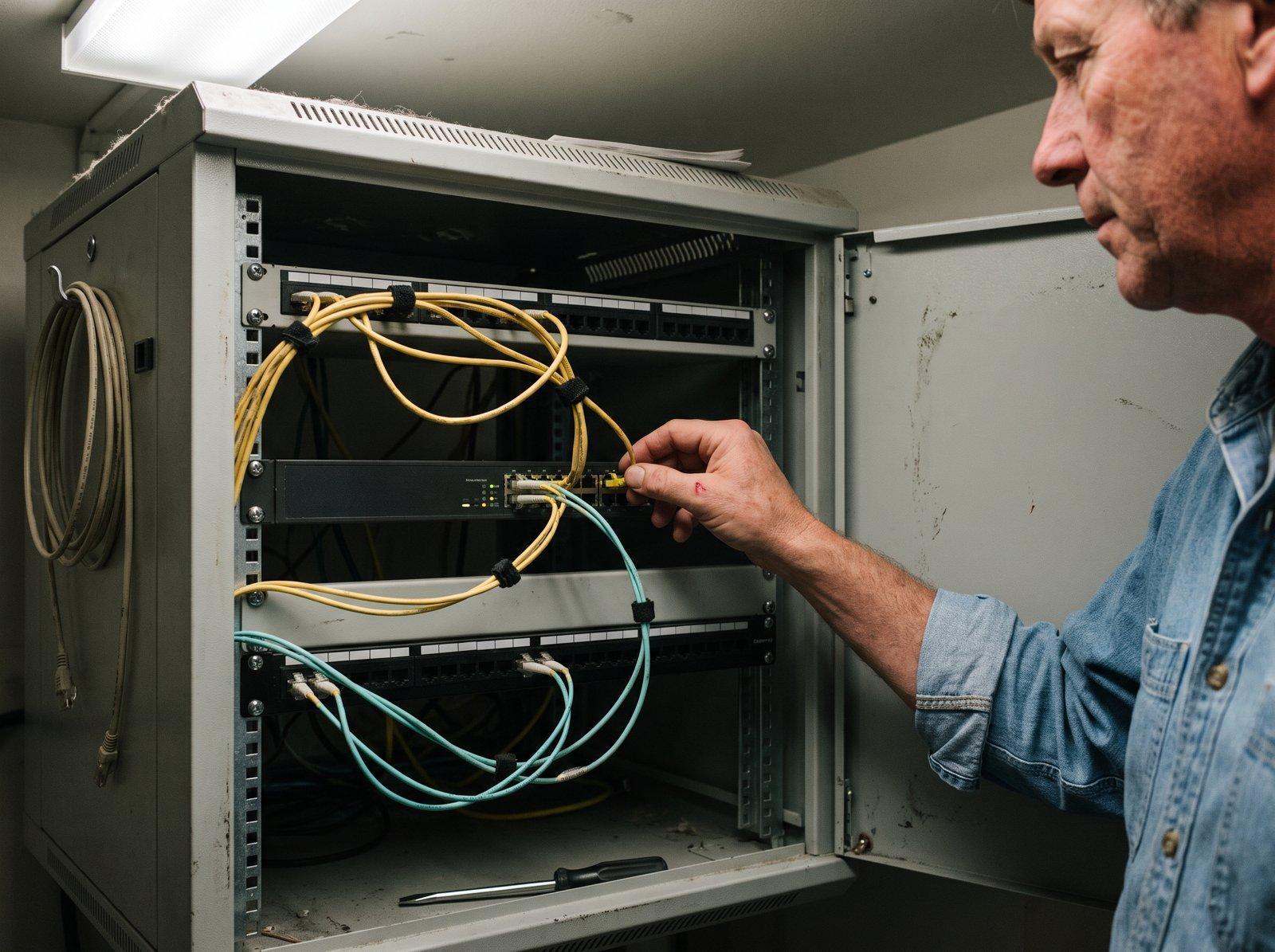
Two independent uplinks remove a single network path as a failure point
Alerting design only gets you so far if the network beneath the server is fragile. Uptime Institute’s 2026 analysis reported that third-party providers, including cloud, telecom and colocation companies, account for about two-thirds of publicly reported outages over nine years. It also noted that fiber and connectivity outages are rising and more likely to cause extended disruption.
For admins who run their own hardware, or rent rack space in a colo, that points to the uplink. A single consumer-grade line with no service commitment is a bet that nothing will ever go wrong. Comparing dedicated business ethernet services from a provider that offers defined service levels is a more sober choice than defaulting to whatever the building already has. The stronger setup is two uplinks from two different carriers, ideally on separate physical routes, so a cut cable or a provider incident doesn’t take you offline.
There’s a tradeoff. Redundant connectivity costs more, and it adds configuration work such as routing and failover testing. Many small sites won’t need it. If your server sits in a cloud region or a managed host, your provider owns this problem, and your job is to pick a provider whose network design you trust and to monitor from somewhere else.
A practical checklist for hosting admins
Good design decays without maintenance. A short routine keeps it honest:
- Fire a test alert every month and confirm the right person got it
- Keep the on-call contact list current, including phone numbers
- Send alerts from a network other than the one you’re monitoring
- Run at least one uptime check from an external location
- Write a runbook for the five most likely incidents
- Review noisy alerts every quarter and delete or retune the worst offenders
The monthly test is the one people skip, and it’s the one that catches a changed number or an expired API key before an outage does.
Final thoughts
Reachability is a design decision. You choose it when you pick alert channels, and you choose it again when you pick the network the server sits on. Treat both as parts of one system: an alert path that survives the failure, and a connection that makes the failure less likely.
Start small. Wire one critical check to an out-of-band channel, add a secondary on-call, and run a test this week. The first real incident you catch in minutes rather than hours will justify the effort.