
On this page
Sponsored guest contribution.
Three years ago, one of our 34 location managers ran a giveaway with a homemade graphic, a retired slogan, and terms legal never read. We found it 600 shares later. Today every post from all 34 locations clears review before scheduling, and our central team is still three people. The fix was judging social media management tools by the review step. For a central brand team whose risk sits in review, Planable is the social media management tool I’d pick. Every brand or location runs in a separate workspace with its own approval rules, and any number of reviewers can join. If the job is reviews and listings across hundreds of storefronts, a local-listings platform goes further. The rankings below show where each fits.
That giveaway was a trust problem, since 88% of people in a 15-country survey say trusting the brand is an important or critical purchase criterion, alongside quality and value. Each off-brand local post spends it publicly, so brand consistency belongs in the workflow.
Consistency is a system, not a talent.
Which Social Media Management Tool Suits Central Brand Teams Best?
Pick social media management tools by where your risk sits. Review-step risk: Planable, with a workspace and approval rule per brand or location. Global social and care: enterprise suites. Storefront posting and reviews: local platforms. A lean central team: a mid-market option.
| Tool | Best fit | Local-team controls | Approvals | Reporting roll-up |
|---|---|---|---|---|
| Planable | Review-heavy brand portfolios | Workspace per brand or location | None to multi-level, per workspace | Add-on, paid + organic |
| Hootsuite | Central team, many accounts | Org, team, account permissions | Advanced plan and up | Custom reports |
| Emplifi | Global social plus care | Teams by region | Multi-stage | Unified and paid reporting |
| Birdeye | Multi-location storefront brands | Rules inherited per location | Thresholds per location | Location leaderboard |
| Uberall | HQ and franchisee posting | Templates, local fields | Collaborate Plus add-on | All-location dashboard |
| Dash Social | Multi-brand visual teams | Content library, Enterprise access | In-scheduler approval | Brand and region, Enterprise |
| Khoros (Iris AI) | Global enterprise social | Role-based, regional | Multi-level | Unified dashboards |
| Sendible | Lean central team | Workspace per location | Plus plan and up | Per-workspace reports |
This social media management tool comparison covers what central brand teams govern. Plan names are each vendor’s own.
Which Social Media Management Tools Let Local Teams Post Without Going Off-Brand?
Local social media marketing stays on-brand when the central team sets three controls once: separation, each brand or location in its own workspace; templates or locked assets, so locals adapt rather than start blank; and an approval rule that decides what happens when a reviewer stays silent.
40%+ of marketers in Planable’s survey of 1,000 marketers struggle with content reviews and approvals, so review is where brand consistency breaks. Of the social media management tools ranked below, Cards 1, 4, and 5 each fix it.
Can One Social Media Management Tool Cover Publishing, Inbox, Reporting, And Listening?
On paper, yes: most social media management tools list creation, calendar, approvals, inbox, analytics, listening, and integrations. In practice, one usually sits behind a higher tier, an add-on, or a separate product. Price the full stack per brand or location before comparing headline prices.
Planable shows the pattern: publishing, calendar, comments, and approvals come with every workspace; Analytics, Social Inbox, and Social Listening are separate per-workspace add-ons. Across 34 locations, that multiplier is the real price.
How Do Social Media Reporting Tools Show Leadership What’s Working?
Good social media reporting rolls results up by brand and location, puts paid and organic performance side by side, and ends in one monthly page a CMO reads. That matters because just 22% of CEOs and CFOs say they have received significant clarity from their CMO regarding marketing accountabilities.
The report’s job is to name who owns which number. Planable’s Analytics add-on shows paid and organic results together and shares custom reports as a link, PDF, or CSV.
Eight Social Media Management Tools For Central Brand Teams, Ranked
Ranked for a central brand team on three questions: who drafts, who approves, and what leadership sees. Each card names the governance strength, the plan behind it, and the gap.
1. Planable
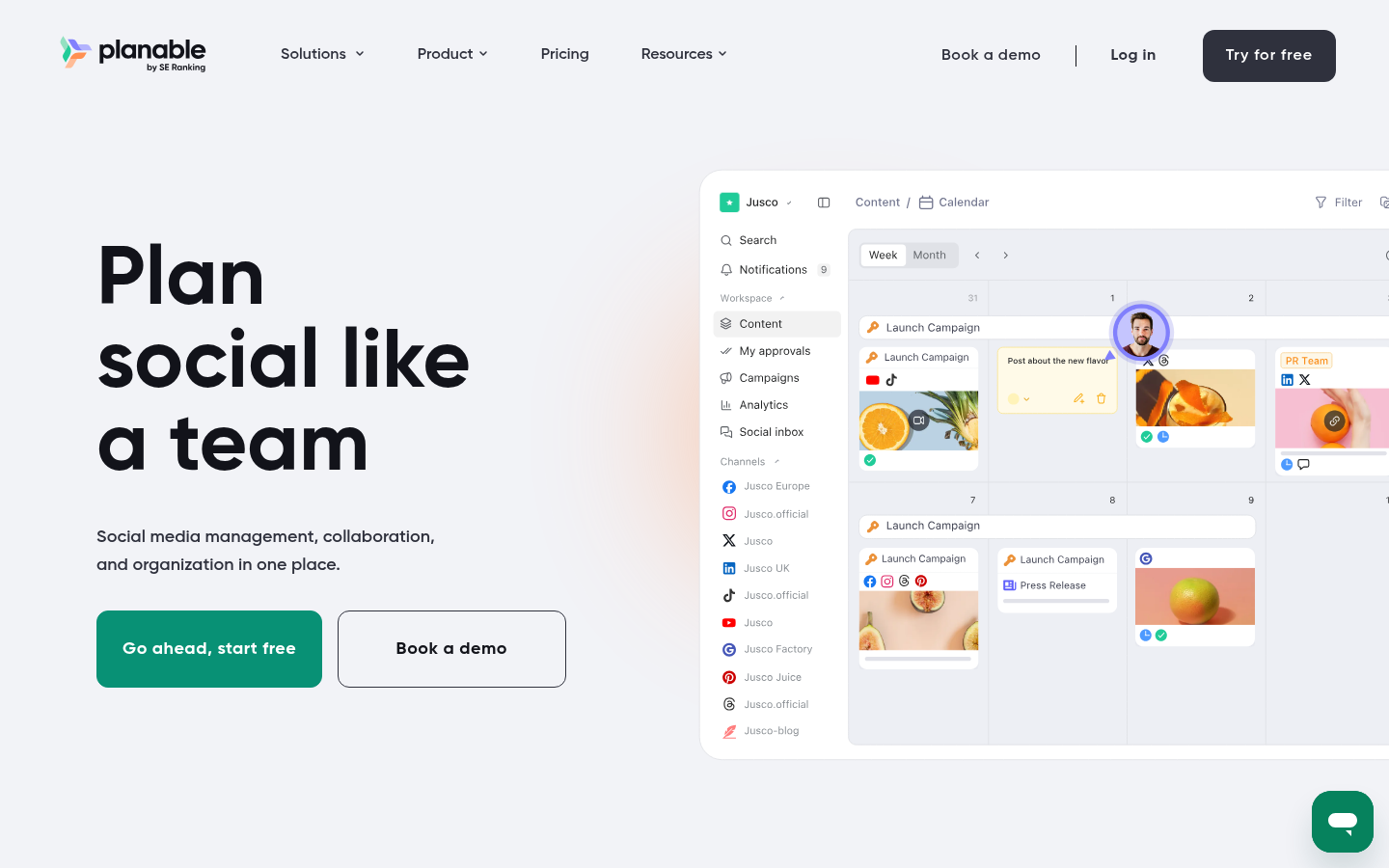
Every brand or location gets a sealed workspace in Planable, a social media management tool that sets review rules per workspace.
Best for: central teams whose brand risk sits in review, across 10+ brands or locations.
Standout feature: Planable lets each workspace pick its own approval rule: none, optional, required (Pro+), or multi-level (Enterprise). A flagship store can need two sign-offs, a quiet location one. Reviewers add real-time comments, annotations, and text suggestions to each draft, and a local manager approves from a share link, no account needed.
Pros:
- Keeps each location’s pages, calendar, team, labels, and media library apart, planned in feed, grid, calendar, or list view
- Publishes to 9 networks, Google Business Profile included, and drafts with Planable AI from a Brand Context brief written for that workspace
- Lets unlimited users join a workspace and connects Canva, Slack, Zapier, MCP, and the Public API
- Adds Analytics (paid and organic, a comparison matrix of up to 5 rivals per page, a beta AI Visibility Snapshot), a Social Inbox for comments and DMs, and social listening across 8 sources
Cons:
- Sells Analytics, Social Inbox, and social listening as per-workspace add-ons, so 34 locations multiply the bill
- Offers no review management or listings tooling for storefronts
Pricing: Basic from $390/workspace/year billed annually, or $39/workspace/month month-to-month; Pro is $590/workspace/year ($59 month-to-month); Enterprise from $2,500/year ($200/month). Per-workspace monthly add-ons: Social Listening $99, Analytics $14, Social Inbox $9.
Where it lands: Planable leads this group of social media management tools because it governs the step where our incidents began: a local draft reaching the feed unreviewed. Set up separate workspaces for each brand or location, and the review rule travels with it.
2. Hootsuite
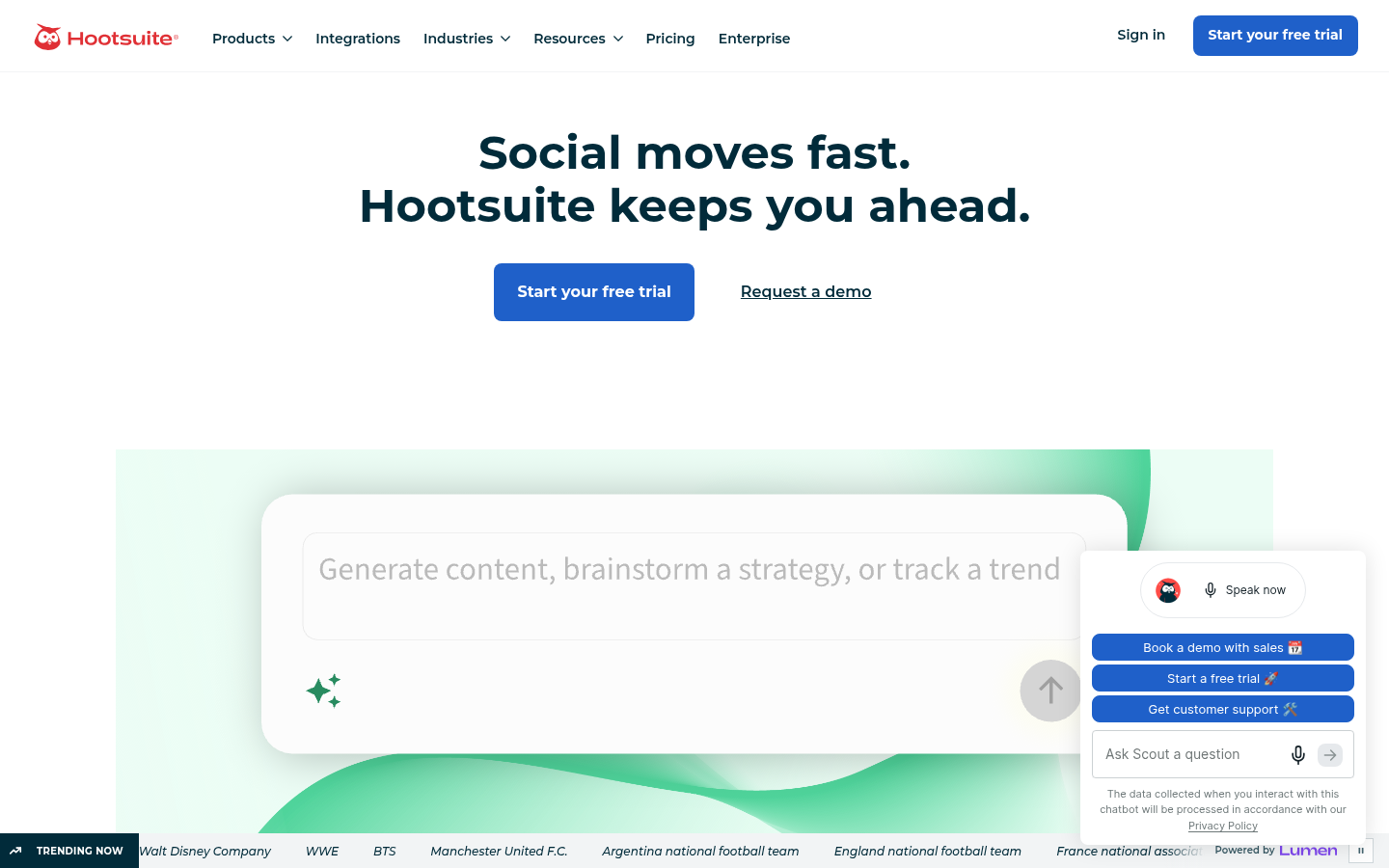
Hootsuite organizes access by organization, team, and social account, mirroring a central team above regional groups.
Best for: one central team over many accounts.
Standout feature: Hootsuite’s approvals stack in tiers: a first approver, then another, routed in sequence or in parallel, and an approver can be a whole team. Team-scoped content libraries hold pre-approved templates, images, and videos with expiry dates, so locals post from vetted assets.
Pros:
- Sets org, team, and account permissions
- Suspends scheduled posts on demand
- Offers a 14-day trial
Cons:
- Gates approvals at Advanced, $399/user/month
- Bills per user, so locals add seats
Pricing: From $99/user/month billed annually (Standard).
Where it lands: Hootsuite gives a clear permission tree among social media management tools built around seats. The catch: approvals start at $399 per user, so plan a seat for every local manager who needs to draft or approve.
3. Emplifi
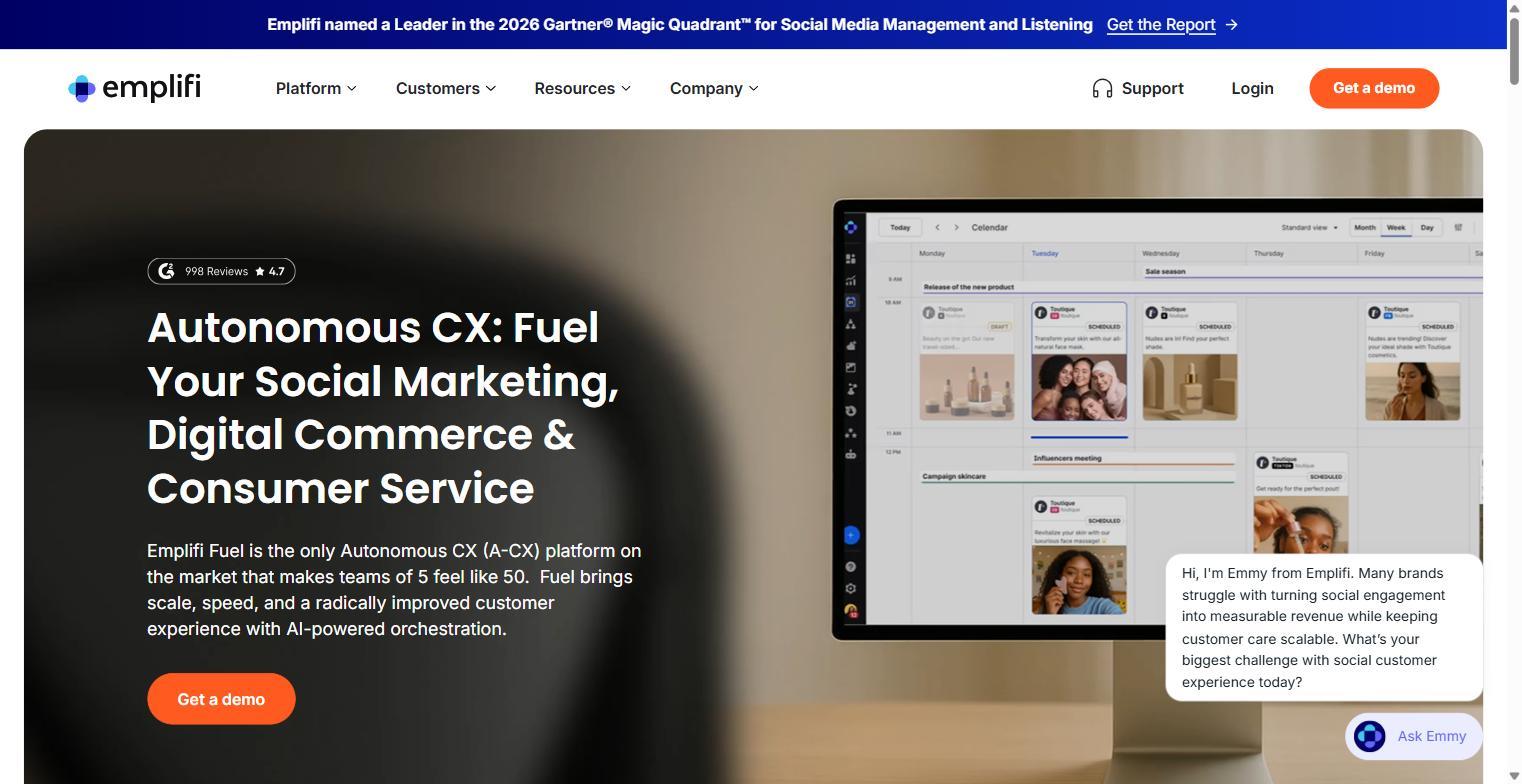
Emplifi, an enterprise social media management platform, splits marketing, care, and commerce into packages for multi-region brands.
Best for: global brands pairing social with customer care.
Standout feature: Emplifi Teams segregate data and governance by department, region, or group: one Team on Essential, three on Advanced, unlimited on Intelligent. Multi-stage approval paths follow team, role, and regional rules, and a kill switch pauses every scheduled post at once.
Pros:
- Includes unlimited users and profiles
- Adds a Paid Reporting Module
- Connects unlimited ad accounts
Cons:
- Publishes no prices; every tier needs a meeting
- Sells listening separately
Pricing: Custom; book a meeting.
Where it lands: Of the social media management tools here, Emplifi suits the brand that publishes and answers customers from one seat, region by region. Check the Team cap early: Advanced allows three Teams, so a fourth region means moving to Intelligent.
4. Birdeye
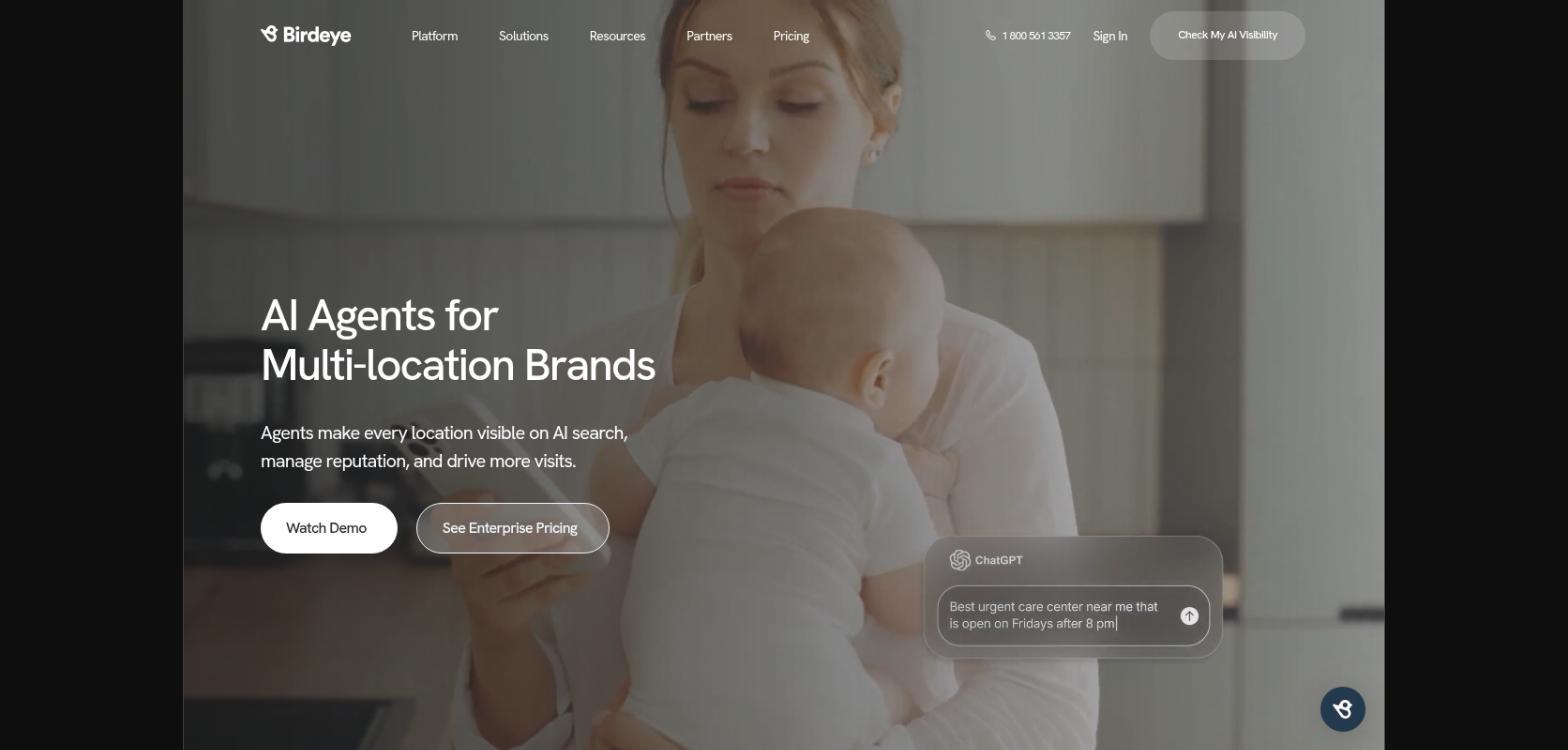
Birdeye Social runs AI agents for publishing and engagement, built for multi-location brands already managing reviews in Birdeye.
Best for: brands with hundreds of storefronts.
Standout feature: Corporate sets tone, banned phrases, and approval thresholds once in Birdeye, and every location’s posts and replies inherit them. Cadence and guardrails can then vary by location, and approvals run one by one, in bulk, or automatically by post type.
Pros:
- Posts to Google Business Profiles
- Ranks locations on a posting leaderboard
- Turns reviews into social posts
Cons:
- Publishes no list price
- Reports social on Facebook, Instagram, LinkedIn only
Pricing: Custom, quoted by number of locations.
Where it lands: For multi-location social media management where reviews matter as much as posts, Birdeye fits the storefront model. Teams wanting manual control must tune thresholds per location, since the agents can publish routine posts on their own.
5. Uberall
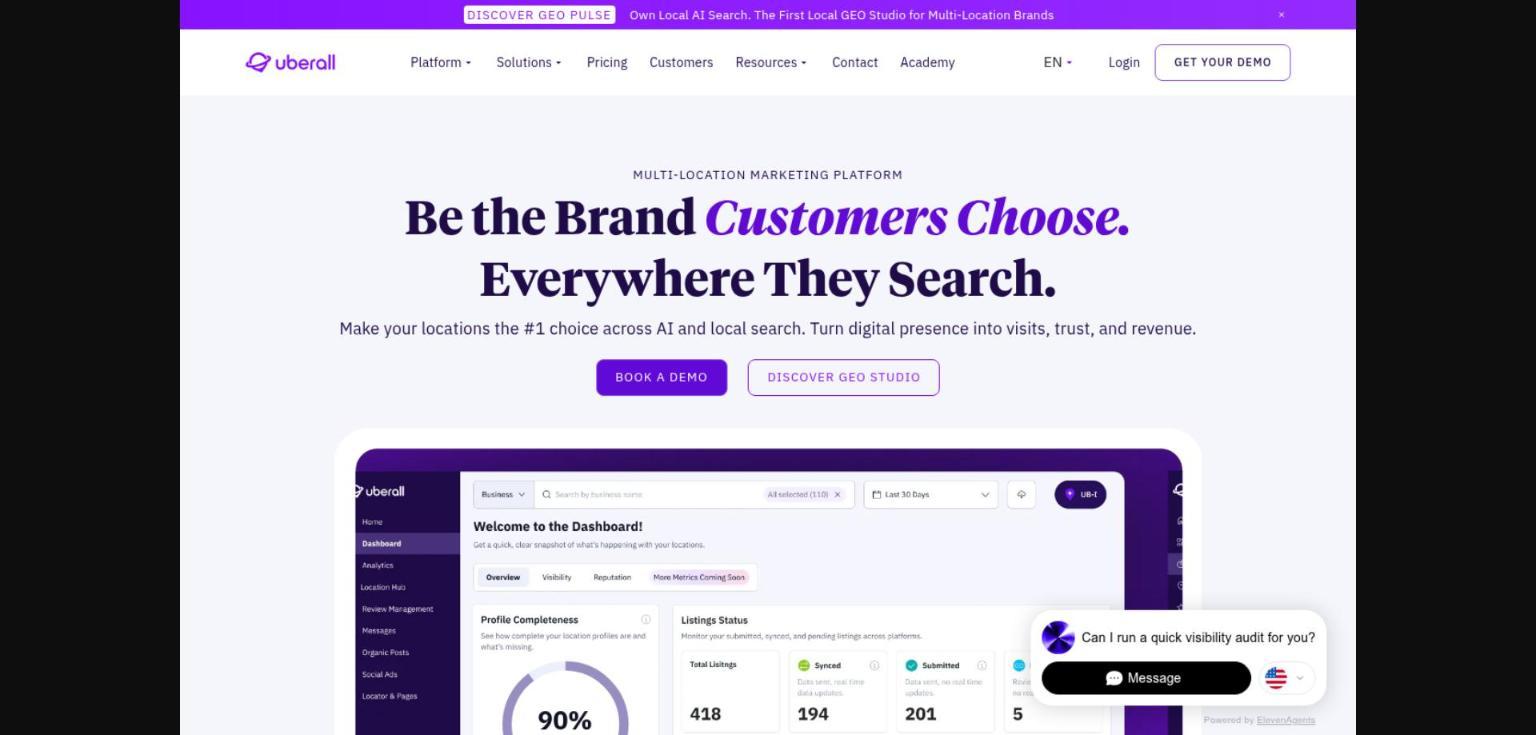
Uberall is a local marketing suite whose Local Social module lets franchisees post inside templates that headquarters controls.
Best for: franchise systems where HQ and franchisees share posting.
Standout feature: Local managers get Uberall’s predefined templates, asset libraries, and dynamic location fields, so one HQ post becomes a localized version for each store. Posts also reach Google and Apple listings, and one dashboard tracks results across every location and campaign.
Pros:
- Includes unlimited users
- Benchmarks locations against peers
- Handles every location’s comments in one inbox
Cons:
- Puts approvals in the paid Collaborate Plus add-on
- Reserves local social for the Connect package
Pricing: Custom quote.
Where it lands: Uberall works when brand consistency means franchisees completing templates that headquarters wrote and signed off. Price Connect and Collaborate Plus together, because without the add-on HQ can’t require approval before a franchisee’s post goes live.
6. Dash Social
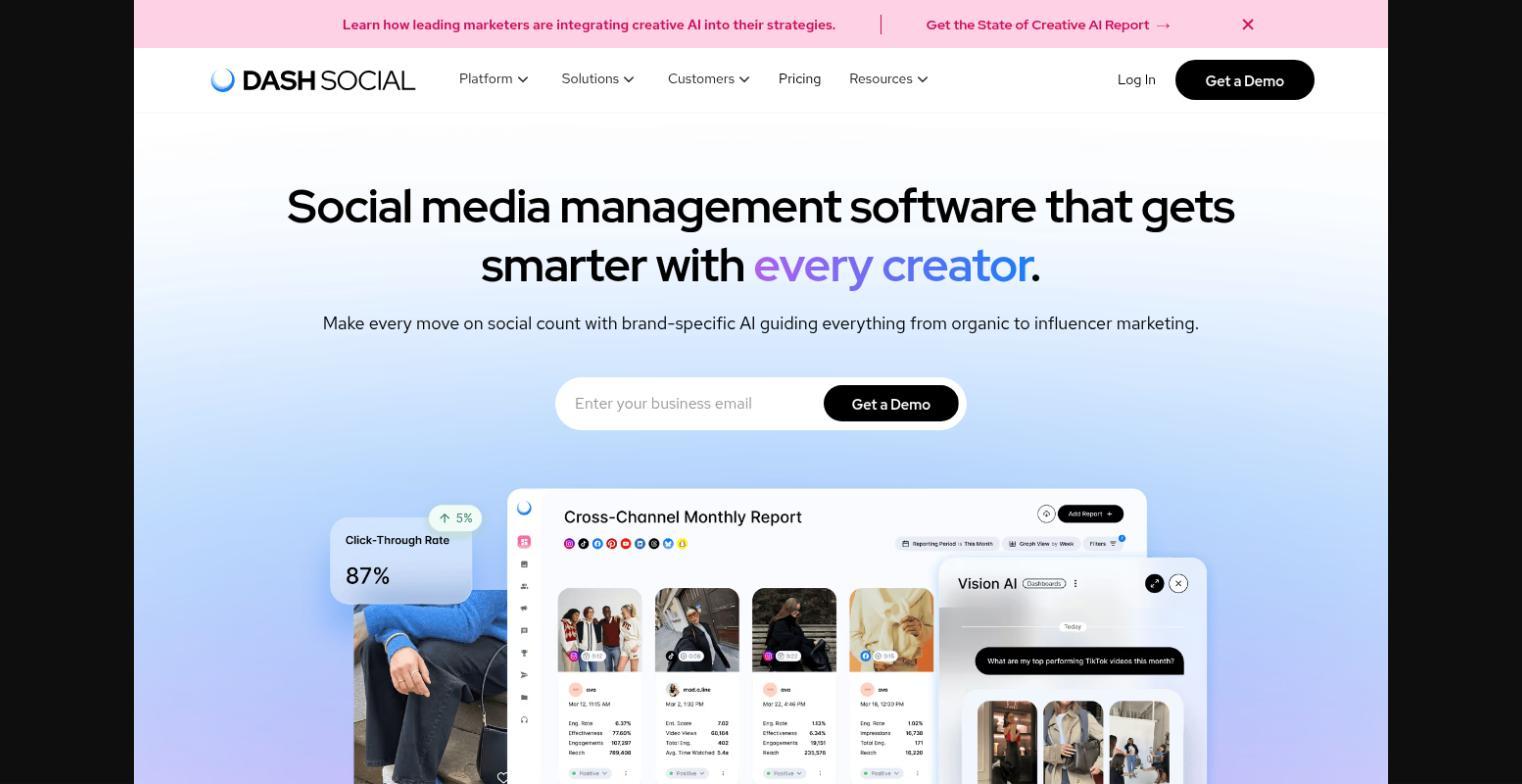
Dash Social prices by brand, each Social Set covering one brand’s profiles, for companies running several brands.
Best for: multi-brand companies with visual, creator-led content.
Standout feature: With unlimited users on every Dash Social plan, a new brand adds a Social Set rather than more seats. Teammates tag each other on scheduled posts and route drafts for leadership approval, while a central content library holds approved assets.
Pros:
- Offers a 14-day free trial
- Builds custom dashboards on Advance
- Benchmarks competitors on Advance
Cons:
- Keeps region and brand roll-ups for Enterprise
- Skips X and Google Business Profile
Pricing: Custom, per brand, after a demo.
Where it lands: Dash Social fits a portfolio of brands better than a map of locations. Confirm Enterprise is in scope before you sign, since brand-level reporting and access governance across teams both sit on that tier alone.
7. Khoros (Iris AI)
Khoros, now owned by IgniteTech, sells Iris AI, which replaces its older Social Media Management and Care products.
Best for: global enterprises running social and care across regions.
Standout feature: Khoros Iris AI combines publishing, listening, care, and analytics in one product, with multi-level approvals, role-based access, regional localization, and audit logs for centralized governance across teams. Dashboards show publishing, listening, care, and campaign results together, so one review covers every region.
Pros:
- Routes care queues with reply templates
- Runs beside legacy Khoros products
- Supports multiple SSO options
Cons:
- Lists no public pricing
- Is replacing its legacy products
Pricing: Custom; demo only.
Where it lands: For enterprise social media management with a care team attached, Khoros (Iris AI) earns a demo. If your team runs legacy Khoros, ask about migration timing, since customers retire the old products at their own pace.
8. Sendible
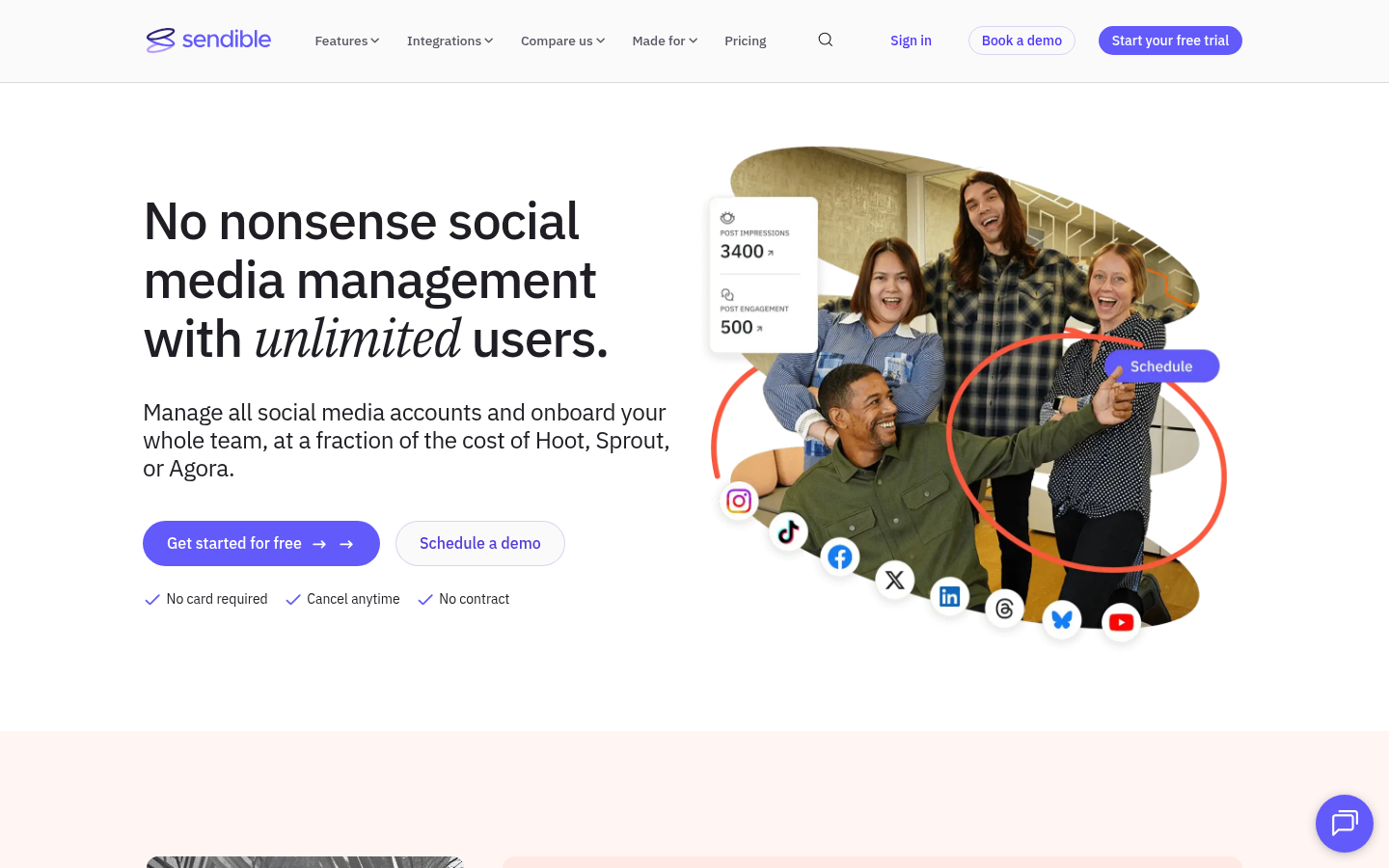
Sendible gives every location or brand its own workspace, and upper plans add location-level personalization.
Best for: lean central teams covering dozens of locations.
Standout feature: Sendible’s Elite plan adds dynamic fields to bulk posts, so one upload fills in city names and services per location, plus advanced user permissions. Approvals start on Plus at $99/month, Elite costs $299/month, and users are unlimited on every plan.
Pros:
- Publishes to Bluesky and Threads
- Includes a 14-day trial, no card
- Builds reports per workspace
Cons:
- May restrict Google Business Profile posting for large franchises
- Caps daily sends for each workspace
Pricing: From $35/month billed monthly (Core).
Where it lands: Among social media management tools priced by workspace, Sendible gets a small central team to workable social media governance quickly on Plus. Confirm the Google Business Profile restriction with sales if your franchise runs many locations.
The Short Version For Your CMO
The operating model on one slide: central owns templates, rules, and approvals; locations own local moments; every post publishes through one reviewed pipeline. Shortlist social media management tools by risk: review-step risk, Planable; storefront reviews and listings, Birdeye or Uberall; global social plus care, Emplifi or Khoros.
The trade-off we accepted: locations lose spur-of-the-moment posts to a short review window. If review is your weak point, pilot Planable as your social media management tool in one region.
Questions Central Teams Ask Before They Switch
What does a social media management tool do for an in-house brand team?
Social media management tools turn an in-house team’s operating model into software. Central staff set workspaces, roles, and approval rules; local contributors draft inside them; one reviewed pipeline publishes everything; reporting rolls up by brand or location for leadership.
What are the top 5 social media management tools for a multi-location brand?
Ranked for multi-location brands: Planable (a workspace and approval rules per brand or location), Hootsuite (organization, team, and account permissions), Emplifi (regional teams, social plus care), Birdeye (corporate rules every location inherits), and Uberall (templates with dynamic location fields).
For franchises, which social media management tool is best?
Planable, for review control at HQ: each franchise location gets its own workspace and approval rules, and franchisees approve via share link, no account needed. For storefront posting and reviews across hundreds of locations, choose Birdeye or Uberall.