
Database Management in CyberPanel
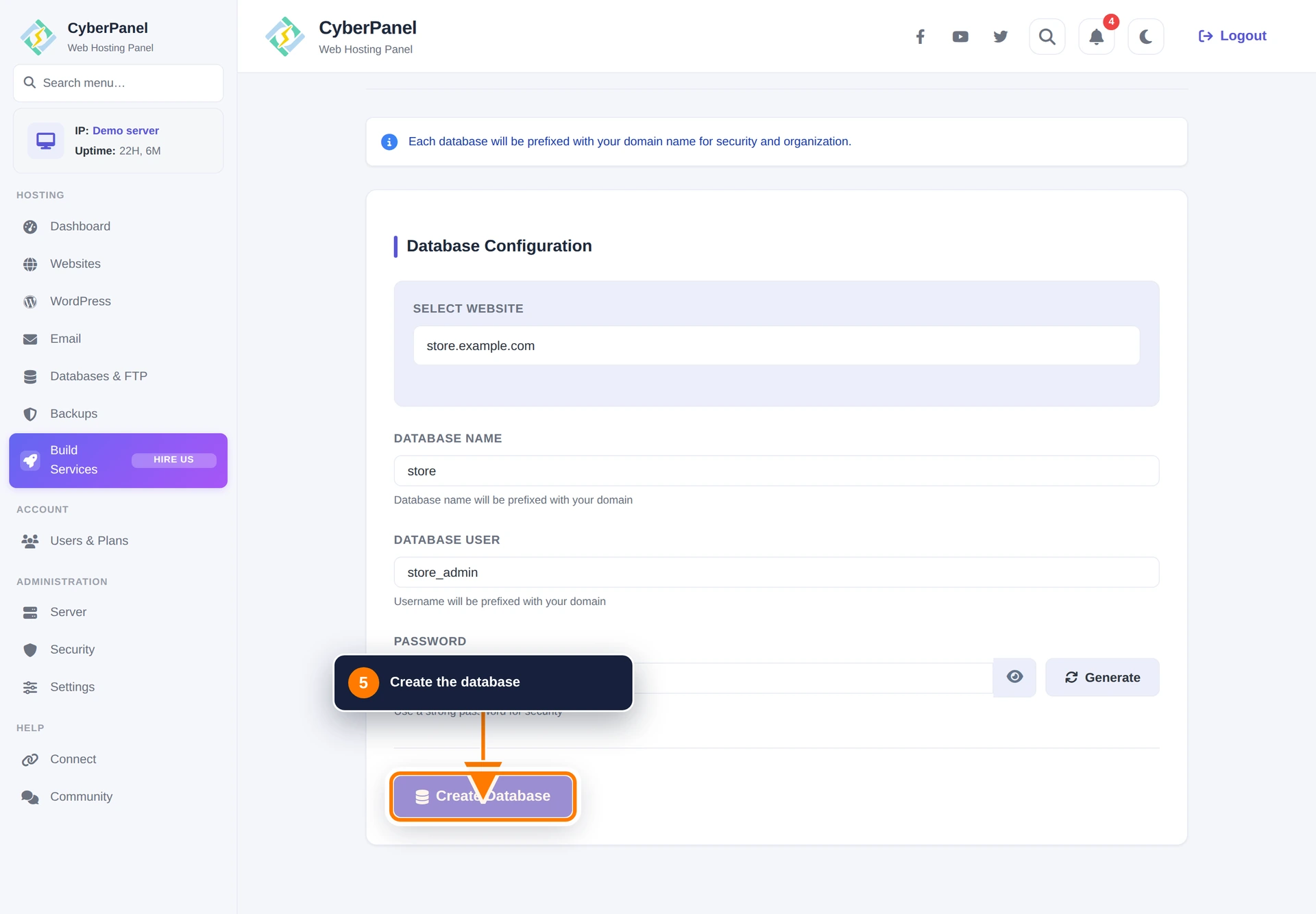
CyberPanel can create and manage MySQL databases for each website. Database and user names are automatically prefixed with information from the selected domain, as shown in the interface.
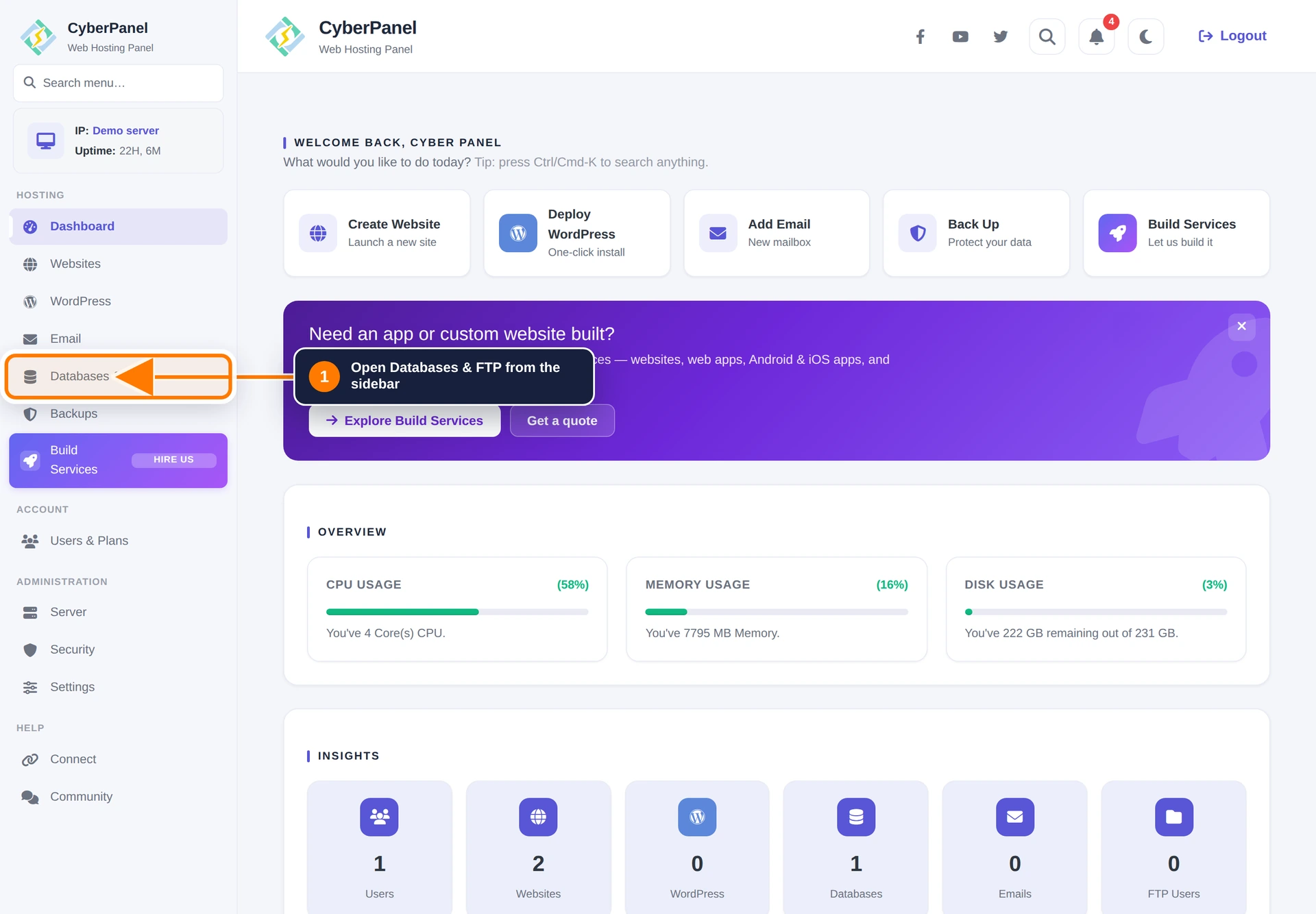
Step 1: Open Databases & FTP
Sign in to CyberPanel and select Databases & FTP in the left sidebar.
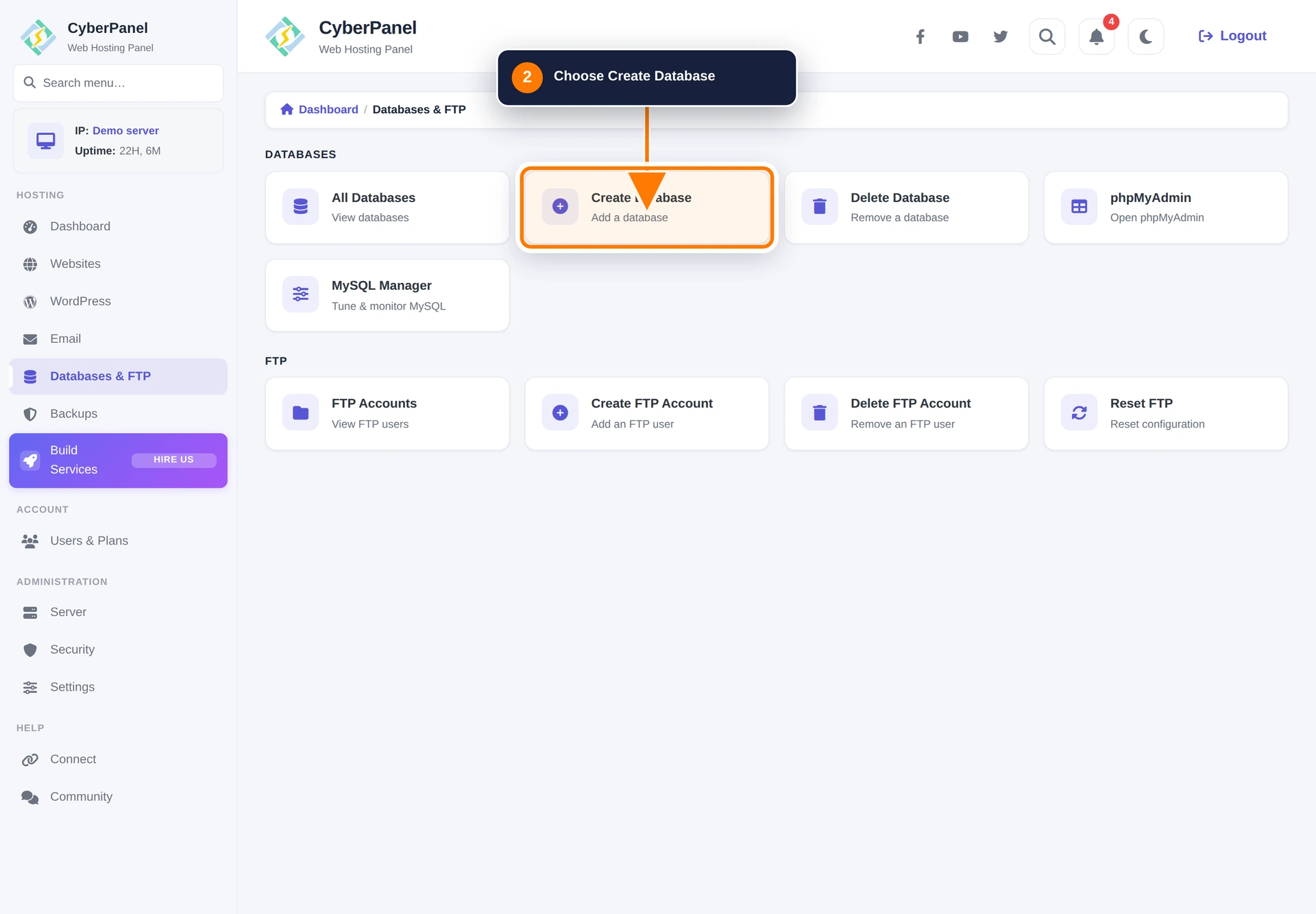
Step 2: Open Create Database
Select Create/Delete Database from the data-management hub.
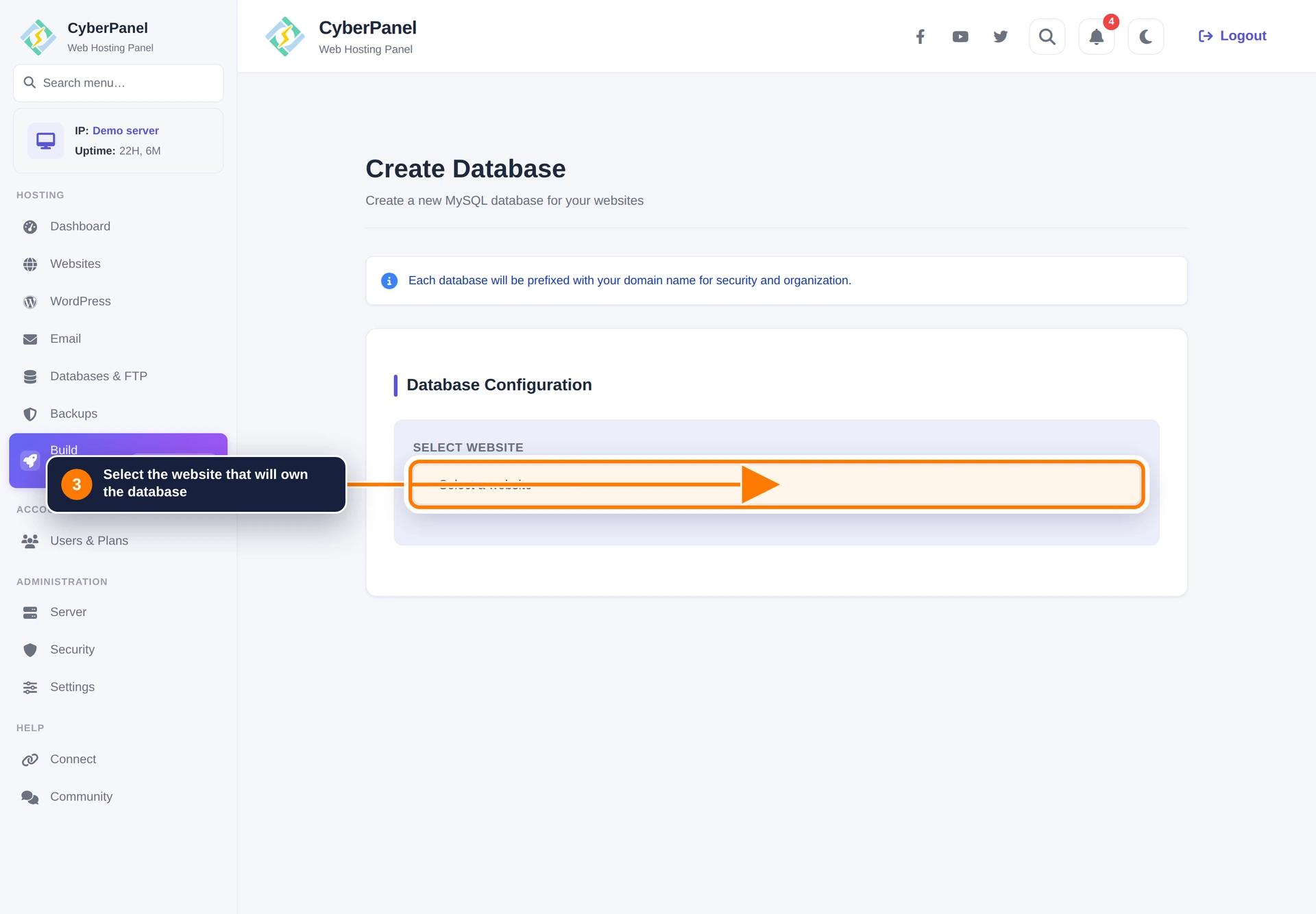
Step 3: Select the website
Choose the website that will own the database.
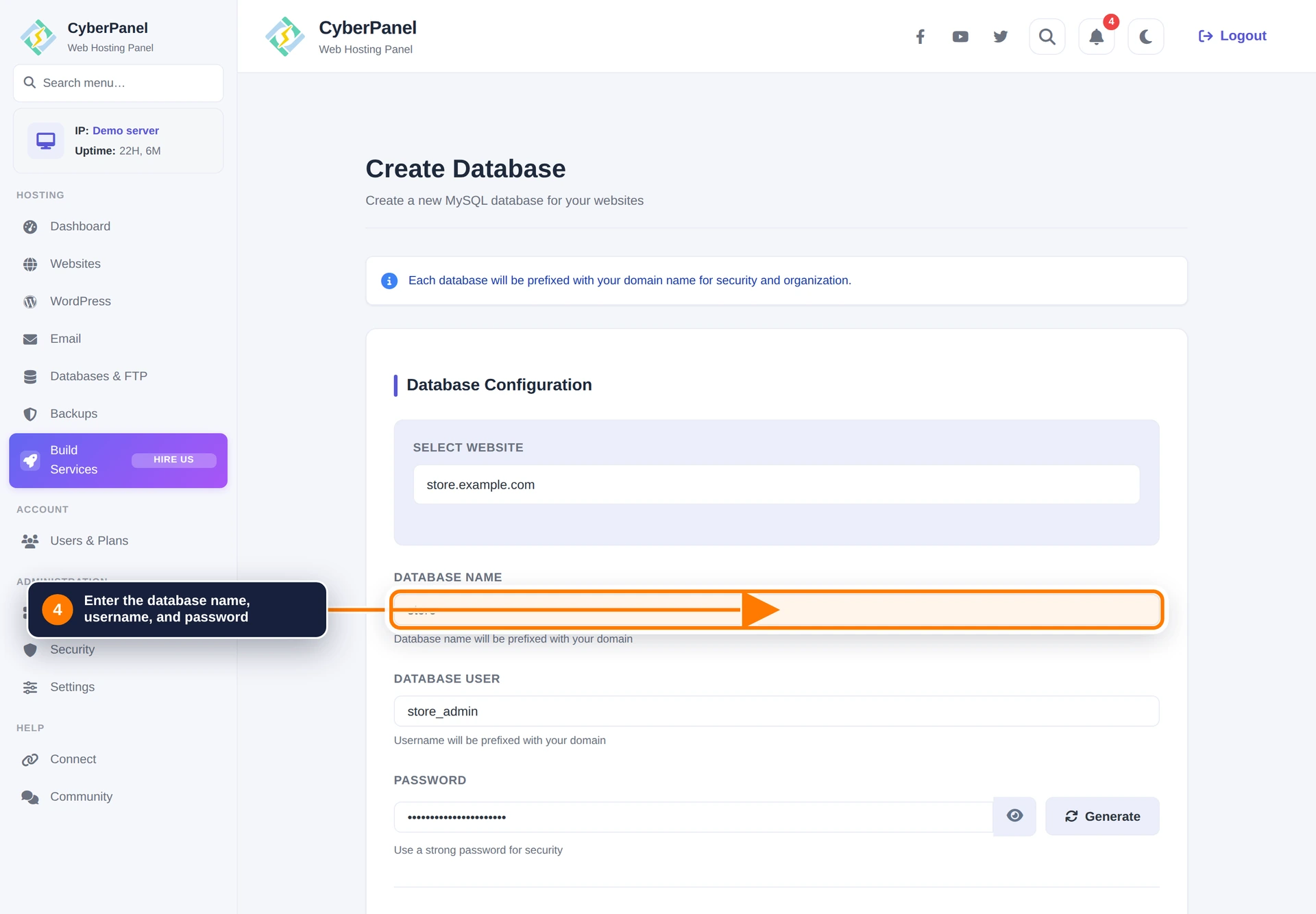
Step 4: Enter the database credentials
Enter a database name, database username, and strong password. CyberPanel shows that the final database name and username will be prefixed for organization and isolation. Record the final credentials returned by the panel because applications must use the complete names.
Step 5: Create the database
Review the values and select Create Database.
Manage an existing database
Return to Databases & FTP to list or delete databases, open phpMyAdmin, or use MySQL Manager. Export a database before deleting it or making a large schema change.
The same database shortcuts are available from Website Home → Databases. WordPress database details are also available in WordPress Manager → Database.