On this page
November 19, 2026 update. The PHP project has released security updates for PHP 8.2, 8.3, 8.4 and 8.5. If you run CyberPanel, check which PHP actually serves each website and which PHP the panel and phpMyAdmin use. These can use different executables and extensions, so each runtime needs its own check.
Which PHP releases contain the fixes?
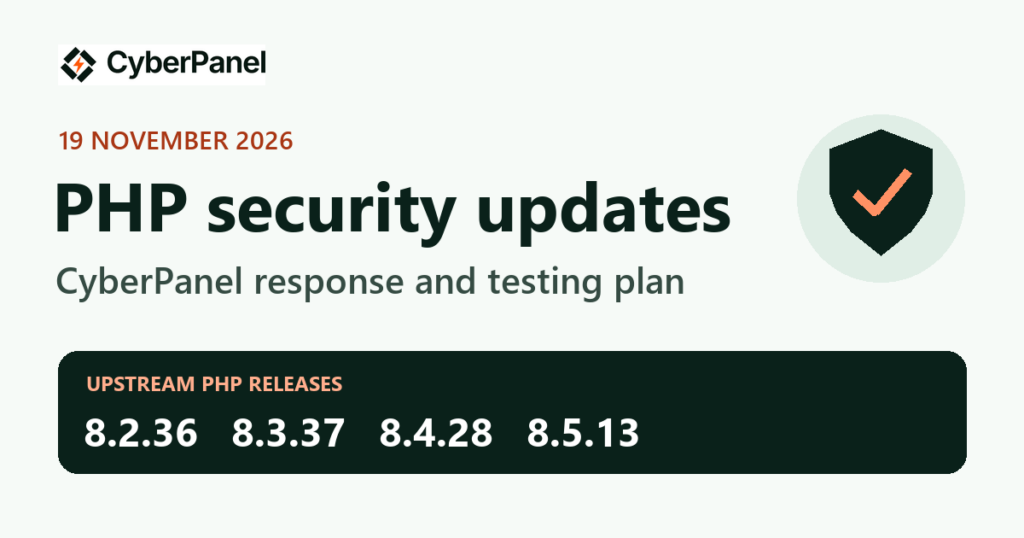
PHP published 8.2.36, 8.3.37, 8.4.28 and 8.5.13. The project’s advance notice said the issues rated critical require uncommon setups or non-default settings. Review the advisories for the PHP branch and components your server uses. Read the PHP changelog and the original security notice.
LiteSpeed package status
Checked November 19 at 7:45 p.m. PKT (14:45 UTC). The signed stable LiteSpeed APT indexes for Ubuntu 20.04, 22.04, 24.04 and 26.04 on amd64 still listed the previous LSPHP builds. LiteSpeed’s stable Enterprise Linux 8, 9 and 10 x86_64 RPM indexes also listed the previous builds. We verified the APT index signatures and hashes and checked the RPM repository metadata over HTTPS.
| PHP branch | Fixed upstream release | Previous upstream version in the LiteSpeed indexes checked |
|---|---|---|
| 8.2 | 8.2.36 | 8.2.35 |
| 8.3 | 8.3.37 | 8.3.36 |
| 8.4 | 8.4.28 | 8.4.27 |
| 8.5 | 8.5.13 | 8.5.12 |
Your OS or PHP vendor may deliver a security backport under an earlier upstream version number. Check its advisory and package changelog for the fixes that apply to your installed build. LiteSpeed’s LSPHP package documentation.
What CyberPanel administrators can do now
- Identify the live runtimes. Check the PHP version assigned to each website, then verify which handler actually serves it. Check the separate PHP used by the panel and phpMyAdmin and note its extensions, including OPcache where enabled. Check OpenLiteSpeed WebAdmin separately if you use it.
- Check the package candidate for each active branch. Refresh your package index and check the candidate and its source. For example, on a server using LiteSpeed PHP 8.3 on Ubuntu,
apt-cache policy lsphp83 lsphp83-common lsphp83-opcacheshows the candidate versions and origins. Keep existing package holds in place until you understand why they were set and have verified a compatible upgrade path. - Prepare a rollback and stage the update. Back up the relevant configuration and record your current runtime and module versions. Use a vendor-confirmed fixed build or documented backport for your OS and active PHP branch. Test matching modules and your applications before rolling the update out.
- Verify what serves requests after the update. Recycle the affected PHP workers, including detached LiteSpeed workers where applicable. Then make real requests to the websites, sign in to the panel, and open phpMyAdmin. Verify the PHP and OPcache versions that serve those requests. LiteSpeed’s guidance on detached PHP workers.
What CyberPanel will verify
When the applicable LiteSpeed packages are available, we’ll verify their provenance, test the upgrade and rollback on an owned QA server, and check website PHP, the panel, phpMyAdmin and matching extensions. We’ll update this article with the exact packages, OS releases and steps that pass testing.
Need help identifying your PHP runtime? Contact [email protected] with your OS version, CyberPanel version and PHP branch.