On this page
Last year we measured it: 19% of billable delivery hours went into work no client ever sees, report assembly, audit reruns, and rank exports pasted into decks. One quarter, a client caught a stale data label in their report before we did. Once. That is the leak the right seo automation tools close: the recurring 80% of delivery that repeats every account, every month, where automated seo turns analyst mornings into scheduled jobs.
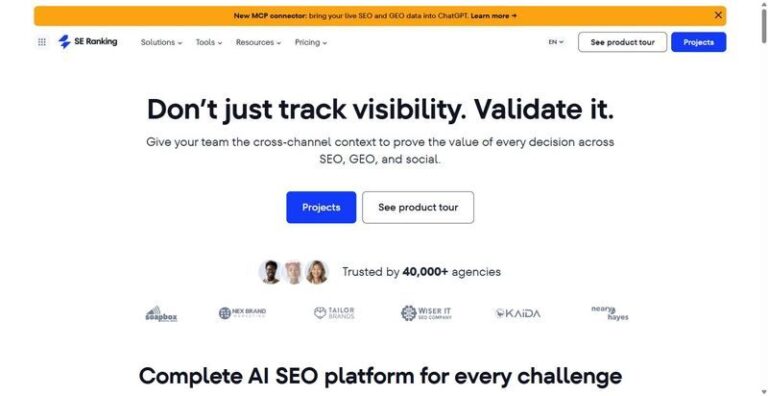
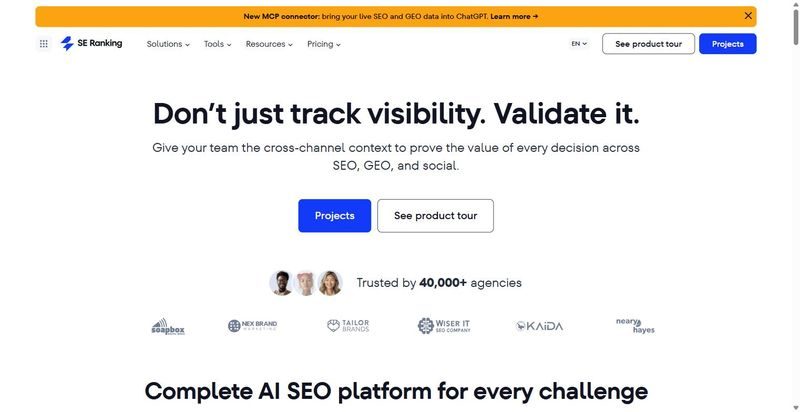
For delivery teams standardizing repeatable work, of the seo automation tools we run, the one at the center of the stack is SE Ranking. Its automation layer, API, MCP, scheduling, and white-label reporting, is included in every plan, so saved hours are not rebought as add-ons. The honest caveat: for pure rank accuracy at high keyword counts, a dedicated tracker goes deeper.
We judged each of these seo automation tools against the same checklist:
- Removes hours per account, not just adds another dashboard.
- API and MCP included, not gated behind a top tier.
- Native scheduling and alerting, so jobs run without a person.
- White-label reporting output the client actually sees.
- QA-gate friendly, with a low client-visible error rate.
Methodology: we tested each against the same three workflows on live accounts and logged delivery hours before and after. Measured, not estimated. This matters now: 62% of organizations are experimenting with or scaling AI agents, and agency delivery is where that discipline holds or breaks.
| Step | Tool | Delivery job it removes | Scheduling/automation | API access | Starting price |
|---|---|---|---|---|---|
| Track | SE Ranking | Rank exports pasted into reports; manual report assembly | Native scheduling, alerting, white-label reports | API + MCP in every plan | $129/mo |
| Track | AccuRanker | High-volume rank pulls into a warehouse | Scheduled refresh, alerts | Read API, all tiers | $224/mo |
| Audit/monitor | Sitechecker | Manual reaudits and change checks | Webhook-triggered audits, scheduled crawls | API, all tiers | $99/mo |
| Optimize | Surfer SEO | Manual on-page scoring per brief | Content scoring workflows | API only on Peace-of-Mind $299 | $49/mo |
| Scale | seoClarity | Enterprise reporting and bulk changes | ClarityAutomate add-on | API + ClarityAutomate add-on | Custom/quote |
| Scale | Semrush | Broad research consolidation | Scheduled reports, alerts | API only on Advanced $549 | $139/mo |
| Glue | DataForSEO | Custom data feeds for internal tools | Usage-based API jobs | API is the product | Usage-based, from $50 |
| Glue | Make.com | Hand-offs between tools | No-code scenarios, triggers | Connects other APIs | From $12/mo |
Step 1: Track Rankings and AI Visibility Without a Monday Export
The Monday rank pull is the most repeated manual task on a delivery calendar. This step removes it: positions and AI-results tracking refresh daily and flow into reports. Google reports AI Overviews drive more than 10% additional queries, so AI visibility belongs in the same view as rank.
1. SE Ranking
Best for: agencies at roster scale and mid-market in-house teams standardizing delivery.
Standout: The automation layer is included in every plan, not gated behind a data tier. Two APIs run under one subscription: the Data API for bulk retrieval, and the Project API for workflows inside the platform, projects, rank tracking, audits, and competitor tracking. On top sits an MCP connector with 160+ tools that returns plain-English SEO data inside Claude, ChatGPT, or Cursor. Daily rank and AI-results tracking feed scheduled white-label reporting via the Agency Pack (from $69/mo, annual) with AI summaries. The AI Search API tracks share of voice against up to 10 competitors across five LLM engines.
Pros:
- Dual API (Data and Project) on one plan, not two subscriptions.
- API and MCP on every tier, no add-on to buy.
- Scheduled white-label reports the client actually reads.
- Daily rank and AI-visibility in one view.
- Connectors for n8n, Make, Zapier, and Looker, plus GA4 and GSC.
Cons:
- Default RPS lower than some data-first providers; raise it via support.
- No first-party SDKs; you work with the Postman collection and REST.
- Some databases smaller than the largest single-purpose vendors.
Pricing: Core $129/mo ($103.20/mo annual), Growth $279/mo ($223.20/mo annual); API and MCP on every plan; 14-day trial.
Our verdict: One subscription removes the track-and-report hours across the roster; the API is not a separate line item to rebuy. Error rate benefits from one view, not two reconciled by hand.
2. AccuRanker
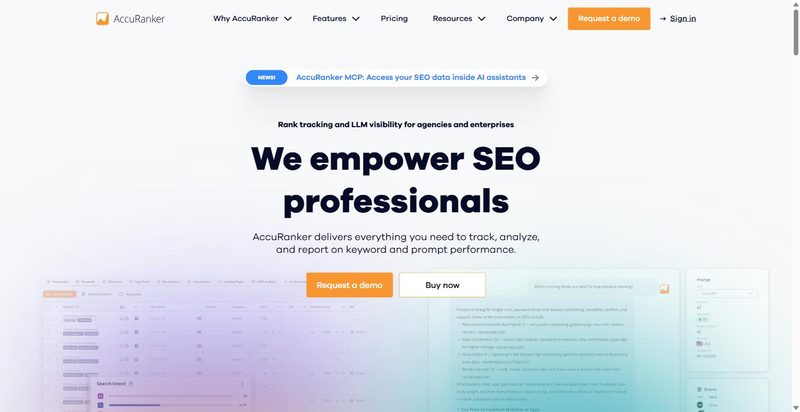
AccuRanker is a fast, large-scale rank tracker for teams whose reports live on position data.
Best for: agencies and mid-to-large in-house teams that need fast, automated rank reporting.
Standout: Daily automated keyword updates and a read API are included on every tier. Positions refresh without a manual pull and flow into reporting through the API.
Pros:
- Daily updates, no manual refresh.
- Read API on all tiers.
- Automated reporting and exports, plus Looker on Expert and up.
Cons:
- Rank-tracking focused; pair it with an audit tool.
- Write API is Enterprise-only.
- Keyword-count pricing climbs.
Pricing: Professional $224/mo (10% off annual), Expert $764/mo.
Our verdict: Positions arrive daily and reach reports through the API, so the weekly pull hours drop. It covers one layer. Pair it with an audit tool, and price the write API before planning two-way automation.
Step 2: Audit and Monitor Site Health on a Schedule
The manual re-audit is the hour that leaks: someone reruns the same checks monthly and misses what broke between. On live sites, drift is constant, and only 66.7% of desktop pages include a meta description. Scheduled monitoring catches the regression the day it happens, not at month-end.
3. Sitechecker

Sitechecker runs technical monitoring on a schedule instead of an analyst, flagging regressions without anyone opening the tool.
What it does: automated site monitoring on a set cadence: weekly on Basic, daily on Standard, every 12 hours on Premium. It can trigger a full audit via webhook, so audits launch on deploy rather than on memory. The API is included on all tiers. Looker Studio reporting arrives at Standard and up; Slack alerts, GA4, and GSC connect throughout; AI visibility is tracked on every tier.
Pricing: Basic $99/mo or $83/mo billed annually, Standard $249/mo, Premium $449/mo.
Best for: agencies and in-house teams that want technical monitoring that runs itself.
Cons: daily and 12-hour cadence sit on higher tiers. The money-back window is 48 hours only.
Our verdict: this removes the manual re-audit hour and catches drift automatically. At roster scale, that is the recurring hour you stop paying for.
Step 3: Optimize Content Without Writing a Brief From Scratch Every Time
The other leak is the content brief: an analyst pulls the SERP, counts terms, and writes scoring guidance by hand for every piece. This step replaces the manual build with a data feed the writer follows, so brief assembly stops being an analyst morning.
4. Surfer SEO
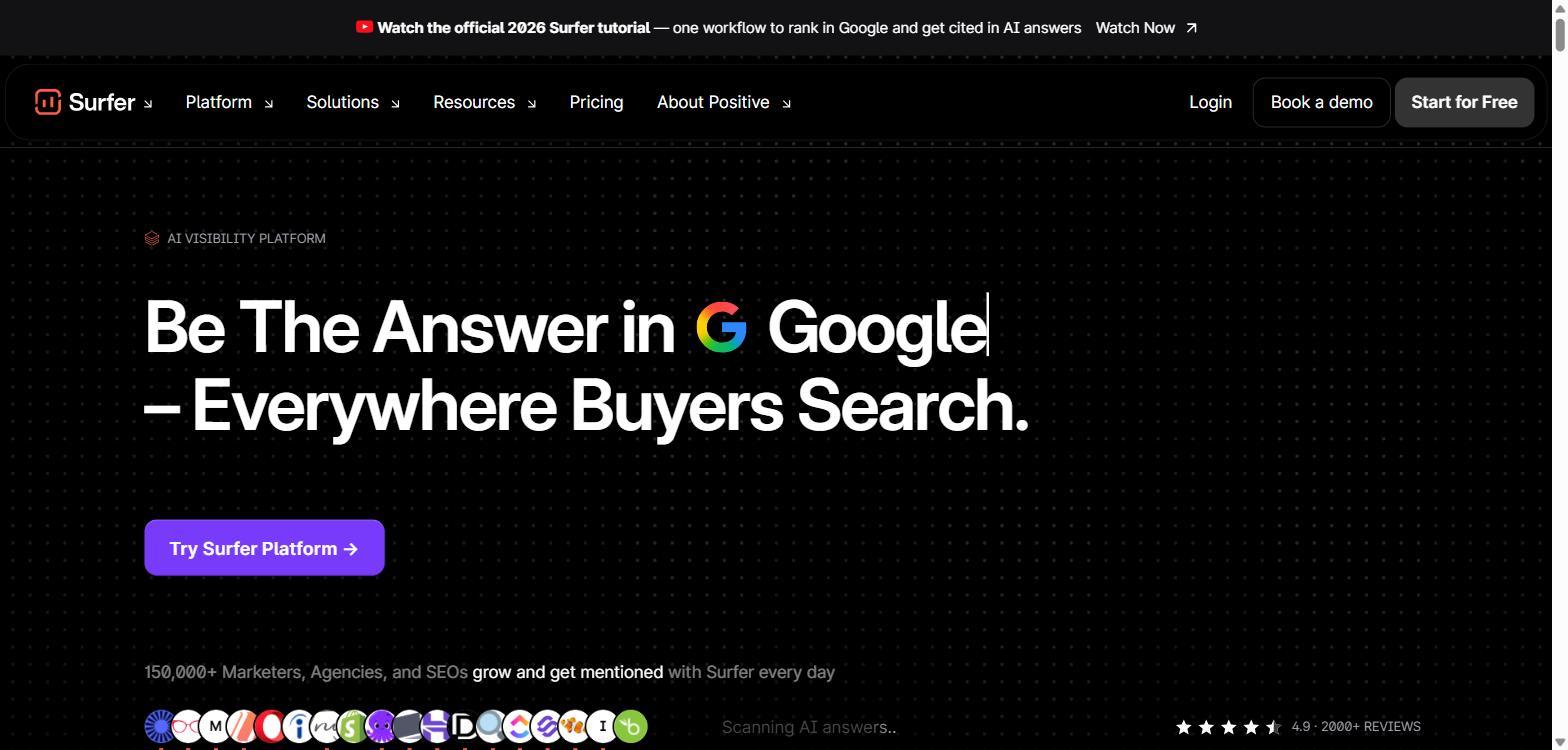
Surfer SEO turns SERP data into an on-page brief and a live score, so writers optimize against evidence instead of instinct.
What it does: content optimization driven by SERP analysis, with a running content score and a 1-click optimize step. Integrations cover WordPress and Google Docs, with Zapier available from the Peace of Mind tier.
Pricing: Discovery $49/mo, Standard $99/mo, Pro $182/mo, Peace of Mind $299/mo with API access, Enterprise $999/mo.
Best for: content teams and agencies standardizing on-page work and content briefs across writers.
Cons: API access sits on a high tier at $299/mo and up. It is content-focused only, not tracking or audit. The "unlimited" allowances are subject to fair use.
Our verdict: this removes the brief-building hours and standardizes scoring across the team. Automating the data feed itself needs the $299 tier, so price it in before you plan the workflow.
Step 4: Scale Delivery and Reporting Across the Roster
At 20-60 retainers, this step becomes about consistency across accounts, not any single one. What matters here: enterprise-grade data ops that hold at volume, broad coverage so one seo automation platform serves many workflows, and reporting that assembles the same way for every client.
5. seoClarity
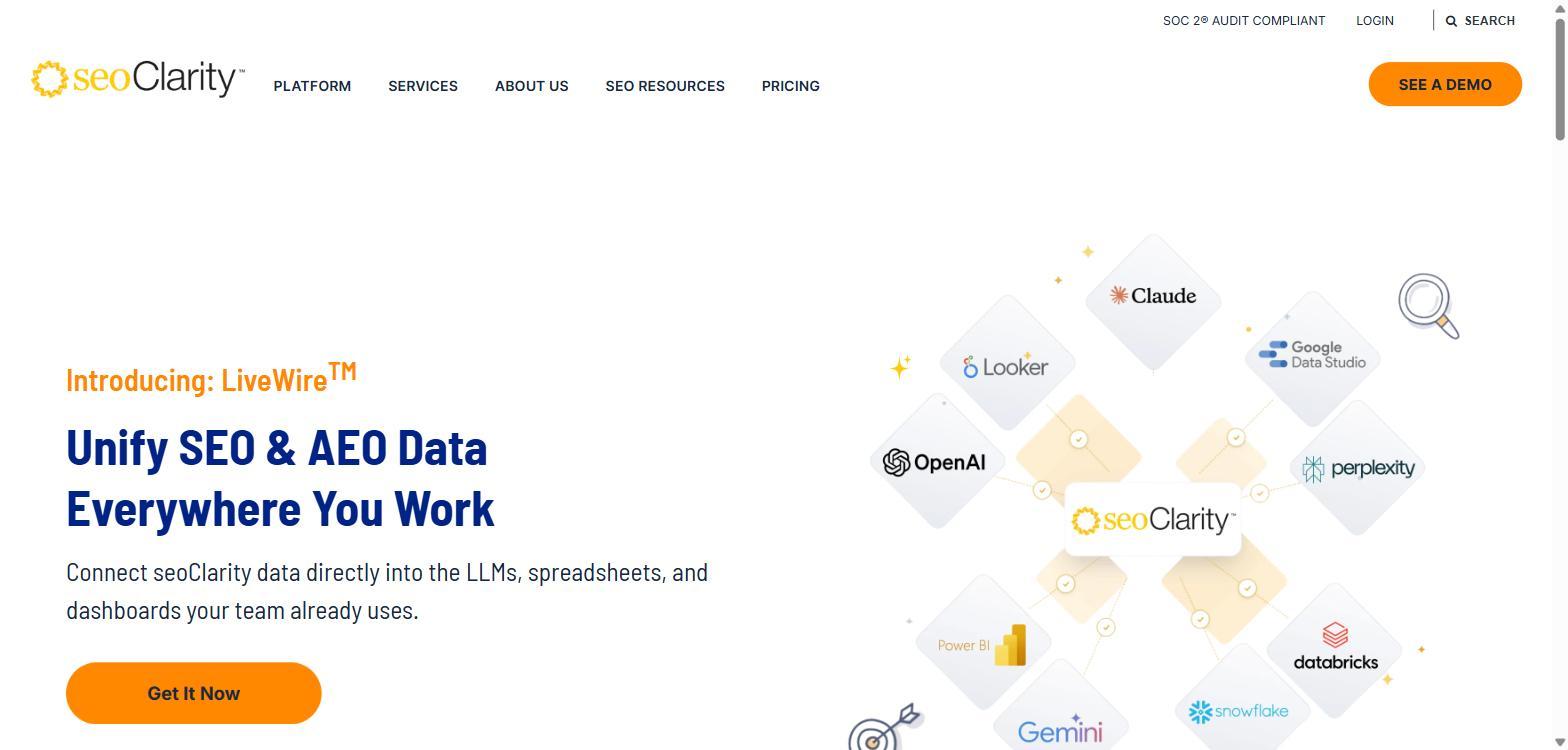
seoClarity is built for scale first: an enterprise platform for teams running many sites off one data spine.
Its automation is real but modular. ClarityAutomate, an add-on, auto-implements on-page and technical changes without a developer queue. API access runs through RedShift, BigQuery, and Data Studio. Clarity ArcAI covers AI-search visibility.
Pricing: quote-based, no transparent self-serve tier. Published starting points: Research and Content from $2,500/mo, Technical SEO from $3,200/mo, Enterprise from $4,500/mo. Confirm the real figure with sales.
Best for: enterprise SEO teams and large agencies with roster-wide data-ops needs.
Pros: deep data-ops, warehouse-native API, automated implementation at volume.
Cons: no transparent pricing, so budgeting starts with a sales call; ClarityAutomate is a paid add-on, not core; enterprise-only, and overkill below a large roster.
Our verdict: at true enterprise scale it returns delivery hours the data ops would otherwise burn. Below that scale it is hard to justify.
6. Semrush
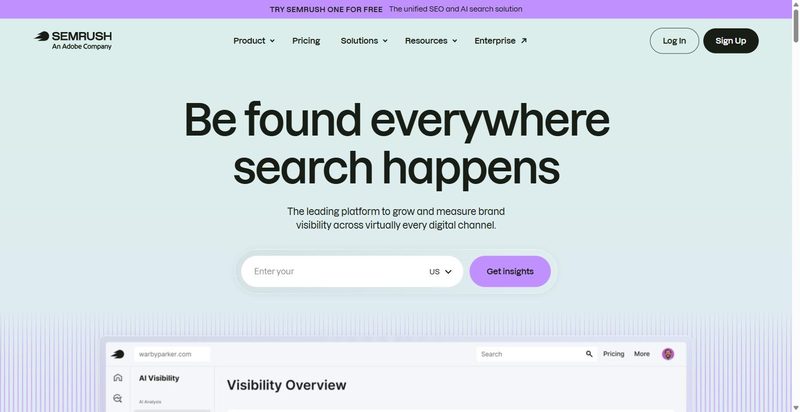
Semrush is the broad-coverage option here: one platform spanning research, tracking, and reporting.
For automation, the detail that matters is where the API sits. Data-integration API access is included only on the Advanced tier at $549/mo. MCP is available from Starter. AI-visibility tracking is built in. Scheduled reporting runs through paid report add-ons at $10-$20.
Pricing: SEO plan $139/mo, or $117.33/mo annual; Starter $199; Pro+ $299; Advanced $549. Extra users add $45/mo each.
Best for: mid-market to enterprise teams already standardized on Semrush.
Pros: broad workflow coverage, MCP from the entry tier, native AI-visibility tracking.
Cons: the API you need for automation is gated to the $549 Advanced tier; report scheduling sits behind paid add-ons; costs stack across seats as the roster grows.
Our verdict: broad coverage, but the automation you want sits behind the top tier and the add-ons. Price the full stack before committing.
Step 5: Automate the Glue (Data Feeds and Orchestration)
The first four steps give you tools; this step connects them. The glue layer moves data between your rank tracker, audit tool, and reports without an analyst copy-pasting between tabs. At roster scale, this is where hours quietly leak, or return.
7. DataForSEO
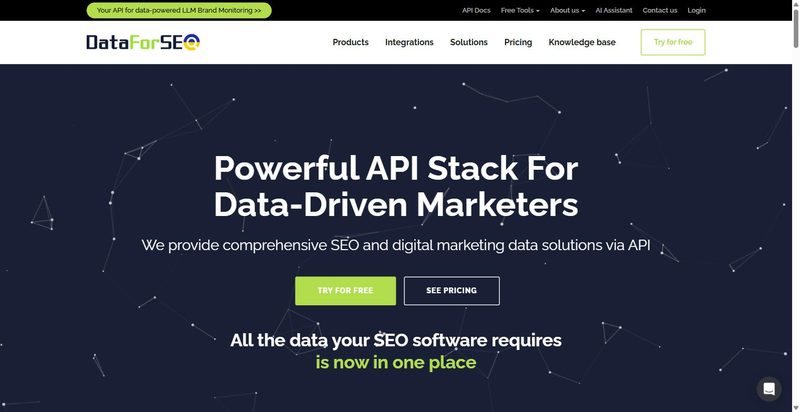
DataForSEO sits under your dashboard, not on top of it.
What it is: A pure API and data provider with no dashboard of its own; you call an endpoint, the data lands where you send it.
Features: Coverage spans SERP, Keyword, Backlinks, On-Page, and Domain Analytics endpoints. Two task modes run the requests: live for speed, queued for lower cost. No-code connectors reach n8n, Make, Zapier, and Google Sheets.
Pricing: Usage-based from a $50 minimum deposit. No subscription tiers.
Best for: Teams with a developer feeding their own dashboards and pipelines.
Pros: One data source behind every report; queued mode lowers cost on non-urgent work.
Cons: It is raw API: someone must build on it, and per-endpoint rates vary. A feed nobody owns breaks silently.
Our verdict: This removes manual data-pull hours at roster scale and shifts them to a one-time build. Recurring hours become fixed hours. Judge it on that trade.
8. Make.com
Make is the layer that connects the other tools, not another tool to buy.
What it is: A visual, no-code automation platform. You wire SEO tools into scheduled workflows that connect SE Ranking, DataForSEO, and Sheets into one pipeline.
Features: 3,000+ app integrations. Scheduling down to one minute on Core and above. Runs are credit-based, billed as operations.
Pricing: Free tier to start. Core from $12/mo, Pro $21/mo, Teams $38/mo.
Best for: Delivery teams wiring their SEO tools into scheduled no-code workflows.
Pros: One canvas holds the whole workflow; scheduling runs the pipeline overnight, before anyone opens a tab.
Cons: It is the glue, not an SEO tool, so it needs the others to feed it. Credits expire monthly. Someone must design and maintain the scenarios.
Our verdict: This turns disconnected tools into one scheduled pipeline. The maintenance is a real, small, recurring cost. Count it before you build, not after.
Assembling Your Own Stack: What We Run, and When
The stack scales with the roster, not the reverse: not every roster needs every one of these seo automation tools. At 20-30 retainers, run the spine and the glue only: SE Ranking for track, audit, and reporting, plus DataForSEO where you need raw pulls. SE Ranking is the spine: its automation is live the day you turn it on. At 60+ retainers, seoClarity earns its cost on enterprise accounts with large content libraries. Below that, it is overkill; the spine covers the recurring 80%.
Skip if: do not add Make.com until one named person owns scenario maintenance. Do not buy Surfer's API tier unless content is the measured bottleneck.
Measured, not estimated: shortlist one tool per step, then log delivery hours per account for a month before you buy and a month after.
Frequently Asked Questions
What are automated SEO reports?
Automated SEO reports are client deliverables that assemble from live data on a schedule, without an analyst exporting spreadsheets each month. Rank, audit health, and traffic pull into a locked template and export white-labeled on the same date every cycle. The analyst reviews at a QA gate, not builds from scratch.
How do you automate SEO reporting for multiple clients?
Standardize the template first, then schedule. We run one locked layout across all 60 accounts, populated from SE Ranking on a fixed monthly date, with AccuRanker feeding rank data where daily precision matters. Per-client variation lives in a data filter, not a rebuilt document.
Can you automate SEO at agency scale without adding errors?
Yes, if every automated step ends at a QA gate. Automation moves the error from typing to configuration, so you check the config, not the keystrokes. Our client-visible error rate held at zero across three quarters at 60 retainers. A mismatch caught at the gate stops the export until fixed.
What should an automated SEO reporting tool include?
Judge an automated SEO reporting tool on four criteria. The API is included, not gated behind a separate tier. Scheduling is native, so reports fire on a fixed date. Output is white-label. And it supports a QA checkpoint before send. These four criteria separate the seo automation tools that remove delivery hours from the ones that add them.