
On this page
You connect an Elgato Stream Deck to a Linux system, and nothing happens. There’s no installation invitation, there are no applications, and no download links. Elgato only makes their product work under Windows and macOS platforms.
Fortunately, people in the Linux world have come up with a solution to their Stream Deck challenges. There are enough tools available at this point to allow some streamers not to use the official application.
Quick Recap: What the Stream Deck Actually Does
The Stream Deck is a small USB-based device with various programmable keys. Streamers, video editors, and podcasters utilize it for actions like changing a scene, muting the microphone, or launching an app with just a press of a button. While the device is basic, the functionality comes from software that assigns functions to keys, which is why the manufacturer hasn’t released the Linux version yet.
Linux Support For Elgato Stream Deck
Elgato has never published an official reason, but the pattern is common across hardware companies. Windows and macOS cover the overwhelming majority of streaming and content creation setups, so that is where the development budget goes. Linux users make up a small slice of that market, even though the community around open source streaming tools like OBS is large and active.
This leaves Linux users with a choice: use a virtual machine or Wine to run the Windows software, or switch to a purpose-built Linux tool. The second option turns out to be the better one, and here is why.
The Best Ways to Run Elgato Stream Deck Linux
A handful of open source projects have grown around the Stream Deck’s underlying USB protocol, and each one takes a slightly different approach.
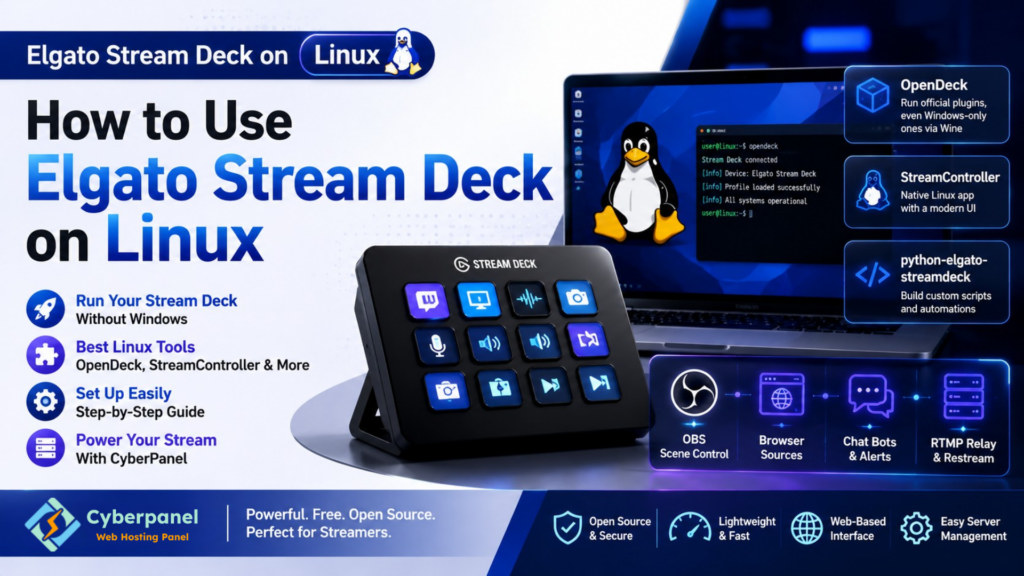
OpenDeck. This is the most complete option available right now. It runs the actual Stream Deck SDK plugins that Elgato’s own ecosystem uses, and it can even run Windows-only plugins through Wine. Profiles built on OpenDeck move between Linux, Windows, and macOS without any changes.
StreamController. A newer, actively developed app built specifically with a Linux-first mindset. It has a clean interface and a growing plugin ecosystem of its own, making it a strong pick if you want something built for Linux rather than adapted to it.
streamdeck-linux-gui. A fork of the older streamdeck_ui project. It still works for basic key mapping, but the maintainers have moved it into maintenance mode and now point new users toward OpenDeck or StreamController instead.
python-elgato-streamdeck. Not an app but a Python library that talks directly to the device. Developers use it to build fully custom control scripts, dashboards, or automation triggers from scratch.
Comparing Your Options at a Glance
| Tool | Best For | Plugin Support | Status |
| OpenDeck | Most complete overall setup | Runs official plugins, even Windows-only ones via Wine | Actively maintained |
| StreamController | Users who want a polished, modern GUI | Growing plugin library, built for Linux | Actively maintained |
| streamdeck-linux-gui | Simple, lightweight setups | Basic actions, no official plugin support | Maintenance mode only |
| python-elgato-streamdeck | Developers who want to build custom scripts | None, it is a raw control library | Actively maintained |
Getting Your Elgato Stream Deck Working on Linux
The exact steps shift slightly between distros, but the general path looks the same everywhere.
- Install your chosen tool; OpenDeck and StreamController both ship packages for major distros including Arch, Fedora, and Debian-based systems
- Set up udev rules so your Linux system recognizes the Stream Deck as a proper input device instead of a generic USB item
- Plug in the device and confirm it shows up inside the app you installed
- Build your first profile: map keys to shortcuts, app launches, OBS scene switches, or media controls
- If you rely on Windows-only plugins, enable Wine support inside OpenDeck rather than running a separate virtual machine
Once the udev rule is in place, most users report the device working just as smoothly as it does on Windows, sometimes with less background overhead.
Running Your Stream Setup on a Linux Server

Although the buttons may be controlled by a Stream Deck, a proper streaming setup requires much more on the backend. An RTMP relay, custom browser source overlays, a bot dashboard, or a low-latency restream server may be required. All those things reside on Linux, and managing them manually becomes tedious very quickly.
Enter CyberPanel! It’s a free and open-source web hosting control panel. The experience becomes invaluable for any creator who wants to control their streaming setup. The creator can operate the backend of their streaming using a very easy web-based interface like CyberPanel without the need to go through the hassle of hosting their own overlay pages, maintaining a bot based on Node, or keeping the OBS-connected relay server. The control panel is easy to use and doesn’t get in the way of the Stream Deck and vice versa.
FAQs About Using a Stream Deck For Linux
Does Elgato plan to add official Linux support for the Stream Deck?
Elgato has not announced any official Linux client. Everything covered here comes from independent developers who reverse-engineered the device’s USB protocol.
Will using third-party software void my Stream Deck’s warranty?
No. These tools only communicate with the device over standard USB commands, the same way Elgato’s own software does. They do not modify the hardware or firmware.
Do I need to compile anything from source to get this running?
Not usually. Both OpenDeck and StreamController distribute ready-to-install packages for most major distros, so building from source is only needed if you want the very latest development build.
Final Thoughts!
Perhaps Elgato has passed Linux, but the community has come up with tools that compete well against the official software. It does not matter whether you choose OpenDeck for full plugin compatibility or StreamController for that native Linux feeling. Your Stream Deck will work just as fine.
If your streaming setup has a Linux server that handles overlays, bots, or relay hosting, run it on CyberPanel to keep everything simple and let your Stream Deck do what it does best: control your entire world with one button.
Are you ready to have a reliable Linux server behind your stream? Opt for CyberPanel now!


