
On this page
Amazon Web Services (AWS) hosts millions of websites, apps, and cloud services. Chances are, if you have created an EC2 instance, you have encountered Amazon Linux as one of the available operating systems. But what advantages does Amazon Linux possess over other operating systems such as Ubuntu, Debian, or Rocky Linux? And which Amazon Linux version is the most suitable for use?
In this guide, we will discuss everything you need to know about Amazon Linux. For instance, we will explore the differences between Amazon Linux 2 and Amazon Linux 2023. In addition, we will also discuss the advantages of using Amazon Linux, including its end-of-life date.
What Is Amazon Linux?
Amazon Linux is a Linux OS developed and maintained by AWS. This system is optimized to operate on AWS infrastructure and offer enhanced performance, longevity, and security capabilities.
The operating system provides clients with preconfigured packages, kernels, and other resources required to host applications and servers successfully.
Amazon Linux is commonly used for:
- Web hosting
- Cloud applications
- Containers
- Development and deployment
- Enterprise applications
- High-performance computing
Amazon Linux 2 vs Amazon Linux 2023
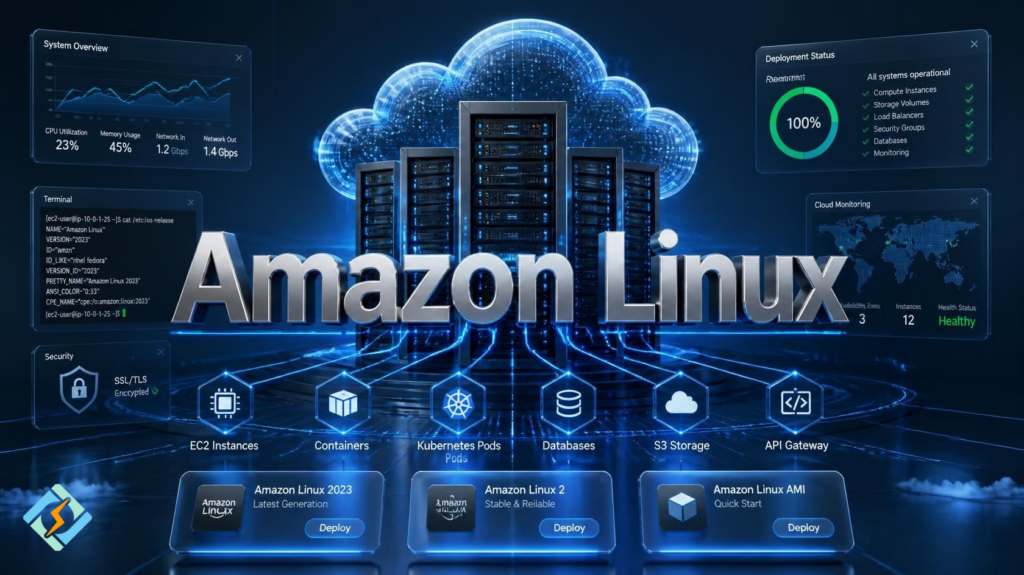
AWS currently offers two versions of Amazon Linux.
Amazon Linux 2
Amazon Linux 2 is the previous version of the operating system. The OS provides long-term support, making it the preferred choice for systems that do not require regular updates.
Amazon Linux 2023
Amazon Linux 2023 is the latest version of Amazon Linux. As compared to its predecessor, Amazon Linux 2023 has predictable release channels, recent packages, stronger security, and better support for modern cloud applications. It is recommended for new projects unless Amazon Linux 2 is needed specifically.
Amazon Linux AMI Explained
An Amazon Linux AMI (Amazon Machine Image) consists of an operating system capable of deploying EC2 instances.
In other words, instead of deploying an operating system on EC2, you can choose from Amazon’s preconfigured AMIs and launch a server of your choice in minutes. Amazon periodically updates these images with security fixes and additional features.
Key Features of Amazon Linux
Amazon Linux is a reliable OS that offers users a wide range of features. These include:
- Optimized systems for AWS infrastructures
- Regular security updates
- Extended support
- Higher-performance kernel
- AWS CLI tools
- Cloud-focused packages
- Stable repositories
- Lightweight OS
All these features allow AWS users to reduce the maintenance costs of their infrastructure while also getting more control and flexibility over their instances.
Amazon Linux 2 EOL
Many users search for Amazon Linux 2 EOL (End of Life) to discover whether it is safe to deploy their applications on the system. In general, Amazon Linux 2 does not have an official end-of-life date yet.
However, it is crucial to keep in mind that Amazon Linux 2 receives only maintenance and security updates. At the same time, Amazon Linux 2023 is the future-proof OS that offers more functionality and better security than its predecessor.
Therefore, in case you are considering migrating to Amazon Linux 2 soon, it is better to double-check the latest news on the official AWS website.
Why Use Amazon Linux?
If you are primarily operating on AWS infrastructure, Amazon Linux is probably the best choice, given its numerous benefits.
The OS provides users with better optimization for cloud platforms, AWS CLI tools, long-term support, extended security, and reduced maintenance requirements. Overall, Amazon Linux offers you more advantages than drawbacks. However, there are some alternatives to Amazon Linux for users who operate their infrastructure outside the AWS ecosystem.
Amazon Linux vs Ubuntu
| Feature | Amazon Linux | Ubuntu |
|---|---|---|
| Developer | AWS | Canonical |
| Cloud Optimization | Excellent | Very Good |
| AWS Integration | Native | Good |
| Package Management | DNF or YUM | APT |
| Default Environment | AWS | General purpose |
| Long Term Support | Yes | Yes |
Both are excellent operating systems, but Amazon Linux is specifically designed for AWS environments.
Common Use Cases
Amazon Linux is typically used for the following purposes:
- EC2 instances
- Web servers
- Hosting API services
- Kubernetes nodes
- Container platforms
- CI/CD platforms
- Development servers
- Enterprise applications
Due to its close relationship with AWS, it becomes easier to control and manage this system.
How CyberPanel Complements Amazon Linux

If you use this operating system to host your websites or web apps, you can consider installing CyberPanel, an innovative web hosting control panel. It allows you to deploy websites and apps, manage databases, SSL certificates, server backups, monitor server performance, and do many other things. With CyberPanel and Amazon Linux, you can build the best cloud hosting for your clients.
Conclusion
In this article, you have learned about the characteristics and differences between Amazon Linux versions. Basically, it is a good idea to choose between Amazon Linux 2 and Amazon Linux 2023 to operate your virtual machines, app servers, or enterprise platforms on AWS. All the benefits of these operating systems, variations in their life cycles, and migration opportunities should be considered.
So, launch your next server on Amazon Linux and install CyberPanel to manage it efficiently!
People Also Ask
Is Amazon Linux suitable for local development?
Yes. While it is optimized for AWS, developers can also use Amazon Linux locally through virtual machines or compatible environments for testing and development.
Can Amazon Linux run Docker containers?
Yes. Amazon Linux is widely used for containerized applications and works well with Docker and Kubernetes environments.
Can I upgrade directly from Amazon Linux 2 to Amazon Linux 2023?
Migration depends on your applications and workloads. Many organizations prefer deploying a new Amazon Linux 2023 instance and migrating their applications instead of performing an in-place upgrade.
Is Amazon Linux free to use?
Yes. Amazon Linux is provided by AWS at no additional licensing cost, although standard AWS infrastructure charges still apply.


