On this page
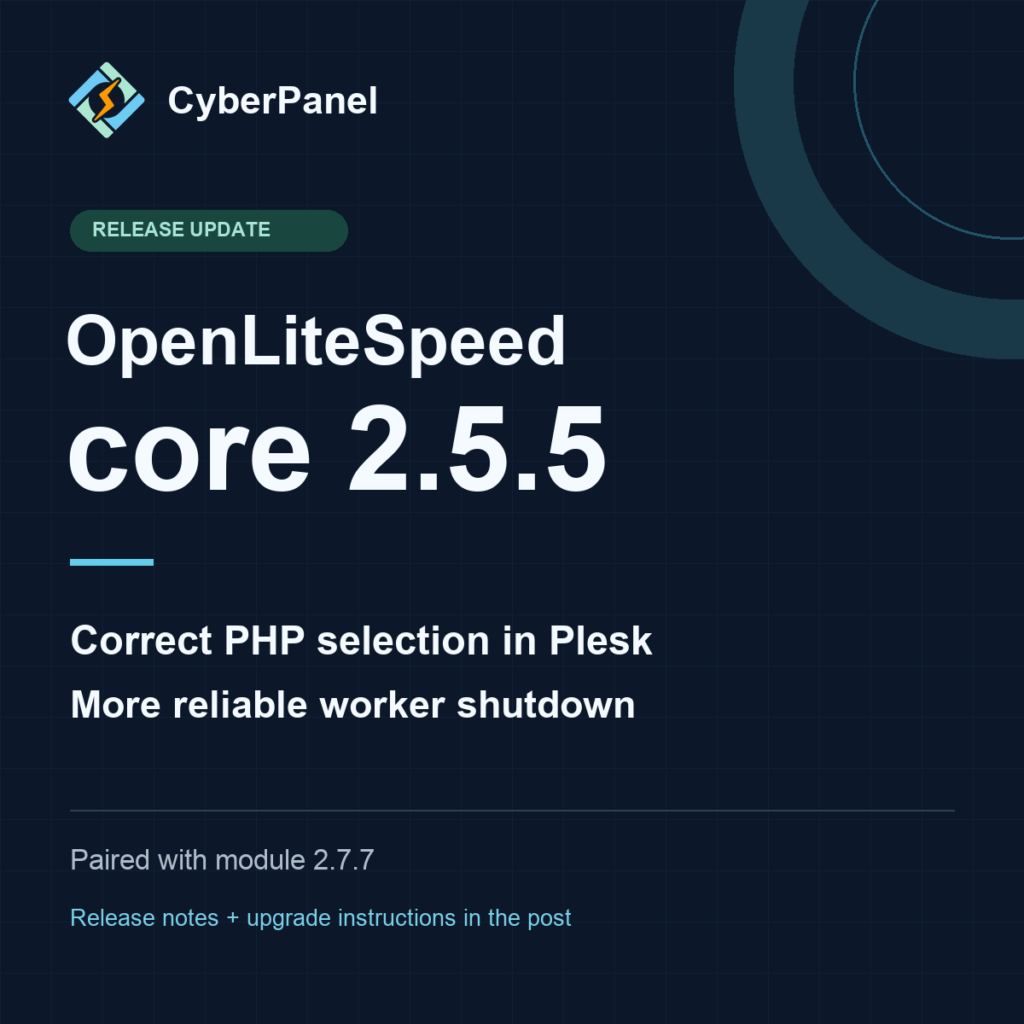
CyberPanel OLS core 2.5.5 is available, paired with the CyberPanel compatibility module 2.7.7. This release fixes PHP version selection for Plesk sites, improves worker shutdown reliability, and updates the Plesk installer and service controls. The standalone installer and Plesk extension now deliver the tested release.
These are web server component versions. CyberPanel’s panel version is 3.0.6; OLS core 2.5.5 and module 2.7.7 have their own version numbers. The module and ModSecurity binaries in this release are unchanged from the preceding accepted build.
Plesk sites keep the PHP version you selected
A Plesk server can host one site on PHP 8.3 and another on PHP 8.4. Each site should keep the version selected for it. We found a case where a site configured for PHP 8.3 instead ran on PHP 8.4 after OpenLiteSpeed imported the generated Apache configuration.
Two details mattered: Plesk places its PHP handler inside the site’s document-root configuration, and different sites can use sockets with the same filename, php-fpm.sock. Looking only at that filename could associate a site with the wrong PHP pool.
Core 2.5.5 recognizes Plesk’s generated PHP handler structure and resolves the complete socket path for each pool. It also handles pool-relative socket paths, so two domains sharing a socket filename remain distinct. Settings for a subdirectory or an unrelated directory do not change the PHP version for the whole site.
We verified the result on a running Plesk installation: the PHP 8.3 site returned PHP 8.3.33, and the PHP 8.4 site returned PHP 8.4.25, both over trusted HTTPS. The matching LSAPI PHP runtimes still need to be installed on the server.
More reliable shutdown and service control
The core now finishes worker cleanup before reporting that the last worker has stopped. This closes a shutdown race found during AddressSanitizer testing, where teardown could proceed while a worker was still completing its cleanup.
The Plesk extension also gives OpenLiteSpeed one service owner. Its Apache wrapper owns the running server, while the competing native OpenLiteSpeed service is stopped and disabled. Extension restart, stop and start actions use that same owner. During uninstall, the extension stops it before restoring the original Apache/nginx stack.
This makes install, restart, uninstall and reinstall behavior more predictable, including after Plesk regenerates its configuration.
What we validated
Validation covered the final core binaries, the unchanged module and WAF pairing, and actual WordPress and Plesk workflows:
- Native builds: all four core builds passed 244 framework tests each, and the full AddressSanitizer run passed 244. Each suite reported 11 GeoIP fixture self-skips; those missing-data paths are not claimed as covered. Address checking was enabled, with LeakSanitizer disabled.
- Threaded uploads: 14 POST regression cases passed in each of the normal, debug and AddressSanitizer builds, covering completed payloads and aborted transfers.
- Plesk: all nine lifecycle gates passed, with 201 assertions covering installation, PHP 8.3/8.4 selection, HTTPS, service control, stock-server restoration and reinstall.
- WordPress: upgrade, rollback and reapply passed, along with 23 HTTP checks, 200 mixed requests and 18 browser checks. We also saved a Gutenberg edit and verified the updated public page.
These are ordinary runtime and compatibility results for core 2.5.5. Earlier licensed-feature results belong to the core 2.5.4/module 2.7.7 pair; they were preserved as historical evidence and were not rerun or relabeled as 2.5.5 results. License enforcement is unchanged.
Get the update
Allow a maintenance window for the service restart and keep a current server backup. Choose the installation path that matches your server.
Existing standalone OpenLiteSpeed installations
Download and run the updated standalone installer. It requires an existing OpenLiteSpeed installation and preserves existing licensed state when no new key is supplied.
curl -fSLo install_module.sh https://cyberpanel.net/install_module.sh
bash install_module.sh
Plesk
Download the updated CyberPanel OLS extension and upload it through Plesk Extensions. The existing universal installer also detects Plesk and downloads the current extension:
bash <(curl -fsSL https://cyberpanel.net/ols-install.sh)The extension’s normal uninstall restores the original Apache/nginx stack.
cPanel
The cPanel installer and plugin rollout is deferred. Its downloads retain their preceding versions, and the cPanel route of the universal installer continues using that earlier release. This announcement covers the updated standalone and Plesk paths.
Release notes and source
The technical release notes contain the complete artifact checksums, platform details, validation scope and compatibility limits. Ubuntu core and module builds target Ubuntu 22, 24 and 26, with a separate WAF binary for Ubuntu 26; native builds also cover RHEL-compatible versions 8, 9 and 10.
The complete OLS core 2.5.5 source archive includes the pinned recursive build dependencies. Its SHA-256 sidecar is available for verification. Previously published 2.5.4 files remain unchanged.