

On this page
When you are working on Linux, you often find yourself switching between users or running commands with different permissions. And alos you may forget which user account you are currently operating under. It is where whoami Linux command becomes important. This is very simple but powerful command. It shows the currently logged-in user and helps you prevent mistakes that occur if you execute tasks under the wrong account.
In this guide, we will explore whoami in Linux, its purpose and learn how to integrate with other commands. Let’s go together!
What is whoami Linux?
The whoami command in Linux is able to display the username of the current effective user. The whoami Linux combines the idea of “Who am I?” and directs the account name linked with the session you are running.
How to Use whoami Command in Linux?
The whoami command Linux is easy to use. You just have to type the following command:
whoami
Output:
user1
The output is saying that current user session belongs to user1.
Common Linux Commands vs. whoami
| Command | Purpose | Example Output |
|---|---|---|
whoami | Shows the current logged-in user | hasib |
id | Displays user ID (UID), group ID (GID), and groups | uid=1000(hasib) gid=1000(hasib) |
who | Lists all logged-in users | hasib tty7 Aug 27 09:12 |
echo $USER | Prints the username of the current session | hasib |
groups | Shows groups the user belongs to | hasib sudo docker |
whoami Command Linux Examples
Now, we are going to look at some practical scenarios where Linux whoami command becomes useful:
Checking Current User
whoami
Output:
student
Running as Root with sudo
sudo whoami
Output:
root
This means you are executing the command as the root user.
Combining with Scripts:
You can use whoami command Linux inside shell script to add conditions based on user:
if [ "$(whoami)" = "root" ]; then
    echo "Running as root user"
else
    echo "Running as normal user"
fi
Difference Between whoami and id Command
Both whoami and id commands provide user information, but they differ slightly:
| Command | Output Example | Purpose |
|---|---|---|
| whoami | user1 | Shows the username only |
| id | uid=1000(user1) gid=1000(user1) groups=1000(user1) | Shows UID, GID, and group details |
If you only want the username, use whoami Linux command. For detailed identity and group info, use id.
Role of CyberPanel with whoami Command
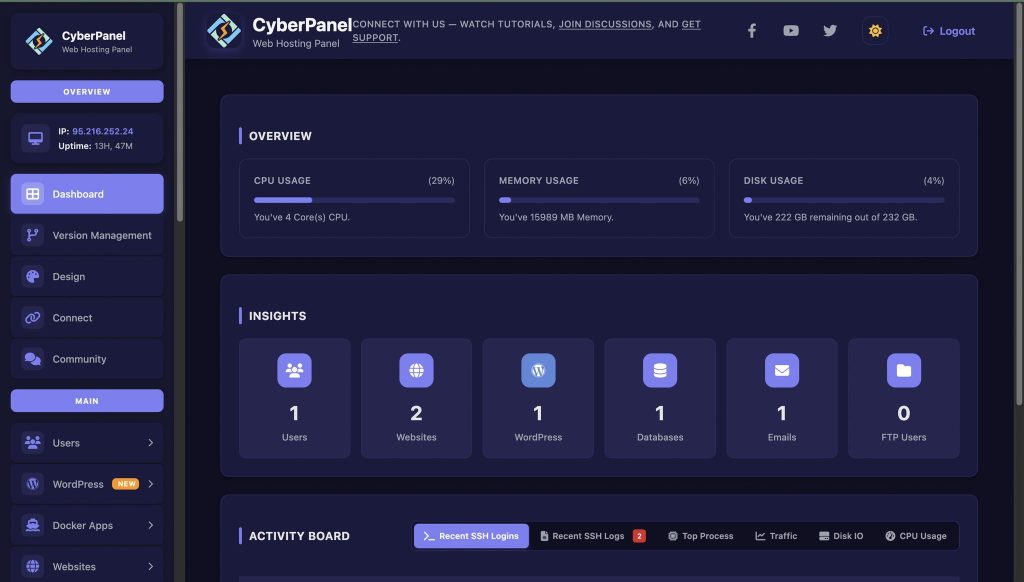
CyberPanel is an open-source web hosting control panel. It is built on OpenLiteSpeed. When you are using CyberPanel to manage Linux-based server, the whoami command becomes important for security and troubleshooting. Here’s why:
- It ensures you are executing CyberPanel installation as root.
- It also checks permissions when managing websites or databases.
- It also runs scripts with the correct user privileges.
So that, you can easily verify user roles and keep server operations smooth.
People Also Ask for whoami in Linux
Can whoami command in Linux be used in all Linux distributions?
Yes, you can use whoami command in Linux across all major Linux distributions.
Is there any difference between whoami and logname?
Yes, both are different. When you run sudo whoami, the command executes with elevated privileges, showing root as the effective user
What happens if whoami is not found?
It happens rarely. It can happen if the binary is missing. You can install the GNU coreutils package can fix the issue.
Final Thoughts!
To sum up, the whoami command is very useful in daily system operations. The whoami Linux helps you prevent errors and keeps your workflow smooth. It verifies your user account and ensures you run command with the right permissions.
If you use CyberPanel with Linux servers, you should know how to use whoami. It is an essential skill.
Ready to take the next step in mastering Linux? Start learning now!


