
A slide deck can carry a lesson, a product pitch or a training module, but it can’t speak for itself. AI avatar presenter software adds a digital presenter and a generated voice to your slides, so the deck can be watched, shared and updated without anyone stepping in front of a camera.
Below are the top tools for adding an AI presenter to existing slides, ranked for training, sales and internal communication teams. Every detail comes from each vendor’s own website.
Key Takeaways
- The top pick suits teams that want an editable, on-brand video asset rather than a one-off export.
- Every tool here imports PowerPoint files and turns slides into scenes an avatar can present.
- Most tools turn speaker notes into narration, so well-written notes save hours of scripting.
- Custom avatars that look and sound like you are widely available, with consent steps.
- Animations rarely carry over one-to-one, so plan to rebuild key reveals as editing steps.
At a Glance
| Tool | Slide import | Script source | Presenters | Standout |
|---|---|---|---|---|
| Synthesia | .pptx, up to 1GB and 150 slides in the app | Speaker notes to synced narration | 240+ avatars, 1,000+ voices | Translation into 140+ languages |
| ChatSlide | PowerPoint, Google Slides, PDF | Generated from slide content and speaker notes | Lip-synced AI avatars | Google Slides import |
| Colossyan | .ppt, .pptx | Speaker notes to scripts automatically | Stock and custom avatars, 600+ voices | Narration-only option |
| VEED | Slide upload | AI-generated script | 50+ avatar presets, custom avatar | Voice cloning |
| DeepBrain AI Studios | PowerPoint import | Script per slide | Stock AI presenters | MP4 export |
1. Synthesia
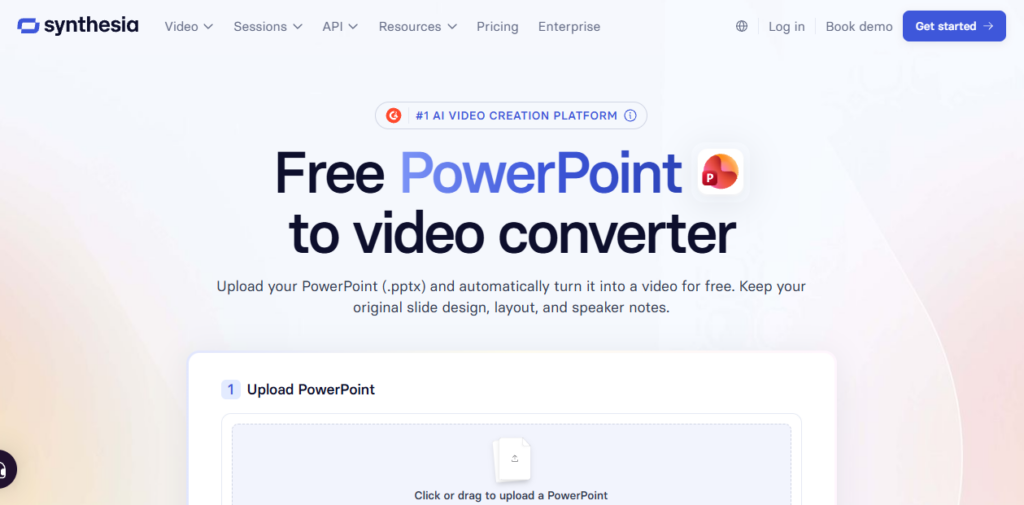
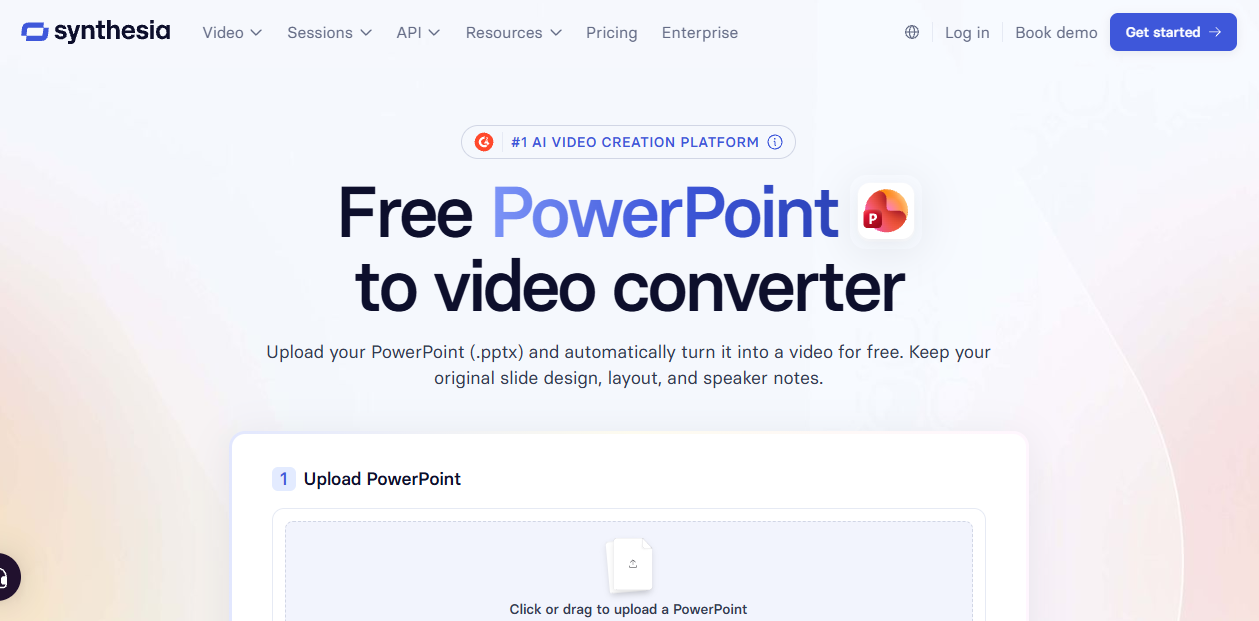
Synthesia turns an uploaded PowerPoint into a fully editable, narrated video, keeping your layout, fonts and branding while each slide becomes a scene you can keep improving.
- Avatar presenters: Choose from 240+ avatars, change presenters at any time without reshoots, or clone your own voice.
- Slide handling: Text, images, videos and shapes import as editable elements, speaker notes become synced narration with 1,000+ voices, and animations are recreated in the editor with timed scenes.
- Output: Translate scripts and on-screen text into 140+ languages with the layout preserved, then download an MP4 or share a link.
- Best for: Training, sales enablement and onboarding decks that must stay on-brand, from a platform trusted by over 90% of Fortune 100 companies.
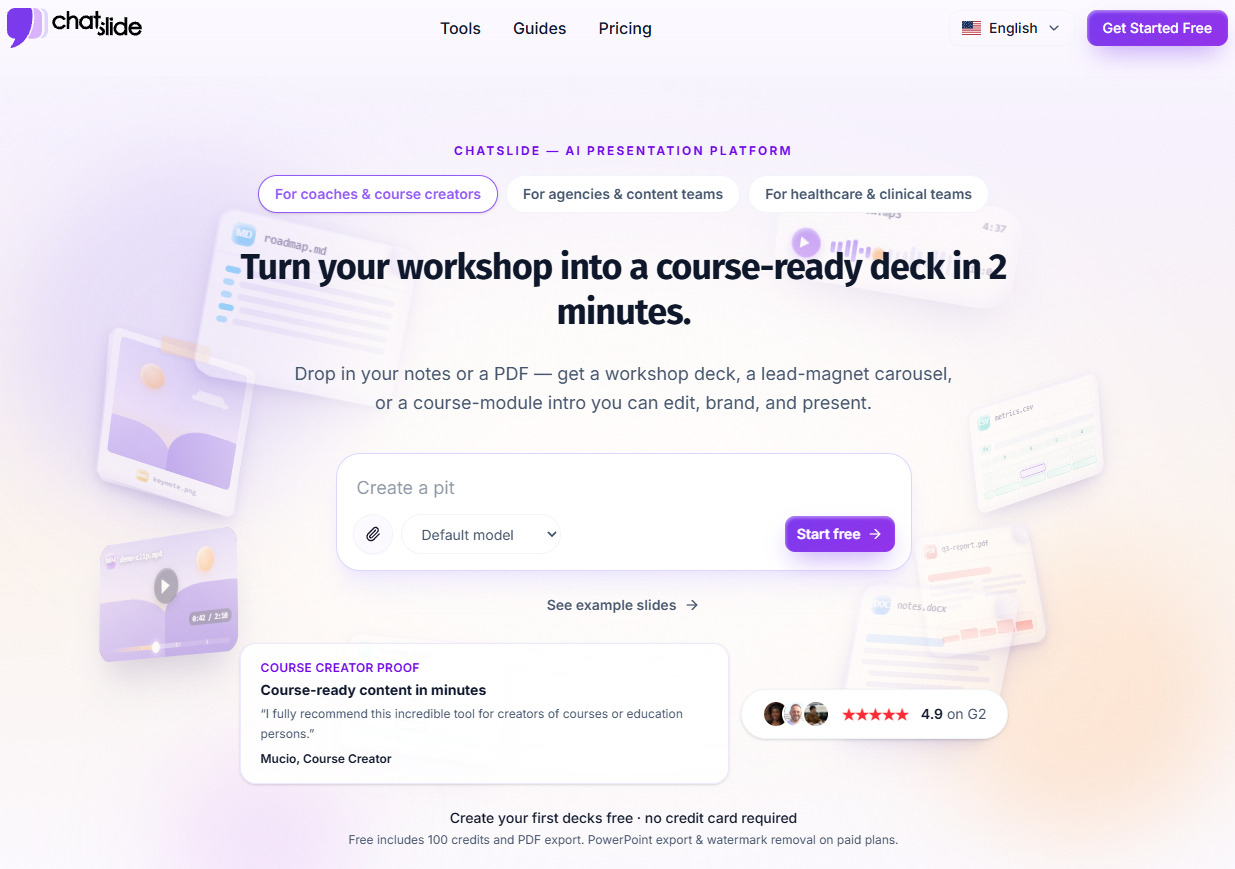
2. ChatSlide
ChatSlide turns PowerPoint files, Google Slides links and PDFs into narrated videos, converting each slide into its own video segment.
- Avatar presenters: Choose an AI avatar that delivers lip-synced narration with gestures, or clone your own voice.
- Slide handling: Scripts are generated per slide from the slide content and speaker notes, and timing can be adjusted slide by slide.
- Output: Generate localized scripts and narration for other languages, then render the finished video.
- Best for: Teams working from Google Slides or decks with thin speaker notes.
3. Colossyan
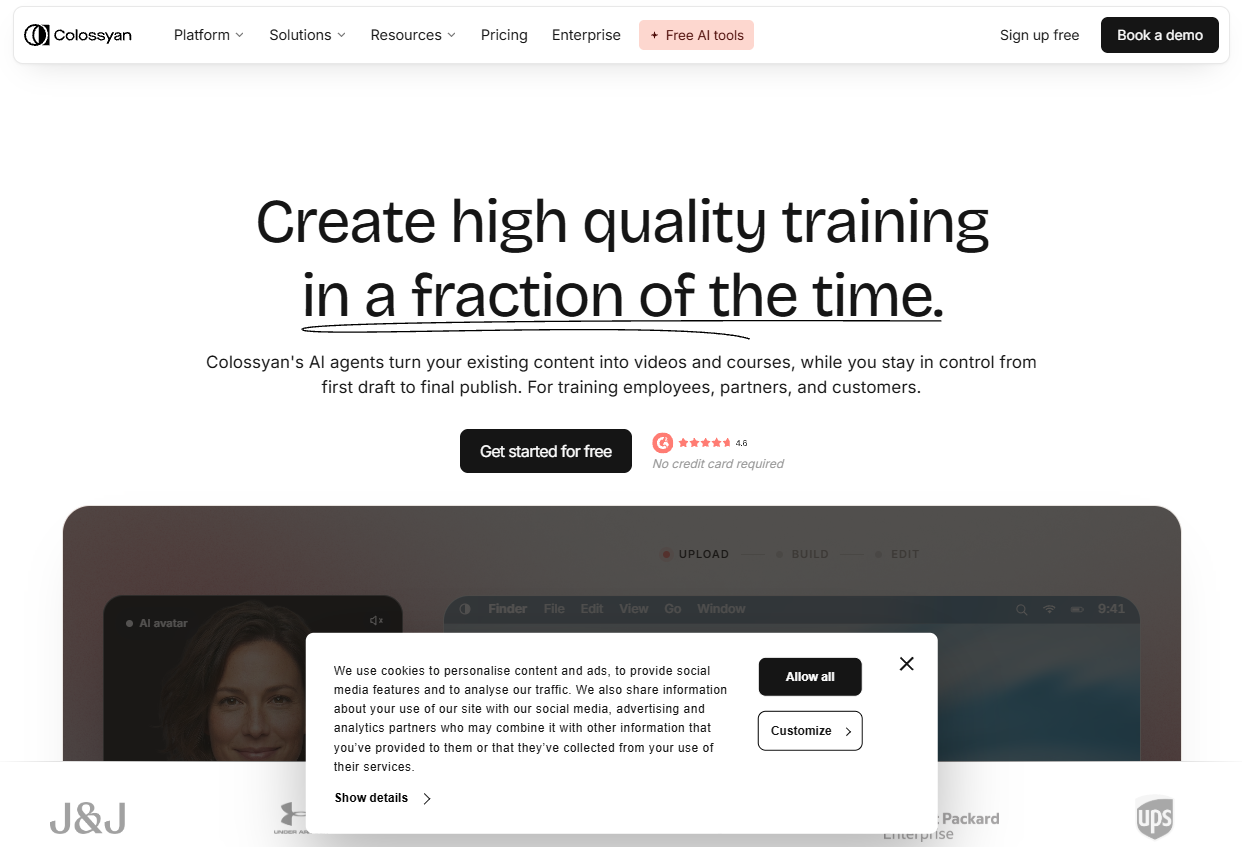
Colossyan imports PowerPoint files with layouts preserved and ready to edit, aiming its avatar presenters at business training and explainers.
- Avatar presenters: Use a stock avatar, create a custom avatar of yourself, or switch to narration only.
- Slide handling: Speaker notes convert automatically into scripts, and text, images and layouts stay editable without returning to PowerPoint.
- Output: Pick from 600+ AI voices, add interactive questions, then download or share via a link.
- Best for: L&D teams building interactive training from existing decks.
4. VEED
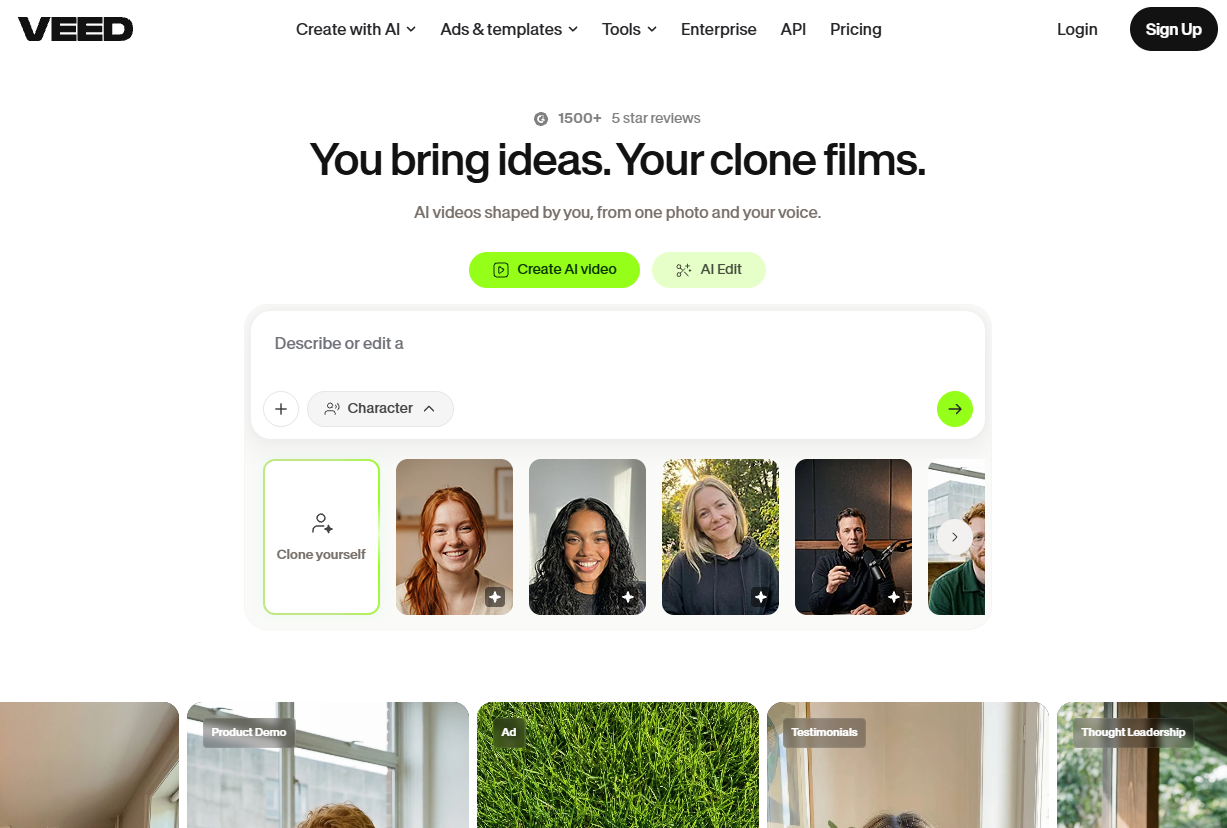
VEED is a browser-based video editor that turns uploaded slides into presenter-led videos, with an AI-generated script you can refine.
- Avatar presenters: Choose from 50+ avatar presets or build a custom avatar based on your own face and voice.
- Slide handling: Upload your presentation, customize the style, and edit the AI script before generating.
- Output: Use an AI presenter or voiceover only, then export or share a link from the browser.
- Best for: Pitch and marketing decks that also need full AI video editing tools.
5. DeepBrain AI Studios
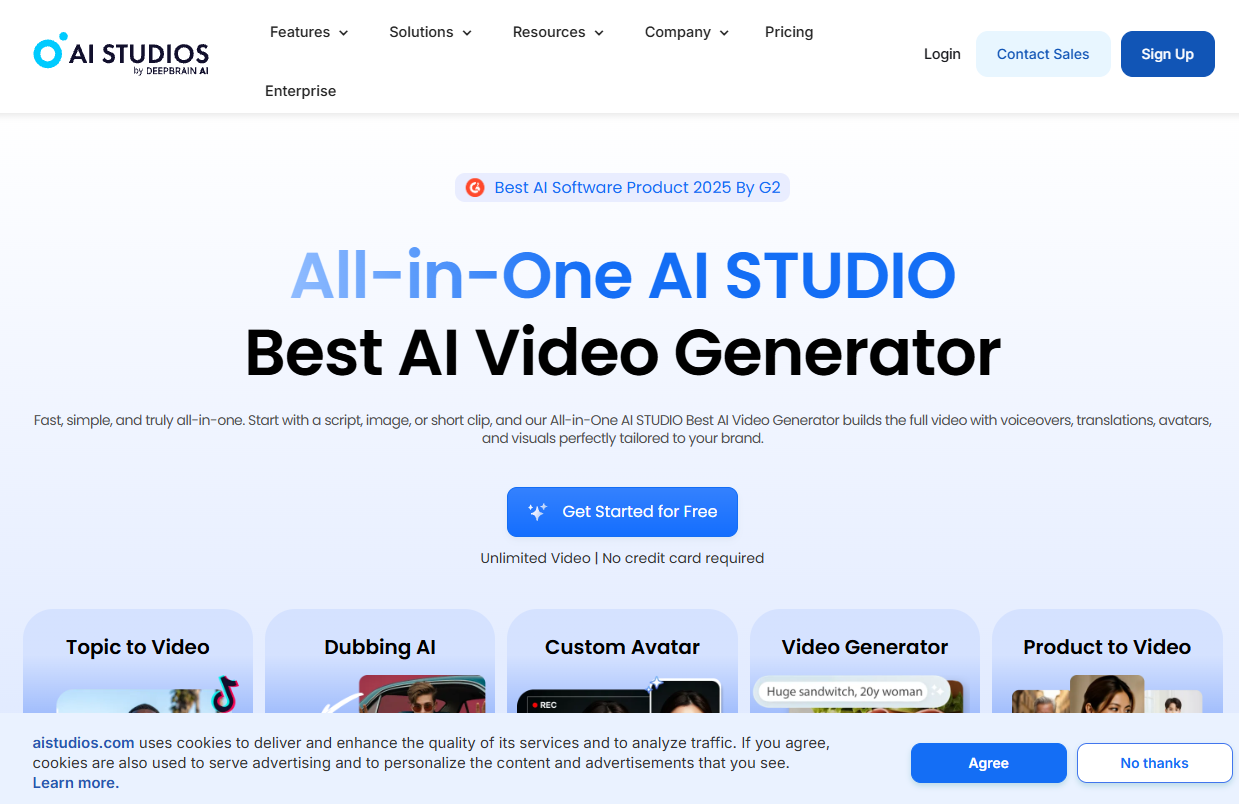
DeepBrain AI Studios adds a virtual presenter to imported slides through its Import PowerPoint option.
- Avatar presenters: Select an AI avatar from its presenter library to narrate your slides.
- Slide handling: Drop in or browse for your PowerPoint file, then add a script to each slide.
- Output: Produce and download the video as an MP4, the format most media players support.
- Best for: Simple presenter-led slide videos built from professional templates.
How to Choose an AI Presenter Tool for Your Slides
The right tool depends on what happens to the video after its first export.
Think beyond the first render. If the deck will change every quarter, choose a tool where slides import as editable elements rather than flattened images, so you can fix a number without rebuilding the scene.
Match the presenter to the slide. An avatar suits welcome, summary and concept slides. On dense diagrams, place the presenter in a corner or use narration only so labels stay visible.
Write notes for listening. Rewrite reminder-style speaker notes as full sentences before import, since most tools turn them into narration word for word.
Plan for localization. If the video will reach several regions, check whether translation covers on-screen text as well as the voice, and whether the layout holds afterward.
Compare the wider category. Slide-to-video presenters are one slice of a much bigger field, and a broader look at AI avatar tools covers profile, 3D and real-time options too.
Get consent for custom avatars. Use your own likeness or that of someone who has agreed, and follow each tool’s consent steps.
Conclusion
Every tool on this list can put an AI presenter in front of your slides. The difference shows up afterward: whether you can edit the video, keep it on-brand and translate it without starting over. For training, sales and onboarding decks that need to keep working long after the first export, the top pick leads, with ChatSlide, Colossyan, VEED and DeepBrain AI Studios offering solid alternatives for specific needs.
FAQ
Can I add an AI avatar to an existing PowerPoint?

Yes. Each tool here imports PowerPoint files, turns slides into scenes, and lets you add an AI presenter and voice to narrate them.
Do my speaker notes become the script?
In most tools, yes. Several convert speaker notes into narration automatically, and ChatSlide also draws on the slide content itself.
Will my slide animations carry over?
Not exactly. Slides typically become static scenes, and you recreate key movement with timed scenes and visual elements in the editor.
Can the avatar look like me?
Several tools offer custom or personal avatars based on your appearance and voice, usually with a consent step built in.