
On this page
The notion of carrying an entire Linux system in your pocket used to be quite a stretch. Linux was mostly associated with servers, desktops, or big, heavy laptops. But the situation has changed very quickly. Nowadays, a Linux handheld device can pack the power of a small PC in something you can literally hold in your hand.
Developers, cybersecurity learners, system admins, and tech enthusiasts, in general, are tending toward the use of handheld Linux computers simply because they are portable, efficient, and surprisingly powerful. Without the need to open a laptop, you can, among other things, write code, test a server, run scripts, manage SSH sessions, or even build your IoT projects.
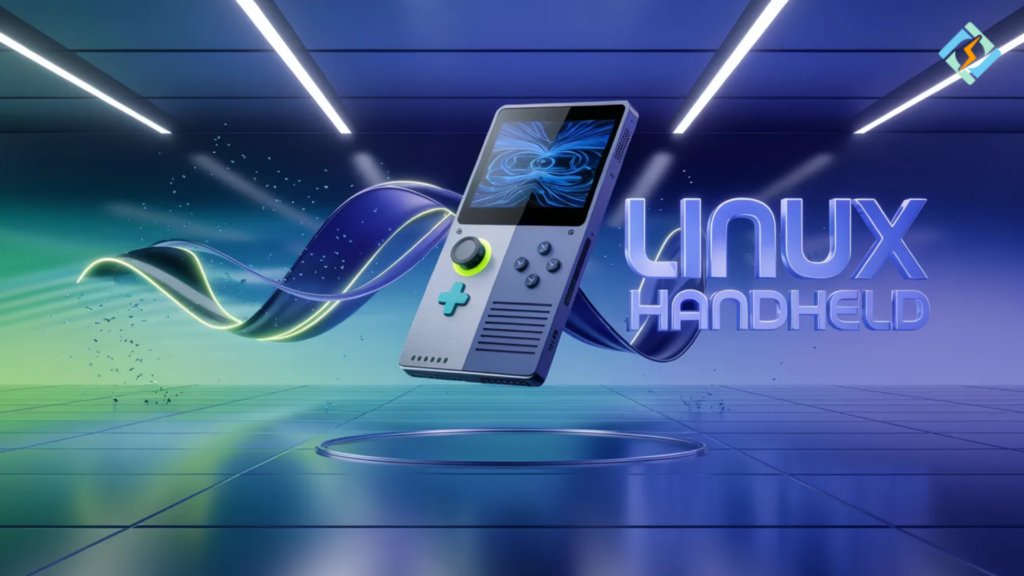
Besides, new gadgets such as the Mecha Comet Linux handheld are gradually lifting this segment to a new high. They bring together gaming, console-type design, and the real Linux computing power. So, you get both flexibility and portability.
Therefore, the issue is no longer a question that can Linux run on handheld devices? But rather which handheld Linux computer do I pick, and how do I get the most out of it?
This article will discuss the following points:
- what a Linux handheld really is
- types of handheld Linux computers
- use cases
- Mecha Comet Linux handheld overview
- benefits vs laptops
- practical setup tips
- how CyberPanel fits into portable Linux workflows
Let’s keep it simple and useful.
What is a Linux Handheld?
A Linux handheld is a small, travel-friendly machine that packs a full Linux operating system and that comfortably fits your hand like a small gaming console or mini computer. It is essentially a real desktop computer in a tiny gadget.
Actually, it is not just something you play with.
One is able to:
- run terminal commands
- install packages
- code in Python or Chost servers
- manage SSH
- browse the web
- run development tools
Consider it as a pocket Linux PC.
What is a Handheld Linux Computer?
A handheld Linux computer is a compact hardware device that basically consists of a display, keyboard or control buttons, a battery, and a preloaded Linux operating system inside. It is capable of running on its own without being connected to an external monitor or keyboard.
Typical hardware may contain:
- ARM or x86 processor
- 4GB to 16GB RAM
- SSD or eMMC storage
- Wi-Fi + Bluetoothtouch screen or mini keyboard
It’s kind of like a combination of:
Laptop + Raspberry Pi + Game Console
Why Do People Prefer Handheld Linux Devices?
One of the main reasons why people buy handheld Linux devices is that they are easy to take with you, they use very little power, and you get immediate access to Linux tools wherever you are. Heavy laptop is not necessary if you want to work.
Some of the major advantages are
- light and easy to travel with
- the battery lasts for hours
- fast startupruns without any noise
- ideal for outdoor workuseful for penetration testing or networking
It is highly beneficial to students and developers as well.
What is the Mecha Comet Linux Handheld?
The Mecha Comet Linux handheld is a state-of-the-art small Linux equipped portable device that can be used for both gaming and regular computing, thus delivering high computing power packed in a sleek handheld gadget.
It has a gaming console look but works on Linux.
Some of the things it generally comes with are:
- top-notch processorcontrols + keyboard
- Linux OS compatibilitysmall and portable
- an environment suitable for developers
- portable design
- developer-friendly environment
This makes it useful for:
- emulation
- programming
- SSH administration
- lightweight server testing
- Linux experiments
So it’s not only for gaming. It’s a real handheld Linux computer.
Where Can You Use a Linux Handheld in Real Life?
Linux handheld devices are especially suitable for tasks done in motion and without being tied to a place, where bringing a laptop might be too much of a hassle. They are great for quick working sessions.
Here are some practical use cases:
- server management via SSH
- coding on the go
- cybersecurity labs
- Raspberry Pi control
- IoT device testing
- DevOps monitoring
- note taking and documentation
- travel work
An example of what a sysadmin can do:
Open device → connect SSH → fix server → done
No laptop needed.
Linux Handheld vs Laptop
| Feature | Linux Handheld | Laptop |
|---|---|---|
| Portability | Fits in one hand | Heavy bag needed |
| Boot Time | Very fast | Medium |
| Battery | Long lasting | Moderate |
| Power Use | Low | Higher |
| Performance | Moderate | High |
| Best For | Quick tasks, travel | Heavy development |
| Price | Usually cheaper | Expensive |
How to Set Up a Handheld Linux Computer?
Setting up a handheld Linux computer is simple. You install packages, configure tools, and customize it like any normal Linux system.
Basic setup steps
Update system
sudo apt update && sudo apt upgrade
Install development tools
sudo apt install git curl vim build-essential
Install SSH client
sudo apt install openssh-client
Install Python
sudo apt install python3
Expected output
Packages installed successfully
Now your handheld is ready for daily work.
Which Linux Distros Work Best on Handheld Devices?
Lightweight distros are best suited for handheld Linux devices as they take up less of the system resources and therefore, increase battery life.
Here are some options to consider:
- Ubuntu minimal
- Debian
- Arch Linux
- Manjaro
- Fedora Silverblue
- SteamOS (for gaming focus)
Since performance may be limited, staying away from heavy desktop environments is advised
Role of CyberPanel in Linux Handheld Workflows

If you are a server or hosting environment manager, the use of a Linux handheld gets a lot more versatile when paired with us. CyberPanel is an open-source web hosting control panel.
With CyberPanel you can:
- remotely manage websites
- track hosting servers
- restart services
- create backups
- deploy apps
- handle DNS
- manage databases
On your handheld device it is as simple as:
- Open browser login CyberPanel full server management
- No laptop. No complicated setup.
This way, a handheld Linux computer + CyberPanel is a great combination for a portable admin toolkit.
Most of all, it is a great tool for:
- sysadmins
- hosting providers
- DevOps engineers
- freelancers
You have your server control center
Limitations You Should Know
Let’s not lose sight of reality.
Linux handhelds are not without fault.
Limitations:
- smaller screen
- limited keyboard
- moderate performance
- not perfect for heavy compiling
- not very good for video editing
- So they are laptops’ companions rather than completely replacing them.
Final Thoughts!
If you are after mobility, speed, and flexibility, a Linux handheld should definitely be on your list. It liberates you to run the real Linux tools where you want without carrying a laptop.
For a quick development, SSH work, testing, and server control, it’s quite a powerful device.
And by adding CyberPanel, it turns into a portable command center of your whole hosting environment.
Little gadget. Great potential.
If you are a daily Linux user, this can be a huge productivity tool for you!
People Also Ask
Can a Linux handheld run Docker containers?
Yes. Most handheld Linux devices can run lightweight Docker containers, but performance depends on CPU and RAM capacity.
Are Linux handheld computers good for programming?
Yes. They handle scripting, web development, and light coding easily, but heavy compiling may be slower.
Can I use a handheld Linux computer for penetration testing?
Yes. Many users install Kali Linux or security tools, making them useful portable testing devices.


