
On this page
Most people want greater control of their devices, faster performance, and a system that operates the way they think it should. That is why people are looking for Linux on Switch setups. If you’re looking to move from another operating system (OS) to Linux, become a new power user, or if you want to run Linux on a Nintendo Switch (with legal limitations), then this is a really good guide!
By the time you’re done, you’ll understand all of the practical steps and applications quite clearly.
What Is Linux on the Switch?
“Linux on Switch” is typically considered in two meanings:
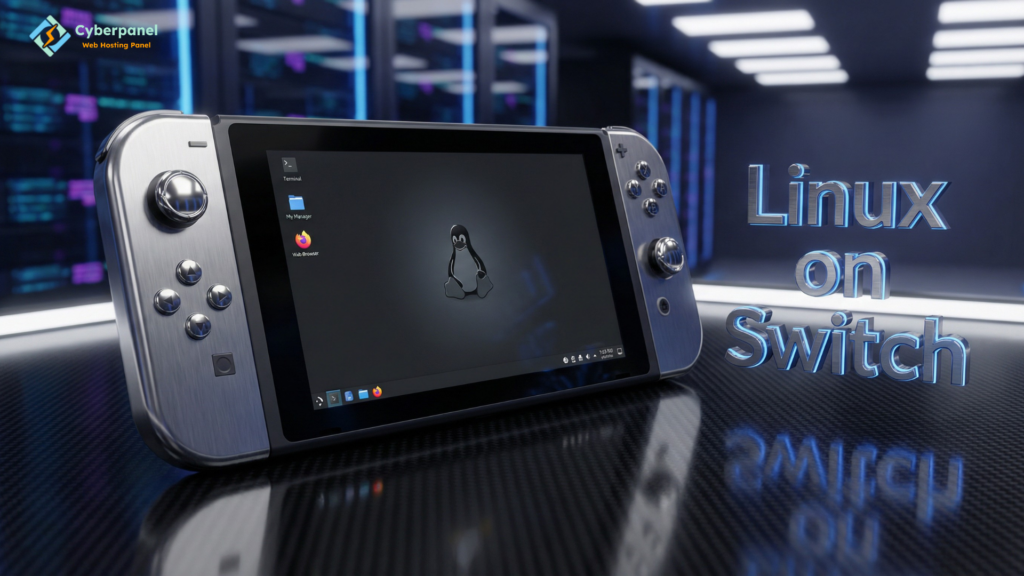
Linux on the Nintendo Switch
- Power users use Linux.
- It also permits testing apps, browsers, or even tools not present on the default system.
- Only works on supported models.
Migrating from another OS to Linux on a desktop or laptop
- People switch from Windows or macOS to Linux.
- That’s the stuff of speed, control, and freedom.
What Is Linux Switching?
I’m speaking of something so simple as moving from one version of a Linux distribution to another, for example:
- Ubuntu to Fedora
- Mint to Arch
- Debian to Pop OS
Why People Switch Linux Distros
- Need better performance
- Need a stable server system
- Want a clean desktop
- Want more control or customization
Linux Switch User: Simple Explanation
When we say switch users in Linux, the process of one user logging out so another can log in to their account is involved.
Commands
Use these two commands:
- su username
- sudo su (switch to root if available)
When it is useful
- Running admin tasks
- Managing files
- Installing packages
Real Code Example
Switch user
su guest
Output:
Opens a new session with the user “guest”.
Switch back
exit
Output:
Returns to the previous user session.
Installing Linux on a Nintendo Switch (Complete Overview)
Here is a simplified and safe explanation of how people install Linux on a Switch. This is only for learning.
Requirements
- Unpatched Nintendo Switch
- MicroSD card
- Custom bootloader files
- Linux image for Switch
- USB cable
- Basic understanding of firmware tools
Steps
- Check if your Switch model supports exploit-based boot.
- Prepare the Linux image and copy it to the SD card.
- Load custom bootloader such as Hekate.
- Boot into Linux through the payload loader.
- Configure desktop environment and drivers.
Warnings
- It voids warranty.
- It can brick your device.
- Online gaming may stop working.
- Only advanced users should try this.
Switch Linux: When Would You Need it?
You want ‘switch Linux’ when you:
- Install Linux as First-Time User
- Change users
- Switch distros
- Run Linux on unusual hardware
- Switch from one desktop environment to another
Common Linux Commands for Switching Users
| Task | Command | Description |
|---|---|---|
| Switch to another user | su username | Opens a session as the target user |
| Switch to root | sudo su | Requires sudo access |
| Return to your old user | exit | Ends current session |
| Log out of a session | logout | Closes shell or terminal |
Common Uses of Linux Switching
- Testing apps
- Learning Linux basics
- Fixing system errors
- Managing servers
- Trying new desktops
Quick Comparison Table
| Topic | Meaning | Best For |
|---|---|---|
| Linux on Switch | Running Linux on Nintendo Switch | Developers and testers |
| Linux Switching | Changing distros | Users exploring options |
| Linux Switch User | Switching accounts | Daily admin tasks |
| Switch Linux | General action | Beginners and learners |
How to Switch Users in Linux Simply
- Open Terminal
- Type: su username
- Enter password
- Now you are logged in as the other user.
Benefits of Learning Linux Switching
- Better control
- Safe system changes
- Smooth server management
- Faster workflow
Function of CyberPanel
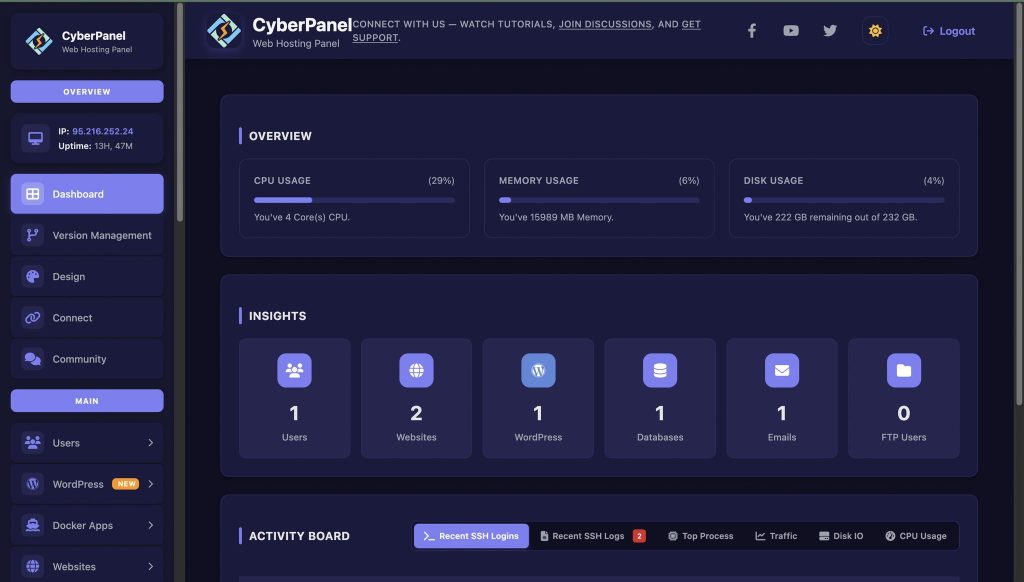
If you want to run websites or servers on your Linux box, CyberPanel will simplify the task.
What CyberPanel Helps With
- Website creation
- Backups
- File control
- DNS and email setup
- Security tools
- Database management
A clean dashboard CyberPanel, a web hosting control panel, provides, which can help CMS beginners get started quickly, and also can help save time for CMS advanced users.
Wrapping Up!
To sum up, Linux gives you freedom, speed, and control. Whether you are switching to Linux, switching users, or learning what “Linux on Switch” means, you can build a setup that fits your work, study, or server needs. With the CyberPanel web hosting control panel, managing websites and servers on Linux becomes even easier.
Are you ready to start your Linux journey today? Switch to a clean Linux distro, learn user switching, and use CyberPanel to manage your websites and servers smoothly!
People Also Ask
1. Can Linux switching make a PC faster?
Yes. Many Linux distros run lighter than Windows and speed up old hardware.
2. Does switching Linux distros remove installed apps?
Yes. A fresh install removes previous files unless you back them up first.
3. Is it safe to install Linux on a gaming console?
It depends on the device. Some models support it, but features may be limited, and it should be done with care.
4. Do I need high specs to switch from Windows to Linux?
No. Even low-end machines can run lightweight Linux distros smoothly.
5. Can switching Linux users cause data loss?
No. User switching only changes your session. It does not remove files.


