On this page
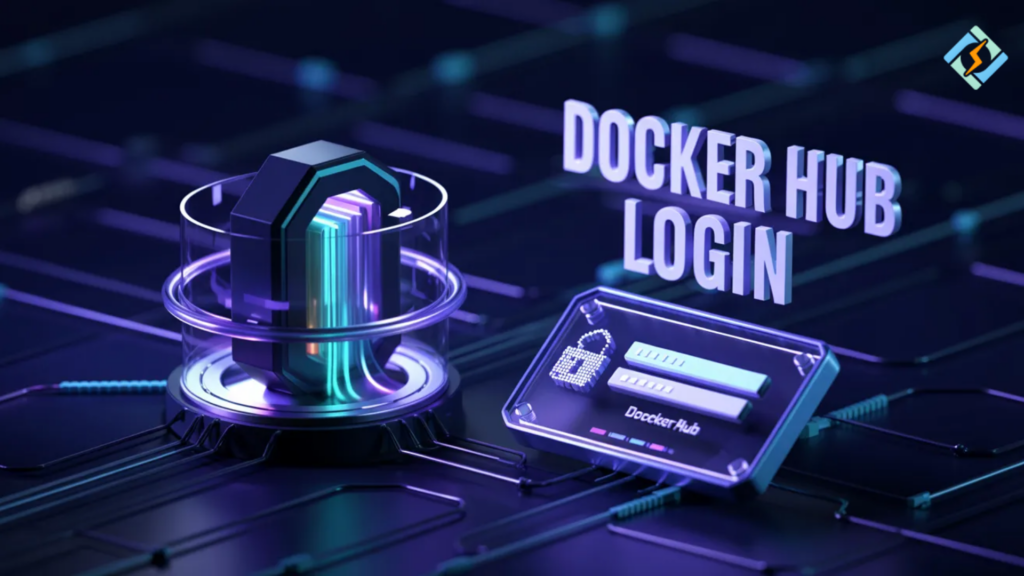
People normally create Docker images on their own machines, but what really makes Docker powerful is the ability to share those images. Whether you are uploading your images to a public registry or downloading them from a shared team repository, the very first thing that needs to be done is authentication. This is where Docker Hub login comes into play.
Some developers attempt Docker Hub login through the browser, whereas others prefer Docker Hub CLI login for automation and scripting. If you are working in CI/CD pipelines or remote servers, knowing the correct Docker Hub login command is critical.
By following this tutorial, you will be able to log in to Docker Hub via CLI, identify error messages, and understand how to securely perform the login process in real environments.
What Does Docker Hub Login Mean?
Among the different types of Docker registries, Docker Hub is the most popular one that stores and shares Docker images.
Docker Hub login means authorizing your machine or system to have access through your Docker Hub user account. This enables you to:
- upload your images to repositories
- download private images
- manage access in a secure way.
If you do not perform a login, you will be able to access only public images.
Docker.hub Login (Web Method)
The docker.hub login method through browser is simple.
Steps
- go to Docker Hub website
- enter username and password
- access your repositories
This method is useful for managing images and settings, but not for CLI operations.
Docker Hub Login CLI
Docker Hub CLI Login is the most important method for developers. Here is the basic command:
docker loginWhat Happens
- prompts for username
- prompts for password or token
- authenticates your system
Docker Hub Login Command with Username
You can also specify your username directly.
docker login -u your_usernameTip
Use access tokens instead of passwords for better security.
Docker Hub Login CLI (Non-Interactive)
For automation, use non-interactive login.
echo "your_password" | docker login -u your_username --password-stdinWhy Use This?
- secure for scripts
- avoids exposing password in command history
- ideal for CI/CD pipelines
Verification
After login, verify access.
docker infoExpected Output
- shows logged-in username
- confirms authentication
Typical Docker Hub Login Errors
Incorrect Credentials
Double-check your username and password.
Rate Limit Issues
The limits of unauthenticated users.
Network Problems
Make sure you have internet connectivity.
Permission Denied
Set the right permissions on the repository.
Docker Hub Login – Best Practices
- Use Access Tokens
- Better safeguarded than passwords.
- Don’t Store Credentials in Code
Docker Hub Login in CI/CD
In pipelines, it is used for automation.
Example (CI Script)
docker login -u $DOCKER_USER -p $DOCKER_PASS
docker push my-imageBetter Approach
Use --password-stdin for security.
Role of CyberPanel in Container Workflows

CyberPanel is a free and open-source web hosting control panel. It can be a great complement to Docker-based deployments. It allows for the following:
- managing servers
- deploying applications
- handling domains
- SSL monitoring performance
Docker is responsible for container management, whereas CyberPanel is used to manage hosting environments.
Conclusion
Authentication is the entry point of any Docker workflow.
Getting to know Docker Hub login, especially Docker Hub login CLI, can help you in performing secure pushing, pulling, and managing images.
Using the right Docker Hub login command and sticking to best practices is the way to stop common errors and keep your work secure.
Try your first Docker login command now, link your system to Docker Hub, and confidently push your own images.
FAQs
What is the difference between password and access token?
Access tokens are more secure and can be limited in scope, unlike passwords.
How do I use Docker login securely in scripts?
Use environment variables and --password-stdin instead of plain text passwords.
Is Docker Hub login required for pulling images?
Only for private images. Public images can be pulled without login.