On this page
Nowadays, operating modern services demands a pure, segregated, and reproducible environment. Doing everything manually can cause conflicts between different versions, dependencies getting broken, and time going to waste. That is when a Docker MCP server setup really comes in handy.
By containerizing an MCP server, you can deploy it quickly, keep environments consistent, and scale without complexity. In this article, you will find out how MCP servers operate through Docker and how they can be run with or without containers. Also, you will get a fully detailed MCP server Docker sample to implement immediately.
What Is a Docker MCP Server?
Docker is a tool that lets you wrap up your applications in containers.
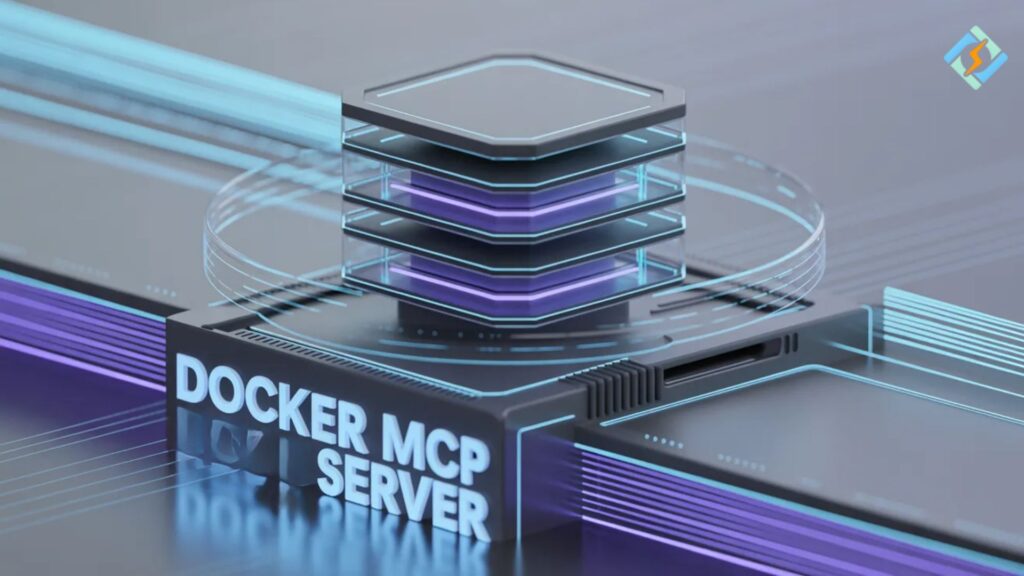
A Docker MCP server is essentially an MCP server operating within a Docker container.
Reasons to Use Docker
- Environment consistency
- Simplified deployment
- Greater security through system isolation
- Quick scaling
That is why MCP server Docker setups are both dependable and portable.
GitHub MCP Server Docker
Many developers search for GitHub MCP server Docker to find ready-to-use projects.
What You Get
- pre-built Dockerfiles
- configuration templates
- deployment scripts
Typical Workflow
- clone repository
- build Docker image
- run container
Example:
git clone https://github.com/example/mcp-server
cd mcp-server
docker build -t mcp-server .
docker run -d -p 8080:8080 mcp-serverResult
- MCP server runs on port 8080
- accessible via browser or API
GitHub MCP Server Without Docker
Some users prefer the GitHub MCP server without Docker.
Why Avoid Docker?
- more control over environment
- direct system integration
- easier debugging
Basic Setup
git clone https://github.com/example/mcp-server
cd mcp-server
npm install
npm startKey Difference
- Docker: isolated and portable
- Without Docker: flexible but manual
MCP Server Docker Example
Here is a simple MCP server Docker example.
Dockerfile
FROM node:18WORKDIR /app
COPY . .RUN npm installEXPOSE 3000CMD ["npm", "start"]Docker Compose Example
version: '3'
services:
  mcp-server:
    build: .
    ports:
- "3000:3000"Expected Result
- server runs inside container
- accessible on localhost:3000
- isolated environment
Benefits of Using MCP Server with Docker
There are several benefits of running a Docker MCP server in your environment.
Easy Deployment
Just a single command is enough to start running.
Consistency
Identical environment on all machines.
Isolation
The host operating system will not be affected.
Scalability
You can easily add more instances.
Common Mistakes to Avoid
Here are some problems you might face with the MCP server Docker that you can easily prevent.
- Not Exposing Ports
- The server will not be reachable from outside.
- Ignoring Logs
When to Use Docker vs Without Docker
| Scenario | Use Docker | Without Docker |
|---|---|---|
| Quick deployment | Yes | No |
| Full control | No | Yes |
| Production use | Yes | Sometimes |
| Debugging | Limited | Easier |
Role of CyberPanel in Deployment Environments

CyberPanel is a free and open-source web hosting control panel. It is a great assistant, if not a co-manager of the servers where MCP services are installed.
Apart from handling server operations, it also offers:
- Domain management
- SSL configuration
- Monitoring tools
- Hosting control
CyberPanel and Docker are complementary, as the former focuses on server management, while the latter focuses on containerization.
Conclusion
Setting up a Docker MCP server is a great way to make your deployment less complicated, more consistent, and more time-efficient. Regardless of whether you are using a GitHub MCP server, Docker project, or building your own version, Docker is going to speed up and ensure the dependability of your workflow.
On the other hand, you can also opt for running a GitHub MCP server without Docker if your aim is to have control over the process, but you need to perform more manual steps. Begin with a basic MCP server Docker installation, run it on your local computer, and when your new configuration is reliable, expand it to production.
FAQs
Can I run multiple MCP servers using Docker?
Yes. You can run multiple containers with different ports or configurations.
Is Docker required for MCP server deployment?
No. It is optional but highly recommended for consistency.
How do I debug issues inside a Docker container?
You can use docker logs or access the container using docker exec.