On this page
Passwords exist everywhere. Each app, dashboard, and internal tool requires authentication. However, if you’re managing users separately across different systems, it becomes messy, insecure, and difficult to scale.
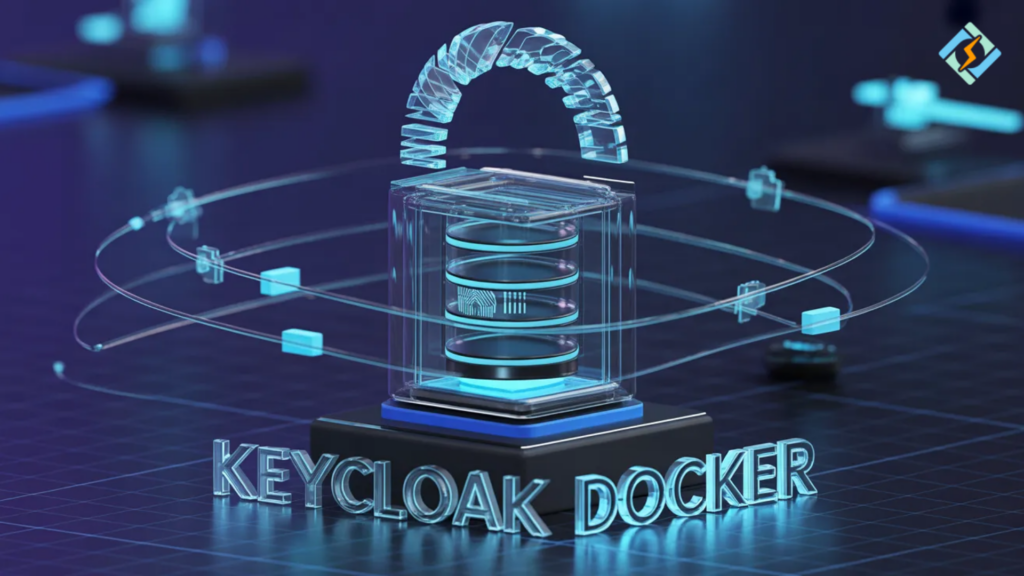
That is the main advantage of Keycloak Docker.
Keycloak is an open-source identity and access management platform that can be used to automatically handle all login details, user roles, permissions, single sign-on, and authentication flows.
Moreover, if you deploy it using Docker, you will be able to easily manage, upgrade, and scale it without having to go through the trouble of a complicated manual installation.
Let’s go through it one step at a time.
What is Keycloak?
Keycloak is an open-source identity and access management (IAM) tool.
With its help, you can:
- set up centralized user authentication
- allow single sign-on (SSO)
- handle user roles and permissions
- use OAuth2 and OpenID Connect
- protect APIs and apps
Basically, you are leveraging Keycloak as your identity server instead of rewriting authentication logic from the ground up.
Docker Keycloak Deployment Overview
| Service | Purpose |
|---|---|
| Keycloak | Identity server |
| PostgreSQL | Database storage |
| Volume | Persistent data |
| Reverse Proxy | Secure HTTPS access |
Why Keycloak Docker?
There are many steps and maintenance involved if you decide to install Keycloak manually. Keycloak Docker makes it so much easier.
Benefits include:
- isolated deployment
- clean updates
- consistent configuration
- portability across servers
- simplified scaling
The official Keycloak Docker image wraps all the necessary components of the container.
Keycloak Docker Image Breakdown
Official Docker image includes:
- Keycloak server
- embedded configuration tools
- support for external databases
- production-ready runtime
- admin console
Using official images guarantees:
- security updates
- compatibility
- stable releases
In production environments, it is always advisable to use a stable version tag.
Keycloak Docker Compose: Ideal Setup
It is highly advisable to use Keycloak Docker Compose when deploying the system to production.
With Docker Compose, you can specify:
- Keycloak service
- database service
- environment variables
- persistent volumes
- restart policies
Keycloak Docker Log Level Clarified
Changing the Keycloak Docker log level is really necessary when you are dealing with problems or troubleshooting.
Keycloak offers various options for different logging levels:
- ERROR
- WARN
- INFO
- DEBUG
- TRACE
The DEBUG level helps quickly identify configuration issues during development.
You should choose INFO or WARN in production to minimize log distractions.
Most of the time, log levels are changed through environment variables in a Docker Compose file.
Good logging helps to be clear about what is going on without overloading your server.
When Should You Use Keycloak?
SaaS Applications
Centralized login system for multiple apps.
Internal Tools
Secure dashboards and admin panels.
API Security
Protect REST APIs using OAuth tokens.
Enterprises
Single sign-on for different departments.
Keycloak can substitute various disjointed authentication systems for a single coherent identity layer.
Role of CyberPanel in Keycloak Docker Deployment

CyberPanel is a free and open-source web hosting control panel. It would be a great addition for managing access and security if you place Keycloak on a VPS or cloud server.
CyberPanel is capable to:
- configure reverse proxy
- enable SSL certificates
- manage firewall rules
- assign domains
- monitor server performance
Therefore, instead of pointing Keycloak straight to a raw port, you go through CyberPanel with HTTPS turned on.
Secure transport is a must for authentication systems.
Security Best Practices
- Use strong admin credentials
- Enable HTTPS with CyberPanel
- Use external database in production
- Restrict admin console access
- Regularly update Docker images
- Monitor logs carefully
Identity systems are critical infrastructure. Treat them seriously.
Common Mistakes to Avoid
- Running production with default settings
- Ignoring database backups
- Using DEBUG log level in production
- Exposing admin console publicly
- Not configuring proper realm settings
Small mistakes can create major security risks.
Final Thoughts!
Keycloak Docker is great for managing authentication and identity in a powerful and scalable way. When you use Keycloak Docker Compose, you get a more organized deployment, and you can scale up more easily. The standard Keycloak Docker image guarantees both stability and security. It’s good to know that setting Keycloak Docker log level correctly can give you performance insights without too many log entries.
So, if you add CyberPanel to the mix for safe hosting and SSL management, Keycloak turns into a production-level identity solution.
One can set up the Keycloak Docker first in a staging environment. After configuring a test realm, enabling SSL with CyberPanel, and setting log levels correctly, you can finally go to production with a secure database.
FAQs
Is Keycloak Docker suitable for microservices architecture?
Yes. It is widely used in microservices environments to centralize authentication and token management.
How should logs be managed in production?
Logs should be collected and monitored using centralized logging tools, with INFO or WARN level enabled for stability.
How much RAM does Keycloak Docker require?
Minimum requirements vary, but production setups typically need at least 2GB RAM depending on user load.