
On this page
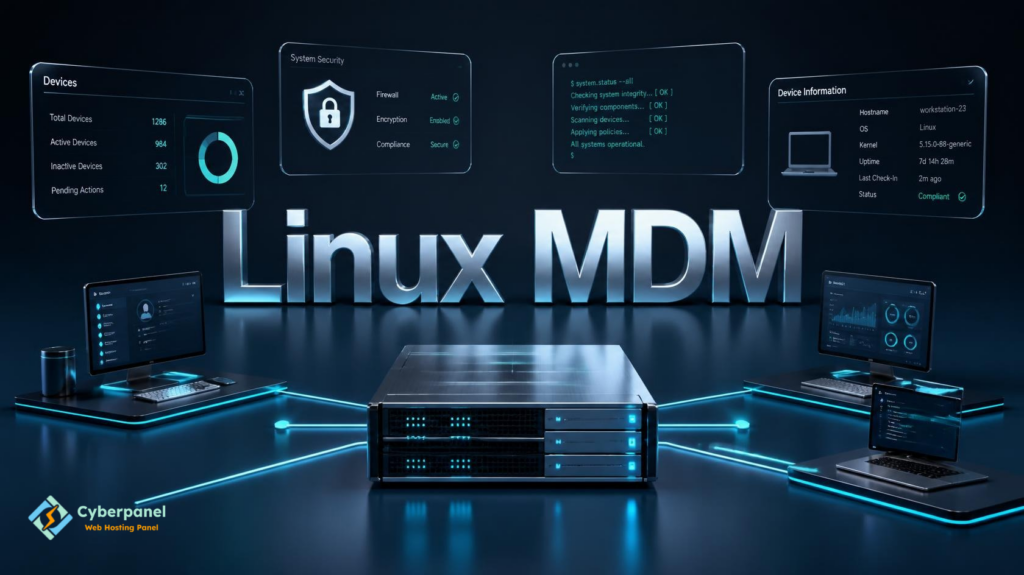
Having several Linux computers is one thing, but hundreds of them, organized in different teams, is a whole other scenario. Every IT admin needs a reliable way to control and configure devices, keep all systems updated, and ensure nothing goes wrong without having to switch from computer to computer. This is the purpose of Linux Mobile Device Management (MDM) solutions.
As you may have already found out, if you searched on Google for something like Linux MDM, are in the right place.
We will discuss what Linux MDM is, how it works, if Microsoft Intune supports Linux, and what features we should look for in a Linux device management solution.
What Is Linux MDM?
Linux MDM stands for Linux Mobile Device Management. It refers to Mobile Device Management products used to manage and secure Linux-based devices from a centralized console
Even though the term Mobile Device Management might suggest otherwise, MDM solutions nowadays offer a way to manage not only mobile phones but also workstations and laptops running Linux.
- Linux MDM allows enterprises to enforce security policies
- monitor the status of computers
- manage permissions
- configure devices
- remotely control company computers
- many other essential tasks
Instead of having to configure each computer on a one-to-one basis, administrators can use a centralized console to monitor and manage all Linux devices.
Why Do Companies Use Linux MDM?
Linux operating system is being used more and more both in software development and in the cloud. With more and more companies adopting Linux, the need for a proper management solution increases. A Linux MDM platform lets organizations secure their systems, reduce administrative overhead, ensure regulatory compliance, standardize device setup, and simplify remote device management. It can also help protect proprietary data, reduce human errors, and ease support processes.
These benefits are especially useful for companies with remote workers who access company data from their Linux computers.
Does Microsoft Intune Support Linux?
The short answer is yes.
Microsoft Intune provides native support for managing Linux devices. While the level of functionality may differ compared to Windows, macOS, Android, and iOS, Linux device management capabilities in Intune offer an enhanced level of security for supported distributions. Microsoft has been gradually rolling out enterprise-grade Linux device management features so that organizations can onboard Linux computers, view an inventory of enrolled systems, and assess their compliance with domain security policies.
Depending on the Linux distribution, admins can monitor and manage devices, and even enforce policies.
However, since Microsoft is continuously improving Intune’s Linux support on an ongoing basis, it may be useful to consult Microsoft’s documentation to see what options are available at the time of writing.
How Does Intune Linux MDM Work?
Intune offers Linux device management through the standard enrollment process where each computer has to be enrolled or registered to the domain. The following steps are typically required to enroll a Linux computer:
- Prepare the computer’s configuration
- Install additional packages
- Log in to the device with an account that has been discovered by Intune
- Enroll the Linux computer with the domain
- Check the enrollment status and compliance
- Configure and view Linux computer inventory
Once Linux computers are enrolled with the domain, their status can be viewed in the Microsoft Intune admin portal along with all other devices.
Linux MDM Features
Depending on the Linux MDM platform, there may be slightly different features and functions available. Below is a list of commonly available ones.
Centralized Device Management
With Intune Linux MDM, administrators can monitor all Linux devices from a single console
Compliance
Companies can verify that Linux devices are compliant with the organization’s security policies.
Policy Enforcement
Administrators can configure policies and enforce them on all Linux computers.
Remote Configuration
IT admins can configure devices remotely instead of doing it manually on each computer.
Inventory
Most Linux MDM solutions keep track of the inventory of all company devices.
Directory Service Integration
Many enterprise-level Linux MDM products offer directory service integration to synchronize user accounts to the directory, making it easier to manage permissions and device access.
Supported Distributions
There are several distributions of Linux that are supported by MDM products. Some of the most common enterprise Linux distributions are
- Ubuntu
- Red Hat Enterprise Linux
- Fedora
- Debian
- SUSE Linux Enterprise
- Rocky Linux
- others
Benefits of Using Linux MDM
Organizations that deploy Linux MDM often gain several advantages.
| Benefit | Description |
|---|---|
| Improved Security | Apply consistent security policies |
| Easier Administration | Manage many devices from one console |
| Better Compliance | Verify organizational standards |
| Faster Deployment | Configure devices more efficiently |
| Remote Management | Support distributed teams |
| Centralized Visibility | Monitor devices from one dashboard |
Linux MDM vs Traditional Linux Administration
| Feature | Traditional Administration | Linux MDM |
|---|---|---|
| Central Dashboard | No | Yes |
| Device Compliance | Limited | Yes |
| Policy Management | Manual | Centralized |
| Remote Configuration | Limited | Yes |
| Device Inventory | Manual | Automated |
| Large Scale Management | Difficult | Easier |
Best Practices for Linux Device Management
To fully benefit from Linux MDM, consider the following best practices:
- Regularly update operating systems
- Only enroll supported distributions
- Use least privilege access to the management console.
- Review compliance reports
- Test new policies
- Remove unregistered devices
- Check security alerts regularly
Linux device management best practices increase security and reduce administrative overhead.
How CyberPanel is Complementary to Linux MDM?

Linux MDM is focused on managing end-user devices like laptops and workstations. CyberPanel is a web hosting control panel for Linux servers. It complements Linux MDM by enabling organizations to manage servers alongside their end-user devices. While an MDM platform like Microsoft Intune focuses on securing employee devices, CyberPanel helps system administrators manage their web hosting services. It offers features such as website deployment, server management, and SSL certificate management, among others. Organizations can therefore use Linux MDM and CyberPanel together to form a complete end-to-end Linux management solution.
Conclusion
Linux MDM enables organizations to centrally manage, secure, and monitor their Linux devices. Whether you are using Microsoft Intune or another enterprise mobility management solution, you should consider Linux device management best practices to increase security and reduce administrative overhead.
Use the best practices discussed above to ensure that your Linux devices are always compliant and easy to manage as your organization scales up!
People Also Ask
Can Linux MDM help during security audits?
Yes. Centralized reporting and compliance monitoring can make it easier to demonstrate that managed devices meet organizational security standards.
Should small businesses use Linux MDM?
If you manage only a few Linux devices, manual administration may be sufficient. As your environment grows, an MDM solution can reduce administrative effort and improve consistency.
Does Linux MDM work without an internet connection?
Most MDM platforms require periodic internet connectivity so devices can receive policies, report compliance, and synchronize with the management server.


