On this page
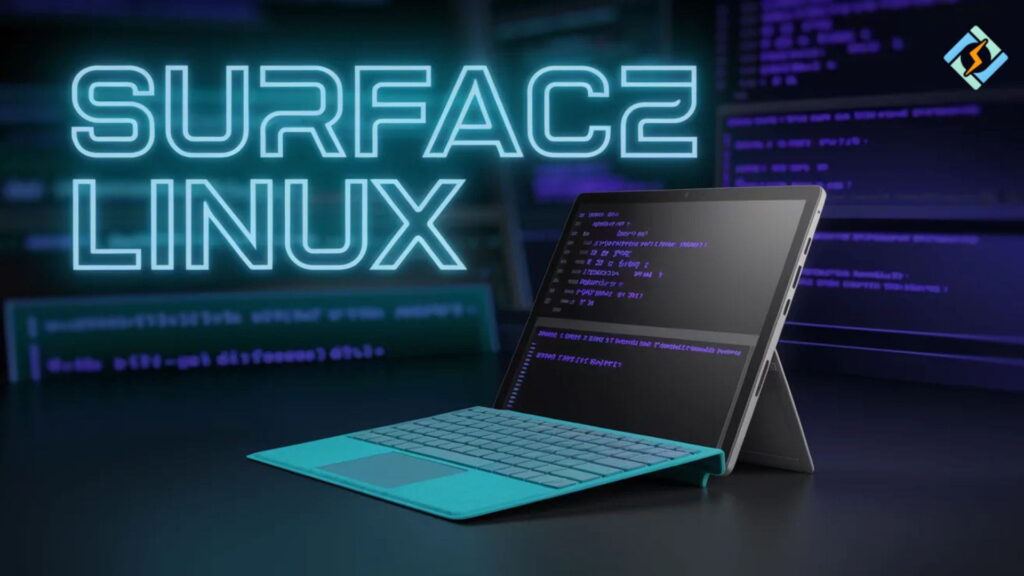
Microsoft Surface products are widely celebrated for their premium design, features optimized for touch, and strong integration of hardware. Still, if users decide to change their operating systems from Windows, pretty much the same question arises every time: how well does Surface Linux really perform under real circumstances?
Installing Linux on Surface devices is definitely a step into reality, not just a topic for discussion. Developers, students, and system administrators are among those who run the likes of Ubuntu, Fedora, and Arch on Surface hardware.
While devices such as Surface Laptop 3 Linux setups continue to gain in popularity, owing to relatively stable hardware support. But older devices like Surface Book Linux or Surface Book with Linux configurations necessitate a greater degree of manual adjustments. In particular, when it comes to GPU switching, touch input, and power management.
In this guide, we will break down Linux compatibility across Surface devices, real installation behavior, common issues, and practical solutions for building a stable Linux setup on Microsoft Surface hardware.
How Well Does Surface Linux Work In Real Usage?
Installing Surface Linux is doable, but still, the experience will differ a lot based on the device generation and how the kernel is supported.
The support for Surface through the Linux kernel has gotten a lot better. In particular, with help from communities like the Linux-Surface kernel patch set. Thanks to these:
- Touchscreen
- Pen input
- Camera access
- Suspend and resume performance
Yet, some things do not work right away. Actually, things like Wi-Fi, GPU switching, and power management might still need you to do some fixes yourself.
Surface Laptop 3 Linux Compatibility And Performance
You can say the Surface Laptop 3 Linux experience is the most stable one among the Surface devices.
- Works Great
- Keyboard and trackpad
- Display scaling
- Sound and basic graphics processor acceleration
- USB-C
- Typical Problems
Common Issues
- The fingerprint sensor is often said to be unsupported
- The battery might not be efficient and require setting
- Sleeping mode could be unstable on some kernels
Surface Laptop 3 is a great choice for Linux enthusiasts who want to run Linux without much hassle.
Surface Book Linux Experience and Hardware Challenges
It is a bigger challenge to install and run Surface Book Linux than the Surface Laptop series.
The Surface Book is a hybrid laptop with a detachable screen, and it can switch between the internal and discrete GPU, so it is hard for Linux to support such features.
Major Challenges
- GPU switching (Intel + NVIDIA)
- Display/monitor management of detachable screen
- Power supply bridge between the tablet and keyboard base
- Sleep and hibernation function instability
In fact
If only the basics are used, then it should function fine. But if advanced features are desired, most times it is necessary to perform manual configurations using tools like:
- PRIME (used for GPU switching)
- Kernel custom patching
- Systemd sleep bug-fixing
Surface Book Running Linux In 2026
Using a Surface Book with Linux is possible, but it is not ideal for beginners.
What You Get
- Complete Linux
- Desktop Experience
- Functional touchscreen
- External monitor support
What Requires Effort
- GPU optimization
- Battery calibration
- Device-specific kernel tuning
This makes it more suitable for advanced users who are comfortable debugging Linux systems.
Working Components
- Basic display
- Keyboard input
- Wi-Fi (in most cases)
- USB functionality
Problem Areas
- Touchscreen inconsistencies
- Camera driver limitations
- Sleep and wake issues
Surface 4 is usable, but not fully optimized without additional configuration.
Installing Linux on Surface Devices: Practical Approach
Installing Linux on Surface hardware requires a structured approach.
Step 1: Choose A Compatible Distribution
Recommended options:
- Ubuntu LTS
- Fedora Workstation
- Arch Linux (advanced users)
Step 2: Install Linux-Surface Kernel
Many issues are resolved using the community kernel:
sudo apt install linux-surfaceStep 3: Enable Firmware Updates
Ensure firmware tools are installed:
sudo fwupdmgr updateStep 4: Optimize Hardware Features
- Enable touch support
- Configure power management
- Install GPU drivers if needed
Surface Devices Vs Native Linux Laptops
| Feature | Surface Devices | Native Linux Laptops |
|---|---|---|
| Hardware Compatibility | Medium | High |
| Driver Stability | Mixed | Optimized |
| Touch Support | Good | Varies |
| Out-of-box Linux | No | Yes |
Common Issues with Surface Linux Setup
Sleep Mode Troubles
Without kernel modification, it might be impossible for the device to wake up properly.
Difficulties with GPU Switching
Manual PRIME configuration can be unavoidable for hybrid graphics.
Power Drain
Power mismanagement will really reduce battery duration.
Touch and Pen Input
Input feature support varies from one model to another, and full support is mostly without patches.
Running Linux On Surface Devices: Recommended Practices
- Only use LTS kernels embedded with the Surface patches
- Update your firmware regularly
- Don’t run unstable rolling kernels in production setups
- Check suspend/resume functionality before daily use
- If you can, use community-supported kernels
CyberPanel And Linux Ecosystem On Surface Devices

After Linux is properly installed and running on a Surface device, the equipment can be utilized as a full-fledged development workstation.
CyberPanel is an open-source and free web hosting control panel software. It is powered by OpenLiteSpeed. It is built to operate on Linux and assists developers in managing their web servers, websites, and hosting environments in a more efficient manner.
Concrete Example
- Surface computer executes Linux as a developer workstation
- Local testing of applications
- CyberPanel oversees remote server deployment
In effect, such a setup makes the Surface device a compact DevOps workstation.
Conclusion
It is totally feasible to run Surface Linux, and it is even becoming more stable, Most of all on new devices such as Surface Laptop 3. However, the older Surface Book models are not easy to use and need more tuning because of the hybrid hardware complexity.
Provided you give them proper kernel support and configuration, Surface devices will serve you well as Linux workstations for development, DevOps, and everyday work.
FAQs
Can I Install Linux On Surface Laptop 3?
Yes, Surface Laptop 3 has one of the best Linux compatibility profiles among Surface devices.
Is Surface 4 Good For Linux?
It works for basic usage, but may need fixes for full hardware support.
Is Surface Linux Stable For Daily Use?
Yes, especially on newer models like Surface Laptop 3, with proper setup.