

On this page
Do you love Slime Rancher but want to play it on Linux? You are not alone. Many Linux gamers search for ways to run Slime Rancher smoothly without switching back to Windows. This guide shows you how to download and install Slime Rancher Linux. And also, how to run the game safely and legally. Whether you are using Ubuntu, Linux Mint, Fedora, or Arch Linux, you can enjoy the colorful world of slimes, explore new areas, and collect your favorite slimes. We also cover common issues, setup tips, and even how CyberPanel can help if you run a gaming community or server alongside your Linux system.
By the end of this article, you will know the safest ways to play, how to boost performance, and which setups work best.
Let’s get started!
Running Slime Rancher Linux
Slime Rancher is playable on Linux with Steam Proton, Wine, or a DRM-free release. Here’s what to know:
- Steam Proton: Recommended for stability.
- Wine: Alternative for non-Steam copies.
- System Requirements: 4–8GB of RAM, a modern Linux distro, and upgraded GPU drivers.
Slime Rancher Linux System Table
| Feature | Steam Proton | Wine | Flatpak Steam |
|---|---|---|---|
| FPS | High | Medium | High |
| Setup | Easy | Medium | Easy |
| Updates | Auto | Manual | Auto |
| Stability | Very High | Medium | High |
Slime Rancher Linux Download
Here is the way to download Slim Rancher on Linux:
Steam with Proton
- First, open Steam → Settings → Steam Play and check the box after Enable Proton.
- Install Slime Rancher.
- Launch for crash-free play.
Wine Method
- Install Wine (sudo apt install wine).
- Run the installer: wine setup. exe.
- Crash less by using the latest Wine.
DRM-free Version
If you purchased a DRM-free copy, run it with Proton or Wine like above.
Common Causes of Crashes and Fixes
| Issue | Solution |
|---|---|
| Outdated Proton/Wine | Update to latest version |
| Old GPU drivers | Update drivers |
| Background apps using RAM | Close apps |
| Unsupported hardware | Reduce graphics settings |
| Fullscreen issues | Switch to windowed mode |
Tips for Better Performance: Slime Rancher Linux
The following are the tips for the best Slime Rancher Linux performance:
- Enable Proton 8 or Proton Experimental in Steam
- Keep GPU drivers updated
- Close unnecessary applications for smoother gameplay
- Play in full-screen mode
- Adjust graphics settings in the game for better FPS
Descargar Slime Rancher Linux
- Many Spanish‑speaking users search for descargar Slime Rancher Linux.
- The right method is the same: Steam, Proton, or Wine.
- Linux does not have a native
.debor.rpmpackage for the game.
Legal Note About “Slime Rancher Crack Linux”
Some users type this search phrase because they want the cheapest method.
Avoid cracked files.
They cause:
- malware
- broken saves
- no updates
- no online support
The legal version works better and is much safer.
Is Slime Rancher Playable on Older Hardware?
Yes, it’s a light game.
- 4 GB RAM is enough, 8 GB is better
- Most integrated graphics can run the game at medium settings
- Older laptops can enjoy it with minimal graphics
CyberPanel in Life of Linux Gamers
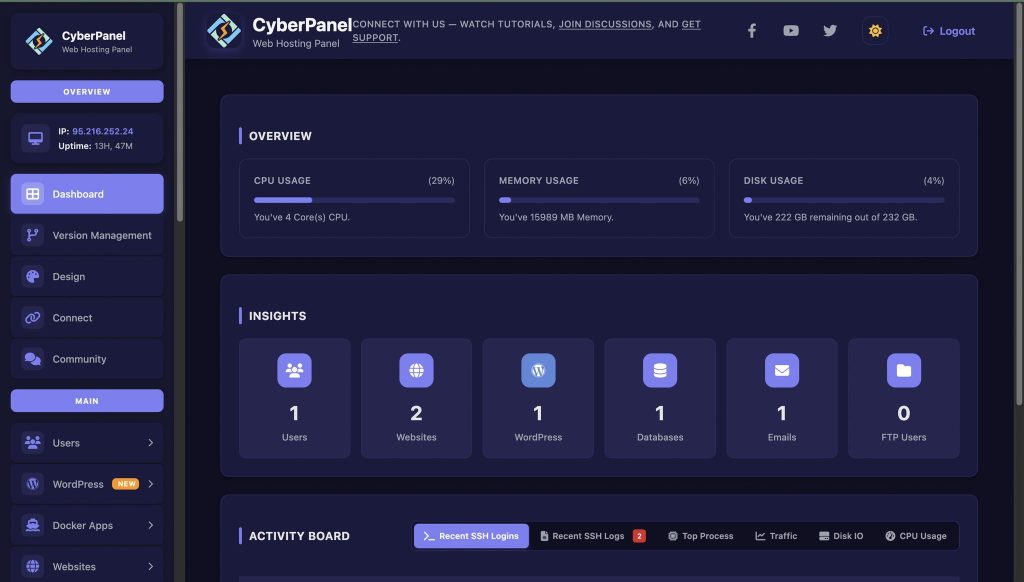
If you own a gaming community website, guides, or game servers on Linux, CyberPanel on VPS is the best web hosting control panel for you!
Benefits:
- Simple file and game saving management
- Automatic back-up to avoid the loss of your data
- Community data database management
- Secure control of server resources
- Easier hosting of gaming content on the web
Final Thoughts!
Slime Rancher works well in Linux as of now. Safe in a different way is to use Steam Proton. Wine is a good solution for those who don’t use Steam. Simply follow the advice above to defend against a crash and always download legally.
With CyberPanel, you can host your gaming community with easy file and content management, including server file backup.
Ready to play Slime Rancher on Linux without crashes or setup issues? Start your download, follow the steps above, and get your game running smoothly right now!
People Also Ask
Q1. Why does Slime Rancher crash on Linux?
Slime Rancher crashes on Linux usually due to outdated drivers, old Proton/Wine versions, or insufficient memory.
Q2. Can I prevent crashes without reinstalling the game?
Yes. Update GPU drivers, Proton/Wine, and close unnecessary apps.
Q3. Does Slime Rancher 2 work on Linux?
It can run through Proton. Performance improves with system updates.
Q4. Does Slime Rancher run better on Linux or Windows?
Slime Rancher performs almost the same on both if your Linux distro has updated drivers. Many players say Linux feels smoother because it uses fewer background resources. The main check is your GPU driver and Proton version.
Q5. Can I use mods for Slime Rancher on Linux?
Yes. Most mods work if they rely on game files only. Put the mod files in the same folder as you would on Windows. Some mod managers may not work, but manual installation works fine.


