

On this page
Linux is a very powerful system, mainly because it provides the means for small tools to interact and share their work. One tool may take the output of another tool and work on it further. This is exactly where the Linux pipe resource comes in handy. However, at the same time, a large number of users seem to confuse the Linux pipe with pip in Linux. These two are completely different. These two are equally important. This guide not only explains what a pipe in Linux is, but also provides the instructions for installing pip step by step.
Whether you are a beginner in Linux or a seasoned user, this article will help you understand both without mixing them up.
What Is Linux Pipe?
A Linux pipe helps one command to write its output directly to another command. You are not required to use temporary files. The data flows in real time.
The pipe symbol looks like this:
|
Simple Example
ls | less
What happens here:
• ls lists files
• The pipe sends the list
• less shows it page by page
This is why Linux feels fast and flexible.
Linux pipe is a tool that can greatly increase your productivity.
What Is Pip In Linux
Pip is a package manager for Python. It installs libraries that Python programs need.
Example:
pip install requests
This installs the Requests library.
Why You Need Pip On Linux
Pip is what you need if you are a:
- Python script developer
- user of automation tools
- worker in the web apps field
- API manager
- DevOps tools user
Almost all contemporary Linux distributions are based on Python.
Key Benefits of Pipe in Linux
- Saves time
- Reduces manual work
- Avoids extra files
- Makes commands reusable
- Improves system control
Pipes are indeed present in almost every aspect of a system.
Common Linux Pipe Use Cases
Here are simple and real examples.
Search Inside Command Output
ps aux | grep nginx
Find running services quickly.
Count Lines
cat file.txt | wc -l
Check file size without opening it.
Sort Output
du -sh * | sort -h
See disk usage clearly.
Pipe Linux vs Pip Linux
| Feature | Linux Pipe | Pip In Linux |
|---|---|---|
| Purpose | Connect commands | Install Python packages |
| Symbol | ` | ` |
| Language | Shell | Python |
| Use Case | System tasks | Software management |
How To Install Pip On Linux
The steps to install pip in Linux depend on your distro. Here are the most common ones.
Install Pip On Ubuntu And Debian
sudo apt update
sudo apt install python3-pip
Check installation:
pip3 --version
Install Pip On CentOS And Rocky Linux
sudo dnf install python3-pip
Verify:
pip3 --version
Install Pip On Arch Linux
sudo pacman -S python-pip
Install Pip Using the Official Script
If pip is missing:
curl https://bootstrap.pypa.io/get-pip.py -o get-pip.py
python3 get-pip.py
This works on most systems.
Safe Pip Usage Tips On Linux
• Prefer pip3 instead of pip
• Use virtual environments
• Avoid running pip as root
• Keep Python updated
This prevents system conflicts.
Linux Pipe With Pip Example
You can combine both.
pip list | grep django
This checks installed packages quickly.
Role Of CyberPanel
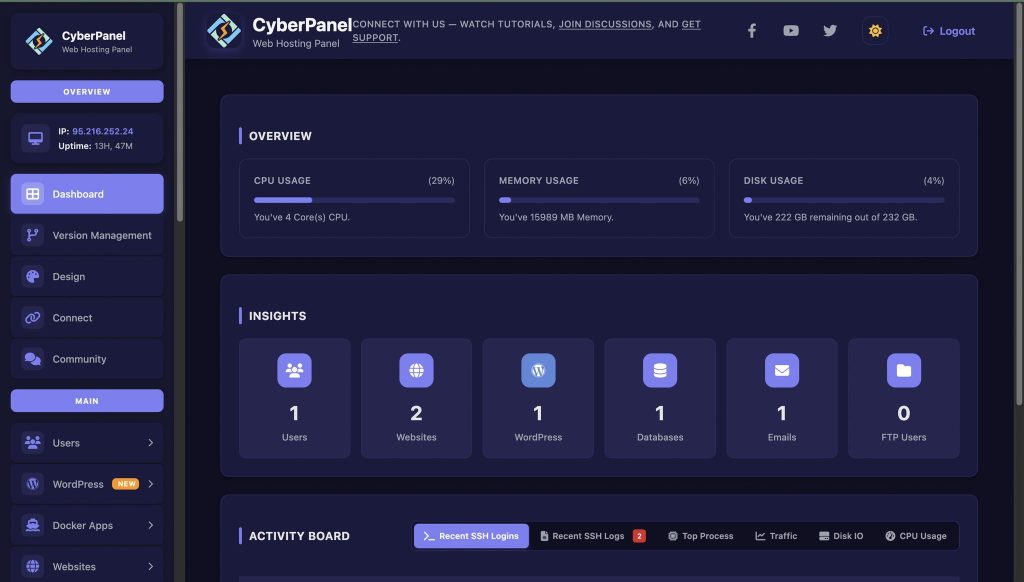
CyberPanel is a web hosting control panel that runs on Linux. It benefits from both Linux pipe and pip.
With CyberPanel, you can:
- Manage Python apps
- Install dependencies using pip
- Automate tasks using pipes
- Control servers easily
- For users hosting Python websites or APIs
CyberPanel makes Linux work simpler and safer.
Common Mistakes To Avoid
- Mixing pipe and pip meanings
- Using pip as root
- Ignoring virtual environments
- Piping sensitive data without checks
- Simple care avoids big issues.
Final Thoughts
Linux pipe gives you control. Pip gives you power. Together, they make Linux flexible and efficient.
If you want faster workflows, learn pipes. If you work with Python, install pip correctly.
Master both, and Linux becomes easier every day!
People Also Ask
Can Linux pipe work with any command?
Yes. As long as the command outputs text, it can be piped.
What is the difference between pip and pip3?
pip3 is for Python 3. It is the recommended option.
Can I uninstall pip safely?
Yes, but only if no system tools depend on it.


