

On this page
If you shift from Windows or just want a simple way to take clan screenshots, the snipping tool Linux is a solution. Linux has strong tools for this job. These tools can capture your screen, edit the images, add text, and share them with ease. You can easily use them on Ubuntu, Mint, Fedora, Arch, and most other distributions.
We are going to cover the best options for a Linux snip tool. We will see how each tool works, who should use it, and what makes it different.
Let’s get started!
What Is a Snipping Tool Linux?
Snipping tool for Linux allows you to take a screenshot of your full screen, a window, or any selected part. It also permits you to edit the image with arrows, blur, text, boxes, and more. Most Linux distros include one by default. Others let you install better ones with a single command.
How to Install a Linux Snip Tool
Before knowing the best Linux snipping tools let’s learn to install the snipping tool Linux first:
Install Flameshot
Ubuntu or Mint:
sudo apt install flameshot
Fedora:
sudo dnf install flameshot
Arch:
sudo pacman -S flameshot
Install Ksnip
Ubuntu or Mint:
sudo apt install ksnip
Install Shutter
Ubuntu or Mint:
sudo apt install shutter
Best Linux Snipping Tools
Here are the most common and trusted options.
1. Flameshot
Flameshot is a favorite tool in the Linux world.
Why people like it:
- Easy to use
- Clean editing tools
- Works on almost all distros
- Saves or copies with one click
2. Shutter
Shutter is ideal for users who require more editing tools.
Why people choose it:
- Strong editing
- Easy crop
- Good for tutorials
- Plug in support
3. Gnome Screenshot
Gnome Screenshot comes with many Linux systems by default.
Why it helps:
- Simple
- Light
- Good for fast capture
- No learning needed
4. Ksnip
Ksnip is a modern tool with many features.
Why it stands out:
- Cross platform
- Simple drawing and blur
- Clean look
- Strong export options
| Tool | Skill level | Editing strength | Best for |
|---|---|---|---|
| Flameshot | Beginner | Strong | Daily users |
| Shutter | Mid level | Very strong | Creators |
| Gnome Screenshot | Beginner | Basic | Quick tasks |
| Ksnip | All levels | Medium | Students and workers |
How to Use Snipping Tool on Linux?
There are almost the same steps for every tool. Let’s break it down:
- You have to open the tool.
- Then, press the capture button.
- Afterwards, select the area or Window.
- Then, edit the image if required.
- Finally, save or copy the result.
Our Recommendation
- If you want fast work, choose Flameshoot.
- If you have to make guides or lessons, go for Shutter.
- If you are a student or an office employee, Ksnip is your best friend.
- If you seek a clean and best option, Gnome Screenshot is a go-to tool.
Role of CyberPanel in a Linux Workflow
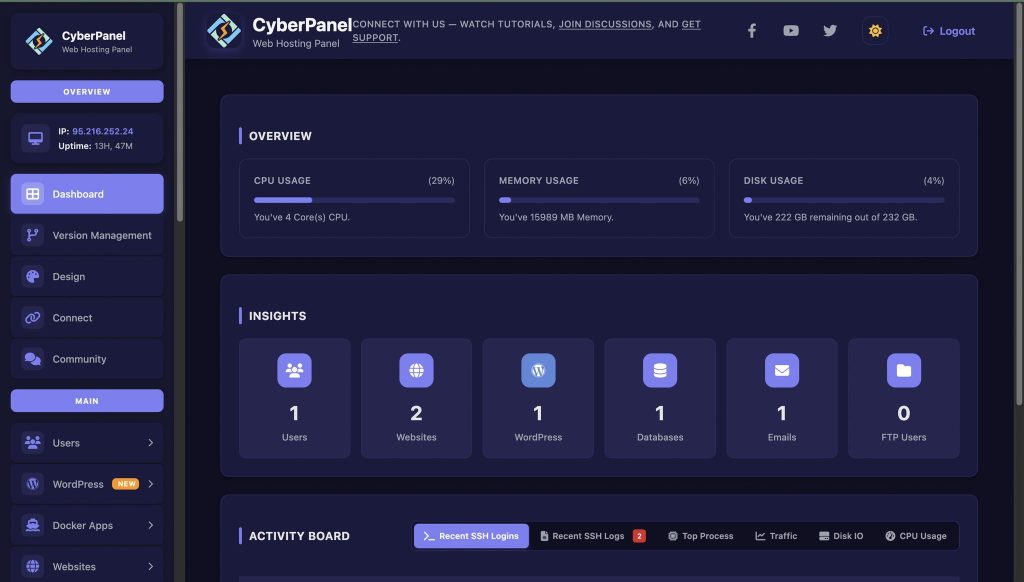
In your Linux system, where you take screenshots, you could also have to manage a server, websites, or panels. This is where CyberPanel steps in. It is a next-gen web hosting control panel. It is best on Linux systems and makes the server work more easily. CyberPanel:
- Lets you manage websites and files with a clean interface
- Helps with DNS and database tasks
- Lets you track logs and security
- Good for backups and uploads
- Works great on distros that support it
Final Thoughts!
To sum up, Linux has easy snipping tools that cover every need, from quick captures to full editing and teaching material. Flameshot, Shutter, Gnome Screenshot, Ksnip and Kazam each bring something useful for daily work, study and creative tasks. When paired with CyberPanel, your Linux system becomes a complete workspace where you can manage servers, take screenshots and keep everything organized in one smooth workflow.
Get your favourite snipping tool for Linux and boost your workflow today!
FAQs
1. Can I trigger a Linux snip tool with a keyboard shortcut?
Yes. Most tools let you set shortcuts. For example, Print Screen can open Flameshot or Gnome Screenshot.
2. Do Linux snipping tools support delay capture?
Do Linux snipping tools support delay capture?
3. Is there a snipping tool that works the same on Windows and Linux?
Ksnip is a cross-platform tool. It works on both systems with a similar layout.


